

Coordinating salon bookings, payments, and client outreach efficiently remains complex when switching between multiple systems. Several popular salon CRMs raise costs through required add-ons, lack transparent pricing, or demand lengthy onboarding periods that delay operations. Owners and managers can weigh six leading alternatives on features, integrations, and price to select a booking solution that matches their workflow and budget.
Table of Contents
ExpressBook
At a Glance
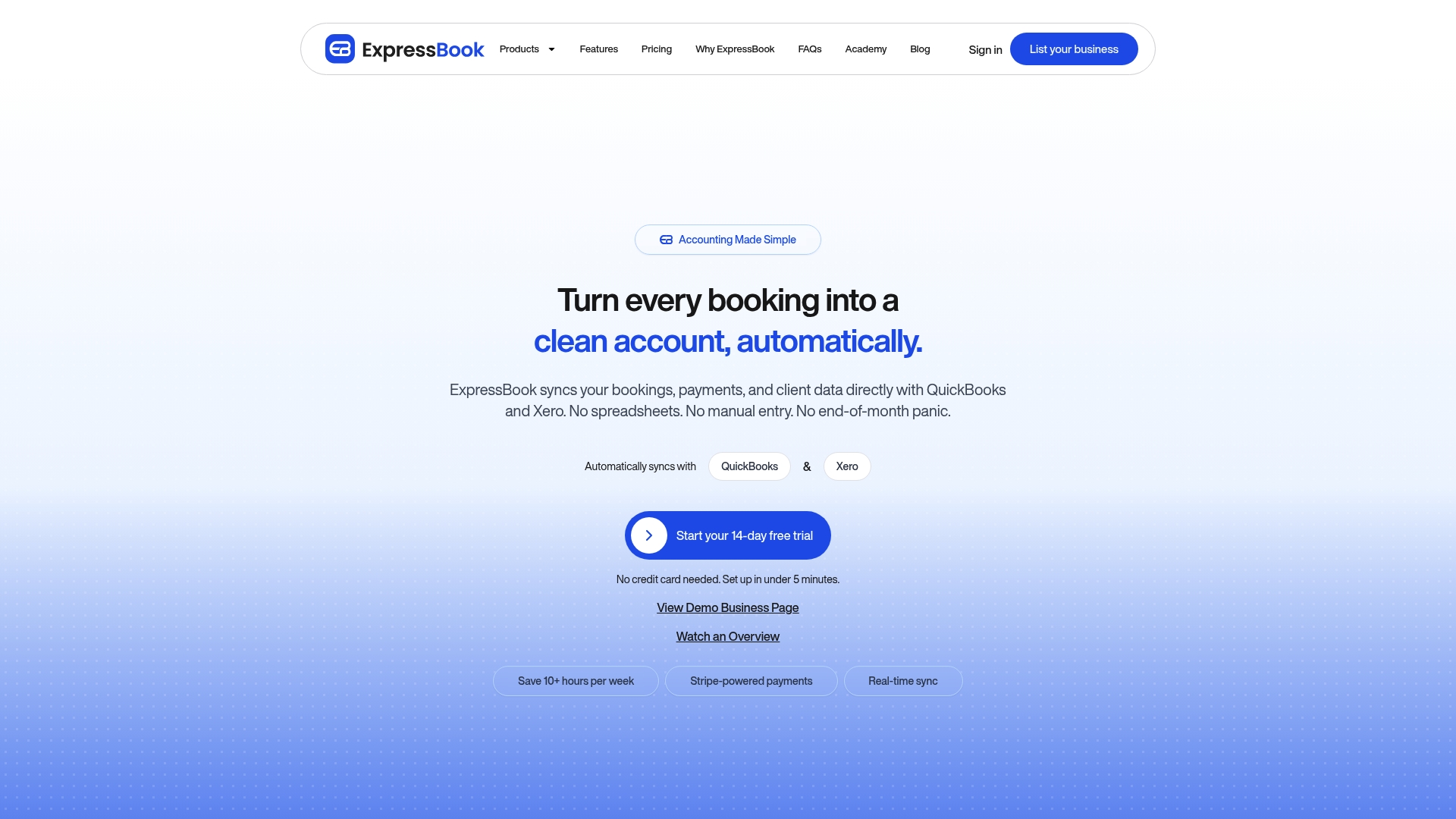
ExpressBook’s marketing materials claim it can save users over 10 hours a week. That figure targets owners who spend hours on bookings and reconciliations at month end. The product focuses on appointment scheduling across salons, clinics, spas, pet grooming, and fitness services. It also advertises automated reminders and payment handling to cut no-shows.
Core Features
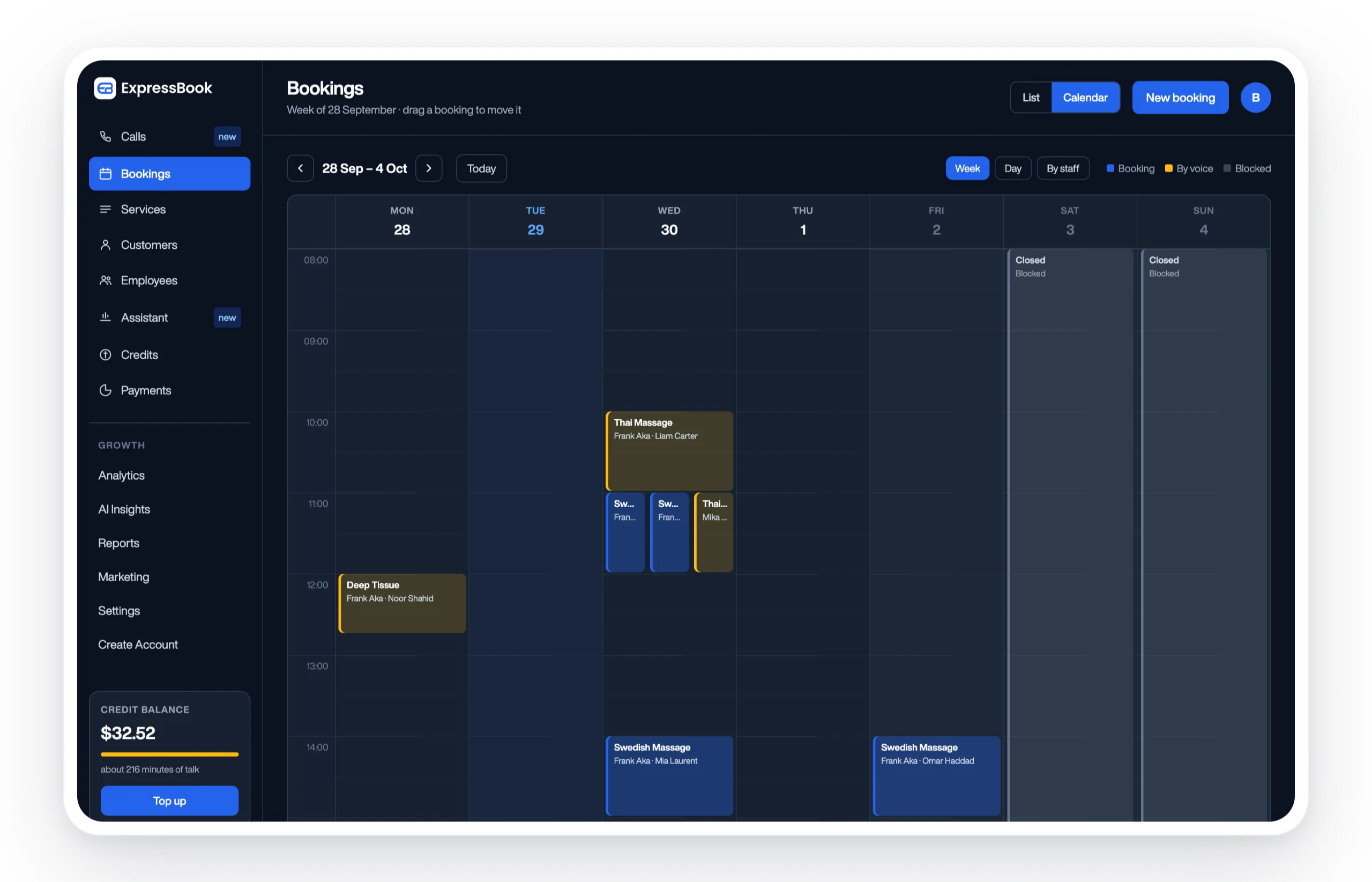
ExpressBook bundles real-time booking and availability management with treatment specific scheduling that lets you set custom durations per service. The platform supports online payments and deposit management, plus automated SMS and email reminders for clients. Client and staff records store history and preferences, and the product links to calendar and accounting systems to keep data synced.
Key Differentiator
The vendor positions ExpressBook as a multi industry appointment system with built in AI insights and direct accounting syncs. That mix targets businesses that require both front desk controls and financial reconciliation. The price positioning and cross industry feature set aim to make it practical for single locations and multi site operations.
Pros
The platform offers an all in one feature set that covers bookings, payments, reminders, and staff scheduling in one place. The vendor reports most clients go live within the same day, which helps small teams get started quickly without heavy IT work. Integrations with calendar tools and accounting software reduce manual data entry and limit end of month reconciliation work. Prepaid credits with no monthly fee let it grow with you, from a solo stylist to a multi location chain.
Cons
- Enterprise pricing and advanced features require direct contact with the sales team, which can delay onboarding for some businesses.
Notable Integrations
- Google Calendar
- QuickBooks
- Apple Calendar
Who It’s For
Owners and managers of service businesses who need an appointment scheduling system that also handles payments and client records. The platform works for salons, spas, wellness centers, pet groomers, fitness trainers, and smaller medical or dental practices that do not require full practice management. It fits teams that want a single tool to manage daily bookings and staff availability.
Unique Value Proposition
Automatic accounting syncs with QuickBooks and reported compatibility with Xero let ExpressBook remove manual invoice entries and payment reconciliation from the weekly routine. That saves bookkeeping time and cuts duplicate data entry between scheduling and finance tools. For operators who close the month balancing bookings and payments, that workflow change moves administrative work out of peak business hours.
Real World Use Case
A spa chain centralizes bookings across three locations, syncs staff schedules automatically, and processes deposits online. The system sends reminders to reduce no-shows and stores client treatment history for personalized follow ups. Management uses the calendar and accounting links to reconcile daily takings without exporting CSVs.
Pricing
There are no plans or monthly fee: businesses buy prepaid credits that the voice assistant draws down by the second, and every feature is included on every account.
Website: https://expressbook.com
Salonist
At a Glance
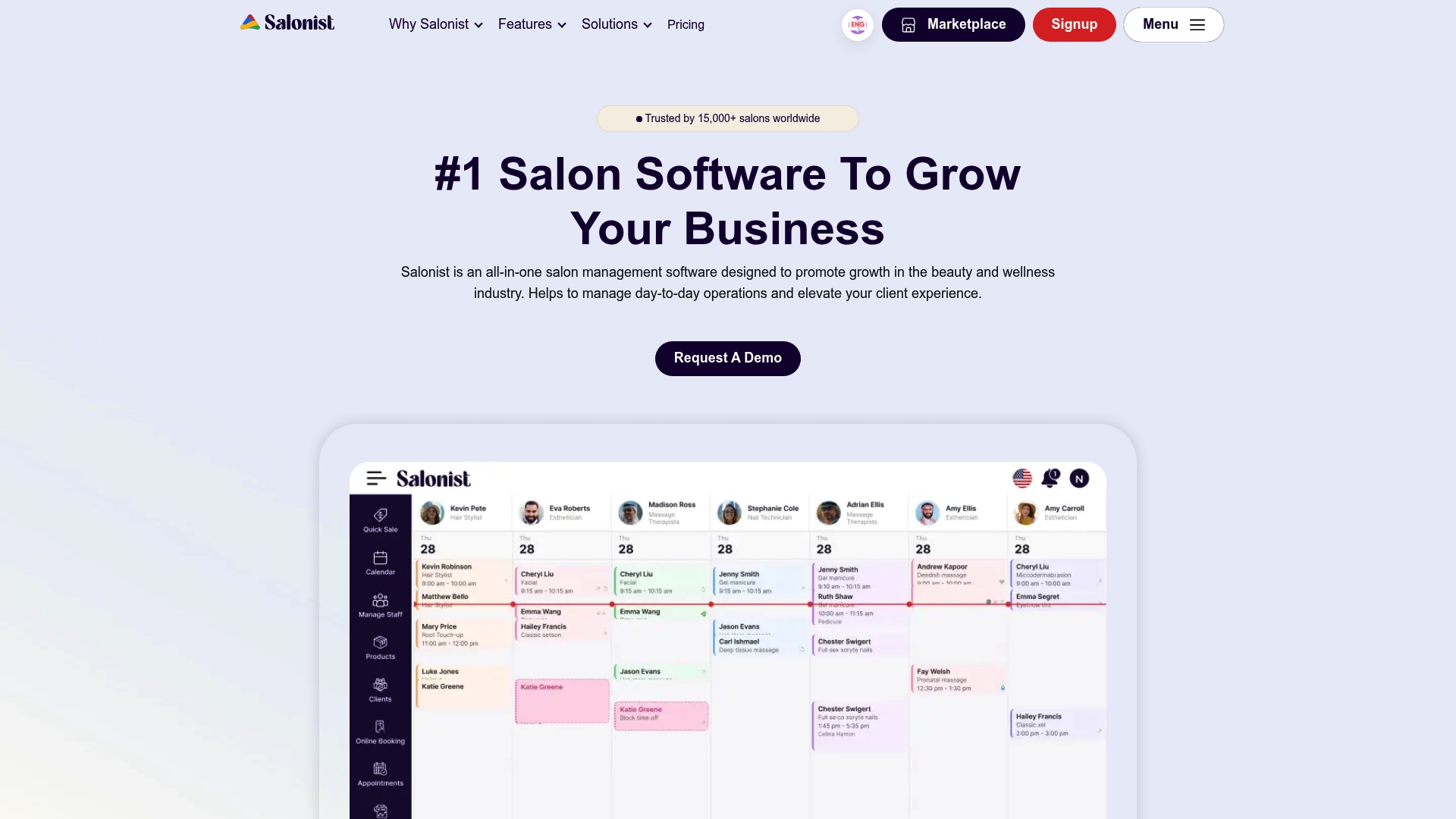
Salonist reports supporting over 15,000 salons worldwide and has 10+ years in the industry. The vendor positions the product as a single suite for booking, client profiles, inventory, marketing, POS, and multi-location operations. Its messaging emphasizes affordability and hands-on customer support. That mix targets salons aiming to centralize daily operations.
Core Features
Core capabilities include appointment management, customer profiles, loyalty and marketing automation tied to an online booking flow. The system bundles inventory management with an online store and a point of sale system that accepts payments through SalonistPay. Multi-location controls, employee scheduling, forms creation, and analytics let managers run branch comparisons from one dashboard.
Key Differentiator
Salonist centers its value on packing salon-specific workflows into a single product. Booking, promotions, POS, staff management, and branch reporting all live together. That focus appeals to multi-location salons and groups that prefer one vendor for operations and client engagement.
Pros
The interface reads as approachable for teams and includes a mobile app for both staff and clients. Built-in marketing tools reduce the need for separate campaign software, and the listed integrations lower manual data entry. Pricing starts with a free tier and the vendor advertises paid plans that scale to larger operations. Vendor materials highlight responsive customer support.
Cons
- Initial configuration can be complex for non-technical owners, and many buyers report a setup learning curve.
- Some users describe occasional bugs that require support intervention to fix.
- Advanced features increase total cost, so monthly fees can rise notably as you add modules.
When It May Not Fit
Single-chair stylists or owners who want a minimal booking tool may find the feature set overwhelming. Non-technical teams should expect a longer onboarding period or external help. Salons needing highly customized integrations beyond the listed connectors may need a platform with an open API or dedicated development support.
Notable Integrations
Integrations include Mailchimp, QuickBooks, Shopify, Twilio, Wati, WooCommerce, and WordPress.
Who It’s For
Salonist fits salon owners, managers, and beauty professionals who want one product to handle scheduling, payments, staff, inventory, and marketing. Multi-location salons and small chains will see the most direct benefit. Single-operator studios should compare lighter scheduling tools first.
Real World Use Case
A chain of hair salons uses Salonist to manage appointments across branches, keep unified client records, track retail stock, and run segmented marketing campaigns. That setup helped the chain refine promotions by location and improve repeat booking rates. Managers use the analytics dashboard to compare branch performance and staff productivity.
Pricing
There is a free tier. Paid plans list Essential $79/month with an annual rate of $799, Advance $109/month with an annual rate of $1,090, and Expert $179/month with an annual rate of $1,790.
Website: https://salonist.io
Kitomba
At a Glance
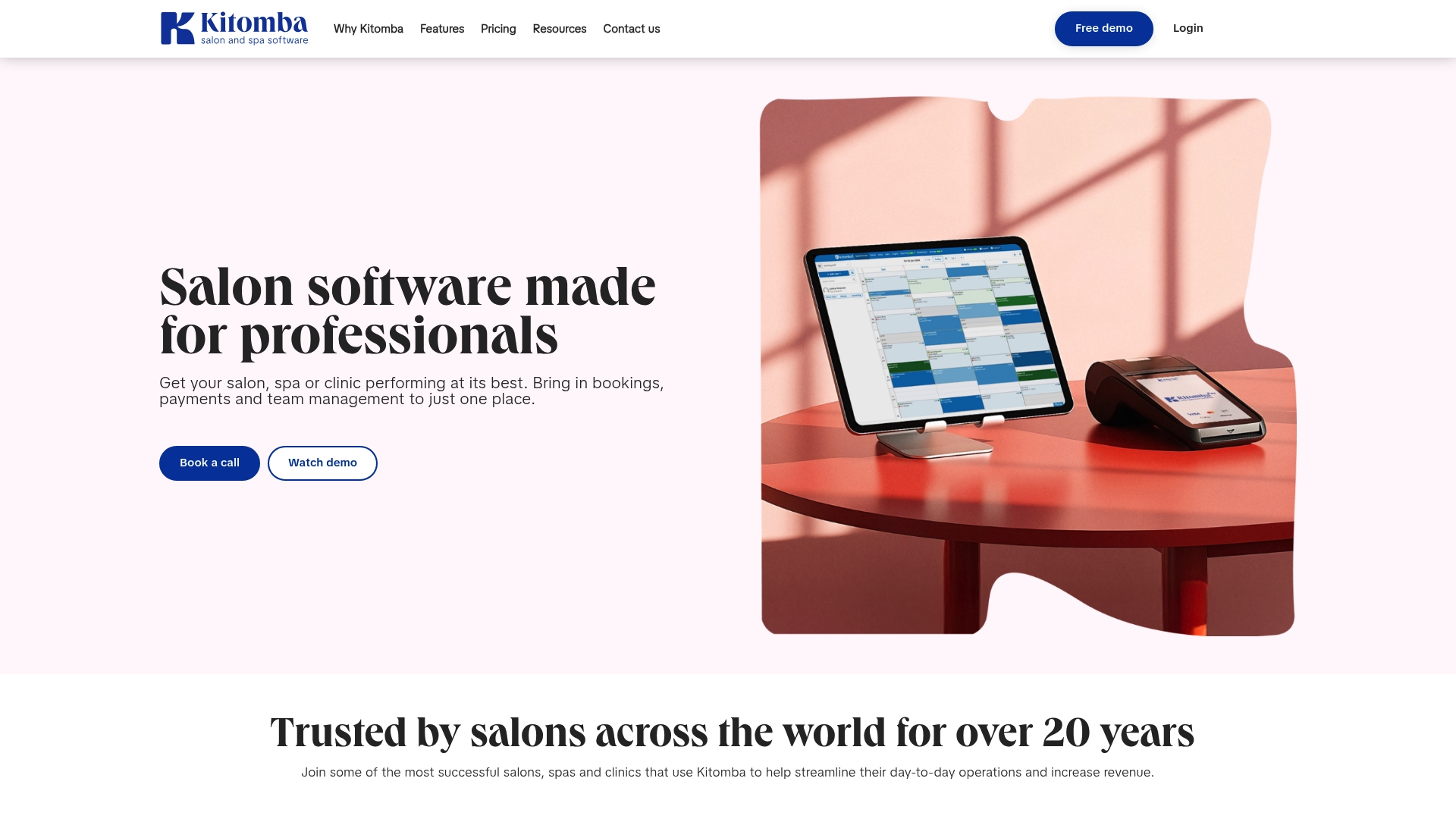
Integrations include Xero accounting, Mailchimp, Vish color management, REACH.ai, Facebook, and Instagram for bookings and marketing. Kitomba targets salon workflows for hair, beauty, barber, and wellness operations. It supports single salons and multi-location groups while offering POS, membership handling, and digital consultation forms.
Core Features
Core features cover online booking, a client management database, and point of sale with Kitomba Pay. The system adds automated SMS and email campaigns, reporting on sales and staff, stock and inventory control, and team scheduling. Digital consultation forms and membership options complete the salon-focused feature set.
Key Differentiator
Kitomba centers its design on salon-specific needs such as color management, membership billing, and team performance tracking. That focus pairs with a set of integrations aimed at accounting and marketing rather than generic service scheduling. The result is a product tailored for salon operational workflows and client lifecycle management.
Pros
Kitomba delivers a feature mix that matches salon day-to-day tasks, from booking to POS and inventory. The integration list makes it convenient to link financials and campaigns with tools like Xero and Mailchimp. Vendor materials emphasize strong customer support and industry resources, and the product supports both single-site and multi-location setups.
Cons
- The platform can present a learning curve for new staff. Training time may be needed to get teams comfortable with the full feature set.
- Customizing workflows or reports can feel complex for teams without technical support. Some advanced adjustments may require vendor assistance.
- Cloud features depend on internet access. Unreliable connectivity disrupts bookings and payment processing.
When It May Not Fit
If you want a lightweight appointment book with minimal features, Kitomba will feel heavy. Shops that need extreme customization without vendor help will find the setup limiting. Practices that require offline local-hosted software will need an alternative because core features assume online access.
Notable Integrations
- Xero accounting
- Mailchimp email marketing
- Vish color management tools
- REACH.ai AI marketing automation
- Facebook and Instagram social booking
Who It’s For
Owners and managers of salons, spas, and clinics that need tools built around salon tasks and client relationships will benefit most. Multi-location operators who want unified reporting and membership handling will find the feature set relevant. Small independent salons may prefer a simpler tool unless they plan to use marketing and accounting integrations.
Real World Use Case
A multi-location hair salon uses Kitomba to combine online booking, staff schedules, and inventory across locations. The salon runs targeted email and SMS campaigns through Mailchimp and REACH.ai while posting social booking links on Instagram. That setup centralizes client records and membership billing under a single system.
Pricing
Not applicable — informational only. Kitomba does not list standard pricing in this data. Prospective buyers should contact sales for current plans and any multi-location discounts.
Website: https://kitomba.com
WESS
At a Glance
WESS reports more than 12 years of operation and a wide user base across Singapore and Malaysia. The system targets beauty, salon, spa, and aesthetic clinic workflows with appointment scheduling, POS, inventory, and WhatsApp notifications. Public materials emphasize ease of use and strong local support.
Core Features
The platform combines Appointment Scheduling, customer engagement tools, and employee management into a single interface. The built in Point of Sales System handles payments and sales reporting while Inventory Management tracks stock and generates basic reports. Integrated WhatsApp notifications help with confirmations and rebook messages.
Key Differentiator
The standout feature is native WhatsApp integration designed for client messaging and appointment confirmations. That combination targets beauty operators who need bookings, sales, and client outreach in one package. That focus simplifies client messaging.
Pros
Designed specifically for beauty and wellness, WESS groups salon tasks into a single workflow for front desk staff. The vendor highlights an intuitive interface and flexible settings for hair, nail, spa, and aesthetic services. Support and after sales service are emphasized, and marketing and inventory customization help with local promotions and stock control.
Cons
-
Pricing is not publicly listed. Buyers must contact WESS for a quote.
-
Limited integrations beyond WhatsApp mean manual exports or a separate accounting tool may be required.
-
Public content focuses on ease of use and support. You should test feature depth and custom workflow fit.
When It May Not Fit
If you need transparent tiered pricing online, WESS may not fit since public pricing is absent. Larger chains that rely on accounting integrations or advanced marketing stacks may face integration gaps. Buyers with complex custom workflows should request a demo and verify feature coverage before committing.
Notable Integrations
Primary integration connects directly to WhatsApp for client messaging and appointment confirmations. No public listing shows accounting or marketing platform connectors.
Who It’s For
WESS fits salon, spa, nail, and aesthetic clinic owners who want a single system for bookings, sales, and client outreach. Small to medium operations that prioritize local support and an easy learning curve will get the most value. Chains requiring deep integrations should evaluate carefully.
Real World Use Case
A Singapore salon used WESS to automate bookings, organize staff schedules, and process point of sale transactions. Automated WhatsApp reminders reduced no shows and freed reception time for service upsells. The business reports improved client follow up and lower daily admin hours.
Pricing
Pricing is not publicly listed. Potential buyers must contact WESS for a quote. Ask for local support options during the quote.
Website: https://wessconnect.com
SalonBiz
At a Glance
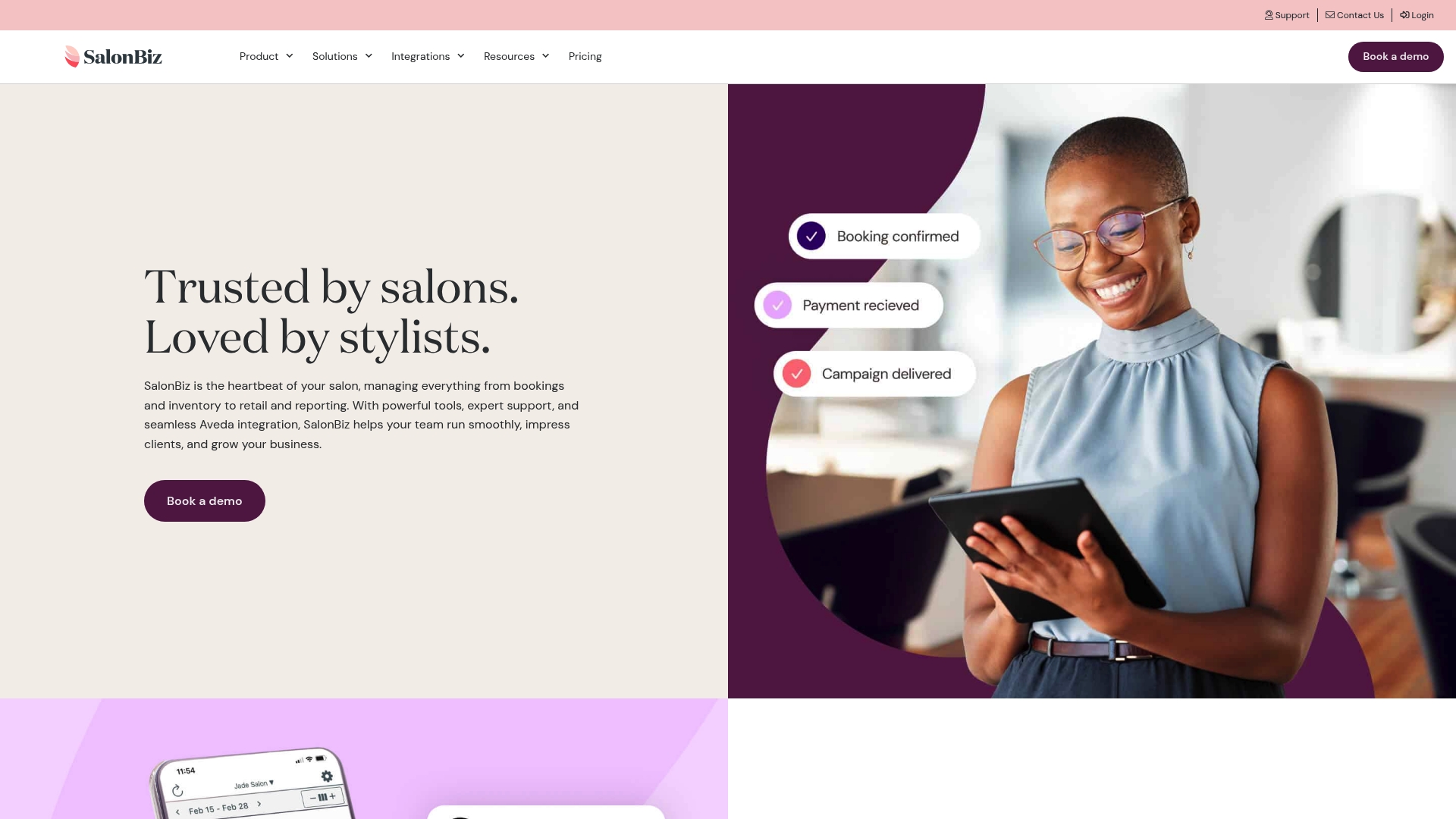
SalonBiz reports pricing that starts at $160/month per location for its Basic plan. The platform targets salons and spas with multiple practitioners and supports cosmetology schools. It emphasizes Aveda-specific features for inventory syncing and rewards integration.
Core Features
SalonBiz combines appointment scheduling with drag and drop calendar management and online booking. It includes inventory control with real time stock tracking and automated reordering, plus a retail point of sale that handles integrated payments. Reporting covers staff performance and sales, while marketing tools offer automated campaigns, loyalty programs, and dedicated Aveda product workflows.
Key Differentiator
The product’s main edge is native, deep integration with Aveda systems. That connection automates product updates, synchronizes inventory, and links to Aveda Plus Rewards for loyalty tracking. For salons that carry Aveda products, this reduces manual inventory work and keeps brand pricing consistent.
Pros
SalonBiz bundles core salon operations into a single platform covering bookings, payments, inventory, marketing, and reporting. Its Aveda integration stands out for salons carrying that brand, and the vendor advertises support for multiple locations and larger teams. The interface aims to be user friendly and the company offers onboarding support to help staff adopt the system.
Cons
-
Some third party reviews mention a learning curve for new users. Short training sessions may be necessary.
-
Premium plans can be costly for smaller salons. The entry price and add ons push the monthly cost higher for small teams.
-
Certain branding and client interface options are limited. Salons wanting heavy design customization may find gaps.
-
Advanced marketing automation may require extra modules or third party integrations. Expect additional costs for extended functionality.
When It May Not Fit
Solo stylists and very small salons will likely find the base price and add on fees restrictive. Businesses needing deep branding control for client-facing apps will encounter customization limits. Teams requiring full-featured marketing automation without extra modules should look elsewhere.
Notable Integrations
SalonBiz lists integrations with DemandForce, Listen360, REACH.ai, Textel, and Vish. These connect marketing, client feedback, messaging, and analytics into the platform. Each integration supports common salon workflows for promotions and client outreach.
Who It’s For
Multi-stylist salons, spa owners, and cosmetology schools with multiple practitioners will benefit most. Salons that sell Aveda products or participate in Aveda programs gain the clearest advantage. Larger operations or those planning growth across multiple locations will find the feature set aligned to their needs.
Real World Use Case
An Aveda salon uses SalonBiz to keep product inventory synchronized with Aveda updates. The salon automates loyalty rewards, manages bookings across multiple stations, and pulls weekly performance reports. That setup helps the manager allocate staff and identify retail opportunities.
Pricing
Pricing starts at $160/month per location for the Basic plan and rises to $370/month for higher tiers. Plans support teams up to 20 service professionals and offer discounts for longer commitments. Optional add ons include SalonBiz Payments and other modules that change the final monthly cost.
Website: https://salonbizsoftware.com
Inspire by STX
At a Glance
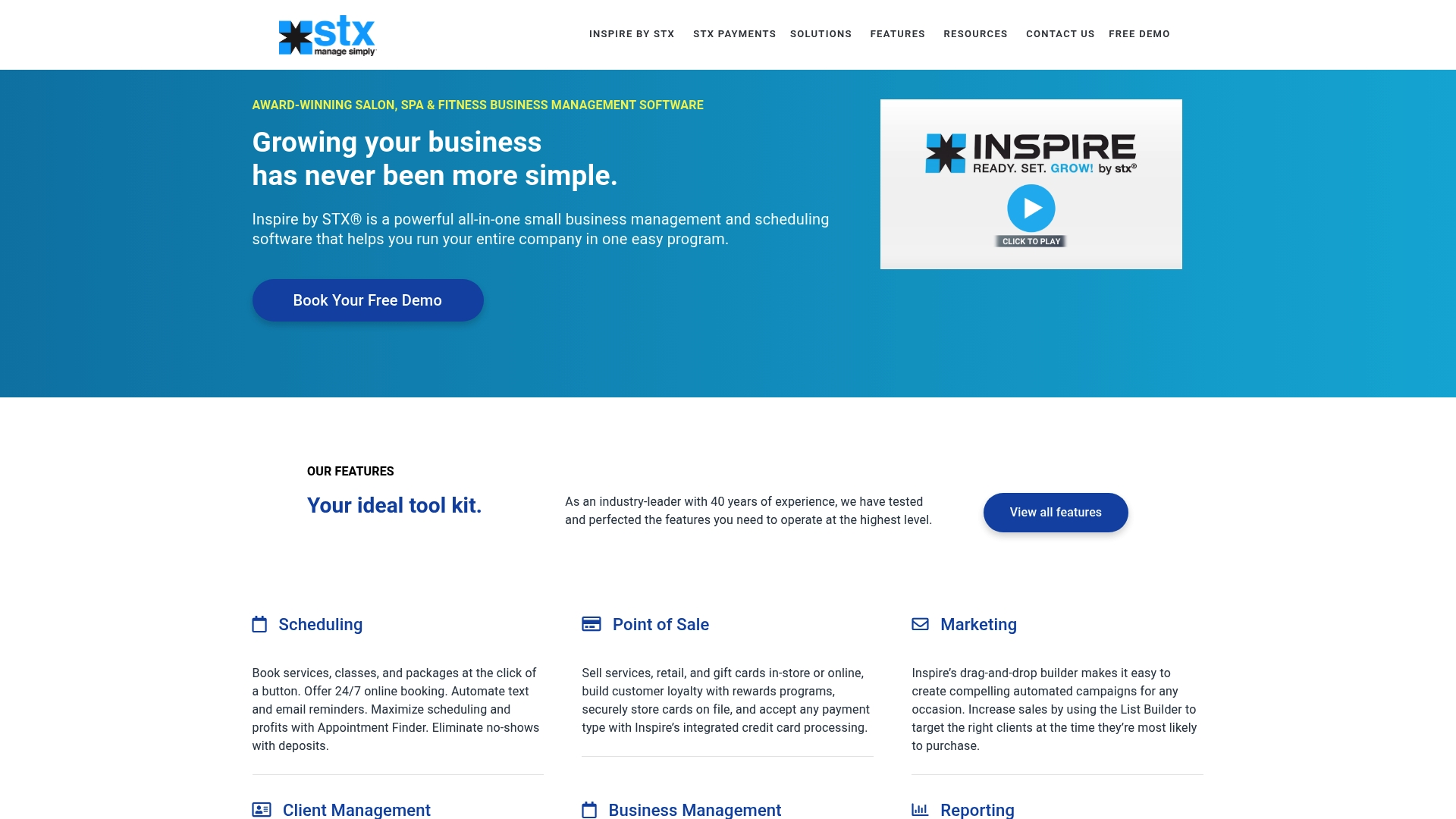
Plans start at $59 per month and scale up to $259 per month, billed monthly, with add-ons charged separately. The pricing bands reflect which features are included at each tier and which require extra purchase. Small salon owners will notice the platform groups scheduling, payments, and marketing under one administration panel.
Core Features
The product delivers online appointment scheduling with automated reminders and an integrated point of sale that accepts card payments. Client management stores detailed records and notes while inventory management offers automatic syncing and reorder alerts. Marketing tools cover email campaigns and loyalty rewards, and reporting gives owners data to compare performance across staff and services.
Key Differentiator
The standout claim is its focus on beauty and wellness operations, with features shaped for salons, spas, gyms, and tanning studios. The vendor positions this as a single platform for bookings, retail, staff scheduling, and client retention workflows. That vertical focus shows up in prebuilt fields and workflows tailored to salon and spa operations.
Pros
The product acts as an all in one business hub that reduces the need for separate scheduling and payment systems. The scheduling interface is straightforward, which helps reception staff and managers adopt it quickly. Customer onboarding and vendor support get consistent praise, which matters when migrating appointment histories and retail SKUs. Scalable plans make it possible for a solo operator to expand to multiple locations without switching platforms.
Cons
-
Reviews and surveys are gated behind higher tier packages, which raises costs for practices that rely on feedback collection.
-
Certain integrations and apps require extra fees, so the final bill can grow once add-ons are enabled.
-
The system requires an internet connection for daily access, creating downtime risk when connectivity fails.
-
New users unfamiliar with combined management suites report a short learning curve before they operate efficiently.
When It May Not Fit
Businesses that need advanced reporting on a tight budget will find reporting locked in upper tiers. Solo practitioners who want a bare bones booking calendar may see the price and add-on model as more than they need. Shops without reliable internet access should plan for an offline contingency because the platform is cloud based.
Notable Integrations
Inspire by STX integrates with several salon and payment services used by small businesses. Key connections include:
- Clover POS
- Tippy
- Textel
- SalonInteractive
- SalonCloud
- Finova Capital
Who It’s For
This product suits small to medium sized salons, spas, gyms, tanning studios, and wellness centers that need a unified management tool. Owners who want bookings, client records, retail, and marketing in one place will get the most value. Practices planning to grow into multiple locations will benefit from the scalable plan structure.
Real World Use Case
A boutique tanning salon uses the platform to accept online bookings across several therapists, manage client session histories, and process payments at checkout. The salon also runs targeted email campaigns and rewards repeat customers via the loyalty tools. That mix reduced admin time and kept retail inventory levels accurate with reorder alerts.
Pricing
Plans range from $59 to $259 per month, billed monthly, with features tied to each tier. Add-ons such as the Welcome App and extra messaging incur additional fees. The vendor offers multiple tiers so shops can select the level of reporting and marketing functionality they need.
Website: https://stxsoftware.com
Comparison of alternatives
Selecting the right salon management software requires balancing capabilities with practical usage based on business needs. This comparison addresses individual strengths and focuses on suitability for various operational contexts.
Feature integration and workflow synergy
ExpressBook excels in leveraging synchronized functionalities, such as integrating accounting software and automating bookings, providing a streamlined experience for spa and salon environments. Conversely, while Kitomba prioritizes salon-specific tools such as color management and personalized client communication, some scenarios like non-salon operations reduce its general applicability. Meanwhile, SalonBiz enhances inventory management for Aveda product lines, helping users maintain brand consistency effectively.
Localized usability and support
Where WESS stands out involves its integration of WhatsApp messaging, vital for localized customer engagement. However, its limited third-party integration might pose challenges for operational requirements. Inspire by STX, on the other hand, supports businesses intent on scaling from individual operations to multi-location enterprises thanks to adaptive package options.
Best fit
- Businesses aiming to automate complex operational workflows while maintaining direct accounting synchronization will benefit greatly from ExpressBook.
- Organizations requiring deep marketing automation features may prefer Salonist, especially when managing client retention.
- Teams looking for localized communication solutions with accessible support should explore WESS for its native messaging integration.
- Salons consistently working with Aveda products can leverage efficiencies only accessible through SalonBiz integrations.
- Independent operators expanding into chain setups may find Inspire by STX’s adaptable pricing models advantageous.
Our pick
ExpressBook distinguishes itself by delivering a balanced feature set tailored for diverse service operations, with the added advantage of accounting software compatibility. With competitive pricing and accessible scalability, ExpressBook facilitates enhancements in operational efficiency. However, for entities focusing on niche industry requirements – such as WESS’s localized features – evaluating alternatives might yield better alignment. This makes ExpressBook a solution for general salon and service professionals.
To assist businesses in selecting the most suitable salon booking software, the following table summarizes the key features, pricing, and target users of several platforms, showcasing their comparative benefits.
| Product Name | Core Feature | Key Differentiator | Best For | Pricing | Limitation |
|---|---|---|---|---|---|
| ExpressBook | Real-time booking with AI | AI-based insights and accounting sync | Small to mid-size service businesses | Prepaid credits, no monthly fee | Advanced setup requires sales contact |
| Salonist | Booking with inventory management | All-in-one salon-specific workflows | Multi-location salon operations | Free tier; $79–$179/month | Steeper learning curve for advanced features |
| Kitomba | Salon-optimized point of sale | Salon-specific membership handling | Multi-location high-activity salons | Pricing not published | May require internet for full utility |
| WESS | Appointment scheduling with WhatsApp | Integrated WhatsApp notifications for outreach | Small to medium beauty or aesthetic clinics | Pricing not published | Limited feature integrations |
| SalonBiz | Appointment scheduling and drag-and-drop calendar | Aveda inventory and loyalty integration | Large salons and cosmetology schools | Starting at $160/month | Requires extra costs for premium features |
| Inspire by STX | Comprehensive salon management platform | Tiered feature plans for growth adaptation | Small to medium salons and wellness centers | $59–$259/month | Dependency on additional paid add-ons |
This overview helps decision-makers find the right fit based on their unique business needs and budget.
Challenges in Choosing a Beauty Salon CRM That Fits Your Needs
Managing appointment scheduling, payments, and client information across multiple locations can drain time and energy for salon owners and managers. Many beauty salon CRMs offer broad features but lack specific automation that syncs with accounting tools like QuickBooks or Xero. This gap leads to duplicate data entry and longer reconciliation processes, which affects staff productivity and client acquisition.
Expressbook addresses these challenges with real-time booking and availability management tailored for salons and wellness businesses. It offers a dedicated mobile app, AI-driven insights, and voice-agent support for booking accessibility. By automating payment syncs and client data updates, Expressbook reduces admin time by over 10 hours a week.
If your goal is a booking and scheduling platform that cuts manual work while supporting growth, learn more on Booking & Scheduling Software Archives and Spa and Wellness Archives. Top up a few credits at https://expressbook.com and import your client list to see billing and scheduling unify in under a minute.
FAQ
What features does Expressbook offer to help manage appointments?
Expressbook provides real-time booking and availability management along with customizable service durations. This helps businesses streamline their appointment scheduling across various service types, thereby enhancing operational efficiency.
How does Expressbook compare to Salonist in terms of usability?
Salonist is known for its approachable interface and mobile app, making it user-friendly for staff and clients. In contrast, Expressbook is designed for seamless integration of appointment scheduling and payment handling, catering specifically to businesses focused on maximizing efficiency in these areas.
What pricing options does Expressbook offer for new users?
There is no subscription: a small credit top-up is enough to try the platform on real bookings, so businesses can see how well it fits before spending more.
Can Expressbook support my salon’s inventory management needs?
Expressbook focuses primarily on appointment scheduling and client management rather than inventory tracking. If inventory management is a top priority alongside scheduling, consider exploring alternative platforms like Salonbiz that provide integrated inventory management features.
Which platform is best for multi-location salon operations, Expressbook or Kitomba?
Kitomba is tailored for multi-location groups, offering unified reporting and membership handling. Although Expressbook supports appointment scheduling efficiently, its features are particularly designed for focused business functionalities rather than expansive multi-location oversight.