
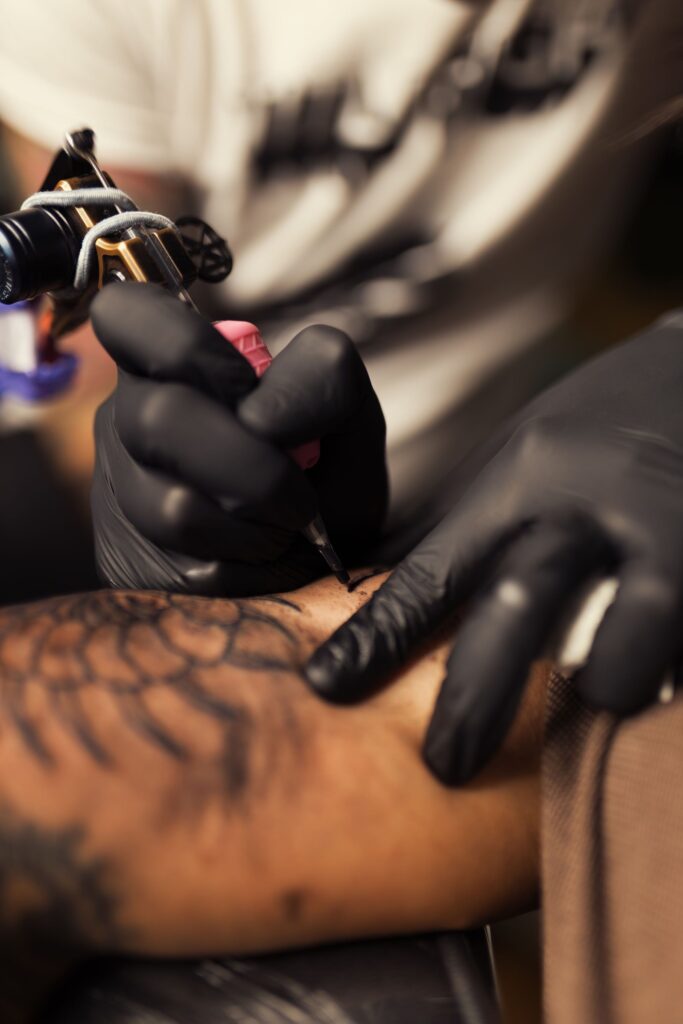
A client messages your studio’s Instagram asking for a half sleeve, then goes quiet for a week. Someone else books a four-hour session by DM, never pays a deposit and does not turn up. Meanwhile a walk-in wants a lobe piercing while you are mid-linework and nobody is free to check the diary. Tattoo booking software is meant to sort all of this out without turning your studio into an admin office.
This guide is for tattoo and piercing studios moving bookings out of DMs, a paper diary or a spreadsheet. It covers what to look for and how ExpressBook handles each part.
TL;DR:
- Clients should be able to book a consultation or a piercing in a minute, with no app to download.
- Consultations, short pieces, long sessions and piercings each need their own length and price, and only with the artists who do them.
- Deposits on consultations and sessions protect your chair time.
- Walk-ins should be able to book the next free slot from a QR code at the counter.
- Check how you pay: monthly subscription, commission or pay as you go.
Why studios lose time to booking
Tattoo bookings are rarely one quick message. There is the idea, the placement, the size, which artist, a consultation, then a session (sometimes several). When all of that lives in DMs, the artist ends up answering messages between sessions and chasing deposits by bank transfer.
Good tattoo booking software moves the repetitive part (choosing a service, finding a free time, paying the deposit) onto a booking page, so your messages are about the design, not the diary.
1. A booking process clients actually finish
With ExpressBook your studio gets one booking page. The client picks a service, sees its price and how long it takes, chooses a free time and confirms. Only real availability is shown, so nobody can book a time you do not have, and they get an email confirmation straight away.
There is no app to download. That matters for first-time clients, who are the most likely to give up if booking feels like work.
2. Consultations, sessions and piercings, each with its own length
A 30-minute consultation, a two-hour piece and a lobe piercing should never share the same standard slot. In ExpressBook every service has its own name, duration and price. A sensible starting menu for many studios looks like this:
- Consultation. Short, often with a small deposit, which many studios take off the final price.
- Small tattoo or flash. A fixed length and price.
- Half-day and full-day sessions. Long blocks for larger work, always with a deposit.
- Piercings. Short services that clients can book on the day.
Custom work priced after a consultation can still be booked as a session block of the right length, with the final price agreed with your artist.
3. The right artist for the right work
Clients usually choose a studio because of one artist’s style. You add your artists, choose which services each of them does and set the days they work. A client booking a fine-line session is only offered times with an artist who does fine line and is in that day, for the full length of the session. Your booking page can also show your own photos, so clients see your style before they book.
4. Deposits that protect your chair time
A missed four-hour session is a lost day’s work, and deposits are already normal in most studios. The question is how much admin they take.
In ExpressBook a deposit is set per service, as a fixed amount or a percentage of the price. Clients see what they pay now and what they pay at the studio before they pay, settle the deposit by card when they book, and pay the rest in person. You do not chase transfers or match payments to names. Deposits need your Stripe account connected. For amounts and wording that do not put clients off, read our guide to taking booking deposits.
5. Walk-ins and piercings from a QR code
Put your booking QR code on the counter or in the window. A walk-in scans it, sees the next free piercing slot and books it themselves while you finish the client in the chair. The same code works for regulars booking their next session before they leave. Our guide to QR code booking shows how to set it up.
6. One diary for Instagram, Google and your website
Most studio enquiries start on Instagram, so your booking link belongs in your bio. Add the same link to your Google Business Profile and Facebook page, and put a widget on your own website with one line of script. Every route feeds the same calendar, so there are no double bookings between your page, your website and the counter.
7. Consent forms before the appointment
Many studios ask clients to fill in a consent form before they sit down. In ExpressBook you can send a document, such as a consent form or a waiver, by email link. The client downloads it, fills it in and uploads the signed copy, which is virus scanned, and you mark it as signed. It keeps the paperwork with the booking instead of in a folder behind the desk.
8. Clear costs, no subscription
ExpressBook is paid for with prepaid credits, not a subscription. Credits are in US dollars. Each successful booking uses about $0.50 of credit, you top up by card from $10, and credits never expire. Email confirmations do not use credits. The booking charge is not added to your client’s payment. If credits run out, new bookings stop until you top up, so nothing is added to a later bill.
When you compare providers, look at how each one charges: a monthly fee (often per artist), a commission on bookings from a marketplace, or pay as you go.
Optional extra: a voice assistant
Some clients would rather ask than tap through a list. The optional ExpressBook voice assistant sits on your booking page, website widget and QR code. The client taps to talk, asks for something like “a consultation next Thursday afternoon”, and it checks your real calendar and books the time they choose. It works in the browser, so it does not answer your studio phone.
You choose when it hands over to you, for example when a client complains or a health or allergy question comes up. It then takes the client’s number and promises a call back within the window you set. It never transfers a live call. The assistant greets callers in your business’s language and switches when a caller asks. Choose from English, German, Italian, Polish, Russian, Spanish, French, Greek, Portuguese, Dutch and Swedish. Voice talk time uses credits, and you can pause the assistant if you only want online booking.
A quick test before you switch
- Add your real services: a consultation, a small piece, a full-day session and a piercing.
- Add two artists with different services and mark one as off for a day.
- Put a deposit on the full-day session and book it from your phone.
- Scan your QR code and book a piercing from it.
- Check the confirmation email arrives straight away.
After you sign up, setup is three steps: your business, your services and a credit top-up (about four minutes). Staff, deposits and photos come afterwards. For a fuller script, follow our booking system demo guide, and for a wider list of questions, see our online booking checklist for UK small businesses.
Try ExpressBook in your studio
The best tattoo booking software is the one that gets bookings and deposits out of your DMs and leaves you more time at the chair. See how it works for tattoo and piercing studios.
Sign up to ExpressBook, or email contact@expressbook.com with questions.