
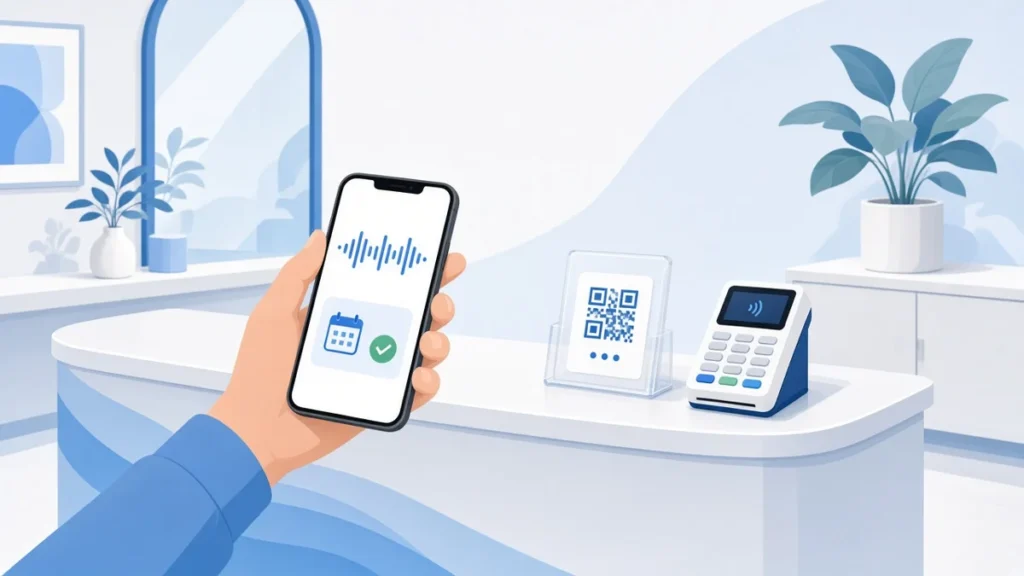
Some of your best booking moments happen in the room. A client is paying at the counter and says they will “message you about next month”. Someone stops at your window after hours and reads the sign. A patient in the waiting area wonders whether there is a slot for their partner too. If nobody is free to help in that moment, the booking often never happens.
A QR code that opens a booking assistant turns those moments into confirmed appointments without pulling you away from the person in your chair. This guide covers where to put the code, what to print next to it, and how to build the habit so it actually gets used.
TL;DR:
- QR code booking works best at the points where people already think about their next visit: the counter, the mirror, the window and the receipt.
- The code should open something that can finish the booking, not a page of opening hours.
- Print one clear instruction next to every code, and test it from where people will actually stand.
- Build a one-line habit for staff at checkout so clients rebook before they leave.
- Review your bookings and call transcripts after a few weeks and move codes that nobody scans.
Why the Room Is Your Best Booking Channel
Most booking advice focuses on websites and social media. Those matter, but the people standing in your premises are often your warmest prospects: they already know you and are thinking about their next visit.
The problem is timing. When you are busy with a client, you cannot stop to check the diary for someone else. The person waiting either interrupts, leaves with a vague promise to call, or gives up. A QR code gives them a way to book on their own phone, right then, while you carry on working.
What the QR Code Should Open
A QR code is only as useful as the page behind it. Pointing it at your homepage or a list of prices just moves the problem online. The code should open something that can complete the booking from start to finish.
With ExpressBook, a QR code is already generated for every booking page. When someone scans it, they talk to the booking assistant in their phone’s browser. There is no app to download and no phone line involved. The assistant:
- understands plain requests such as “anything Thursday after work?”, in their language;
- checks your real calendar, including who is working and who can do the service;
- offers two or three suitable times rather than a long list;
- takes a deposit by link when the service needs one;
- sends an email confirmation straight away and a reminder before the day.
Email addresses and phone numbers are easy to mishear in a busy room, so the assistant puts a box on screen and lets the customer type them instead. If a request falls outside the rules you set, such as a complaint or a medical question, it takes their number and puts the request at the top of your Calls screen for a call back.
Where to Put Your QR Codes
Think about the moments when a client is most likely to want their next appointment, then put a code there.
The counter
This is the obvious one, and the most important. A small stand by the card terminal catches people while they pay. It also gives staff something to point to when a client asks about availability.
The mirror or treatment room
In salons and barbershops, clients spend a long time looking at the mirror. A discreet code in the corner lets them book their next cut before they even stand up. In treatment rooms, a card on the side table works the same way.
The window
Your window works when you are closed. Someone walking past at nine in the evening can scan the code and book for next week, rather than making a note to call and forgetting. Place it at eye level and away from strong reflections.
Receipts and appointment cards
Printing the code on receipts and aftercare cards means the booking option goes home with the client. This suits services with a natural rebooking cycle, such as colour, nails, physiotherapy or grooming.
What to Print Next to the Code
A bare QR code asks people to guess what will happen. A short instruction removes the doubt. Keep it to one line that says what they get and how:
- “Scan to book your next appointment. Just say when suits you.”
- “Closed right now? Scan and book for later this week.”
A few practical points help too:
- Test it from where people stand. Try scanning with two or three different phones, from the distance and angle a client would actually use.
- Use strong contrast. Dark code on a light background scans most reliably. Avoid placing it behind glossy plastic that catches the light.
- Protect it. A laminated card or a sturdy stand survives a busy counter far better than a sheet of paper.
Build the Rebooking Habit at Checkout
A code on the counter helps, but a short line from staff makes the difference. At the end of an appointment, try something like: “If you want to lock in your next one, just scan that and tell it when suits you.” It takes a few seconds and keeps the conversation friendly rather than salesy.
Pair this with your policies. If a service needs a deposit, the assistant takes it at the moment of booking, which protects longer appointments from no-shows. Our guide to collecting booking deposits without losing clients covers how to set amounts fairly, and our post on writing a service cancellation policy helps you set clear expectations.
Ideas by Type of Business
- Salons and barbershops: codes on mirrors and at the till, so clients rebook before they reach the door.
- Clinics and therapists: codes on appointment cards and in the waiting area, with a handover rule such as “anything medical” for sensitive questions.
- Tattoo studios: a code at the consultation desk, with a deposit on longer sessions so a no-show does not cost you the day.
- Pet groomers: a code at collection, when owners are already thinking about the next trim.
Check That It Is Working
After a few weeks, look at what has come in. In ExpressBook, every call is logged with its transcript, so you can see what people asked for, where they got stuck and which questions came up again and again. Reports and analytics show how bookings are trending.
Use what you find. If a code in one spot is never used, move it somewhere more visible. If people keep asking the same question, add the answer to your service descriptions so the assistant can handle it.
What It Costs to Run
ExpressBook uses prepaid credits rather than a subscription. The assistant draws down your balance by the second while it talks, and email confirmations and reminders are free. There is no monthly fee, and the booking page, QR code, deposits and calendar sync are included on every account. Current rates are on the ExpressBook website.
Put Your First Code Out This Week
You do not need a big launch. Start with one code on the counter and one on the window, add a single line of instruction, and ask your team to mention it at checkout. Set up ExpressBook, add your services, and scan your own code to try booking yourself. If it books you properly, it will book your clients too.