
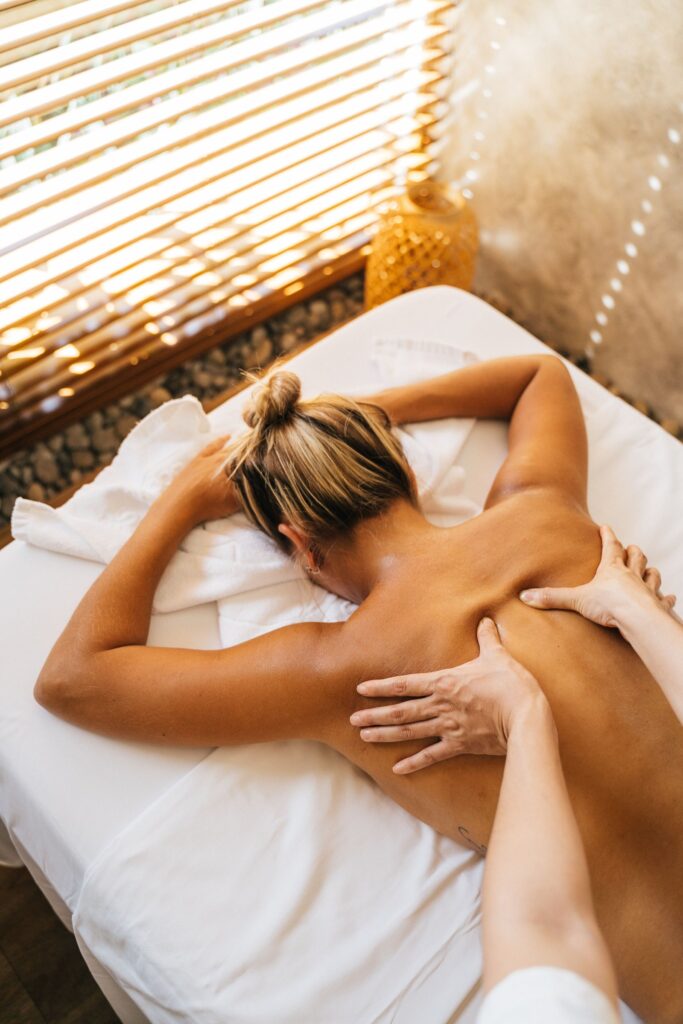
A client rings to book a deep tissue massage while you are halfway through a 90-minute treatment. The phone goes to voicemail, they book somewhere else, and you only find out when you check your messages at the end of the day. Massage therapists cannot answer the phone with oil on their hands, and most clients do not want to wait for a call back. Massage booking software is meant to take that whole conversation off your plate.
This guide is for massage therapists, small massage clinics and day spas moving bookings out of the phone, DMs or a paper diary. It covers what to look for and how ExpressBook handles each part.
TL;DR:
- Clients should be able to book a treatment in a minute, with no app to download.
- Every treatment needs its own length and price, so a 30-minute back massage and a 90-minute hot stone treatment never share a slot.
- Clients should only see times when a therapist who does that treatment is working.
- Intake forms are easier sent before the appointment than filled in at the desk.
- Check how you pay: monthly subscription, commission or pay as you go.
Why massage bookings get lost
Massage is hands-on work, often in a quiet room with the phone on silent. Every call or message you miss during a treatment is a client who may not try again. Booking by phone also takes longer than it looks: which treatment, how long, which therapist, which day, and whether they have been before.
Good massage booking software moves the repetitive part (choosing a treatment, finding a free time, confirming the booking) onto a booking page that works while you do. Your time stays with the client on the table.
1. A booking process clients actually finish
With ExpressBook your practice gets one booking page. The client picks a treatment, sees its price and how long it takes, chooses a free time and confirms. Only real availability is shown, so nobody can book a time you do not have, and they get an email confirmation straight away.
There is no app to download. That matters for new clients, who are the most likely to give up if booking feels like work.
2. Treatments with their real lengths
A 30-minute neck and shoulder massage, a 60-minute Swedish massage and a 90-minute hot stone treatment should never be squeezed into the same standard slot. In ExpressBook every service has its own name, duration and price. A sensible starting menu for many therapists looks like this:
- Short treatments. Back, neck and shoulder, or a 30-minute taster for new clients.
- Standard massages. Swedish, deep tissue or sports massage at 60 minutes.
- Long treatments. 90-minute or two-hour treatments such as hot stone or a full body massage with a facial.
- Add-ons. Listed as their own services, with their own length and price.
If you offer the same massage at 60 and 90 minutes, list both. Clients then choose the length they want and you never have to stretch a slot to fit.
3. The right therapist on the right day
In a clinic or spa with more than one therapist, not everyone does every treatment. You add your therapists, choose which services each of them does and set the days they work. A client booking a sports massage is only offered times with a therapist who does sports massage and is in that day, for the full length of the treatment. Your booking page can also show your own photos, so clients see your treatment rooms before they arrive.
4. Intake forms before the client arrives
Many therapists ask new clients to fill in an intake or consultation form before their first treatment. Doing it on a clipboard eats into the appointment. In ExpressBook you can send a document, such as an intake form or a consent form, by email link. The client downloads it, fills it in and uploads the completed copy, which is virus scanned, and you mark it as signed. The paperwork stays with the client record instead of in a folder behind the desk.
5. Deposits on long treatments
A no-show on a 15-minute treatment is annoying. A no-show on a two-hour treatment is a large part of your day. Deposits help, but only if they do not create extra admin.
In ExpressBook a deposit is set per service, as a fixed amount or a percentage of the price. You can ask for one on long treatments only and leave short ones free to book. Clients see what they pay now and what they pay at the appointment before they pay, settle the deposit by card when they book and pay the rest in person. Deposits need your Stripe account connected. For amounts and wording that do not put clients off, read our guide to taking booking deposits.
6. One diary for Instagram, Google and your website
Put your booking link in your Instagram bio, on your Google Business Profile and on your Facebook page, and add a widget to your own website with one line of script. A QR code at reception or on your appointment cards lets clients book their next treatment before they leave. Our guide to QR code booking shows how to set it up. Every route feeds the same calendar, so there are no double bookings between your page, your website and the desk.
7. Clear costs, no subscription
ExpressBook is paid for with prepaid credits, not a subscription. Credits are in US dollars. Each successful booking uses about $0.50 of credit, you top up by card from $10, and credits never expire. Email confirmations and reminders do not use credits. The booking charge is not added to your client’s payment. If credits run out, new bookings stop until you top up, so nothing is added to a later bill.
When you compare providers, look at how each one charges: a monthly fee (often per therapist), a commission on bookings from a marketplace, or pay as you go. For a quiet week or a part-time practice, the difference adds up.
Optional extra: a voice assistant for clients who prefer to talk
Some clients would still rather speak than tap. ExpressBook includes an optional voice assistant on your booking page that books treatments by voice while you work. You choose when it hands over to you, for example when a client complains or a health or allergy question comes up. It then takes the client’s number and promises a call back within the window you set. It never transfers a live call. The assistant greets callers in your business’s language and switches when a caller asks. Choose from English, German, Italian, Polish, Russian, Spanish, French, Greek, Portuguese, Dutch and Swedish. Voice talk time uses credits, and you can pause the assistant if you only want online booking.
A quick test before you switch
- Add your real treatments, including at least one 30-minute and one 90-minute service.
- Add two therapists with different treatments and mark one as off for a day.
- Put a deposit on your longest treatment and book it from your phone.
- Send yourself an intake form and upload it back.
- Check the confirmation email arrives straight away.
After you sign up, setup is three steps: your business, your services and a credit top-up (about four minutes). Staff, deposits and photos come afterwards. For a fuller script, follow our booking system demo guide, and for a wider list of questions, see our online booking checklist for UK small businesses.
Try ExpressBook in your practice
The best massage booking software is the one that keeps booking while your hands are busy and leaves your front desk quiet. See how it works for spas and wellness centres.
Sign up to ExpressBook, or email contact@expressbook.com with questions.