
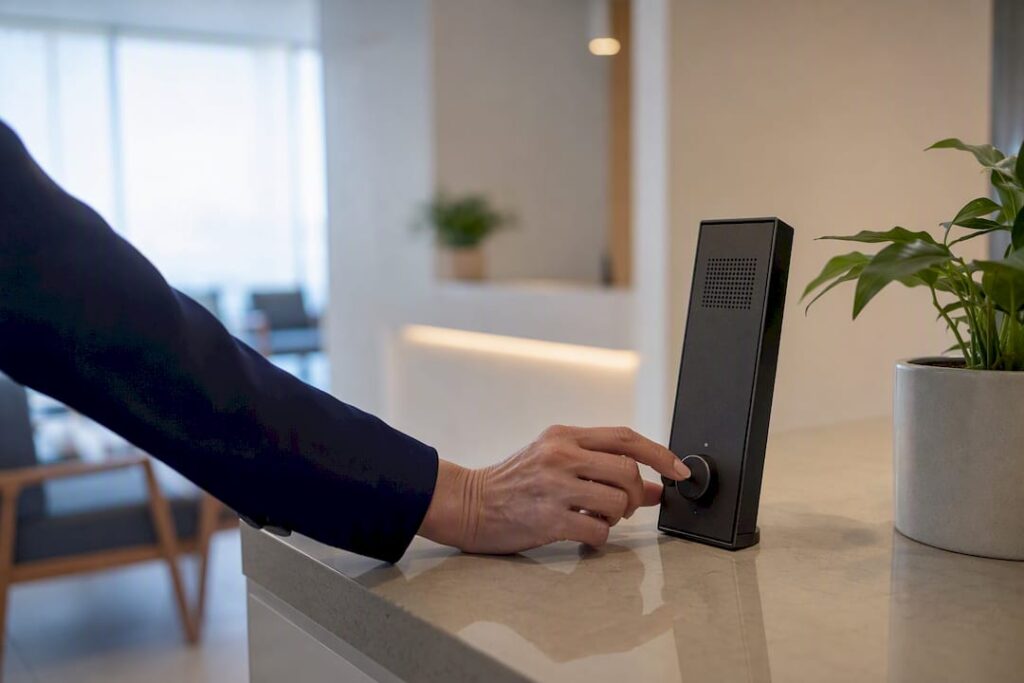
Adopt a digital waitlist with automated notifications and calendar integrations, and trial a platform built for it before committing to anything long-term. Poor patient flow and unmanaged queues measurably hurt throughput and outcomes, according to research published in the National Library of Medicine, and the same logic holds for restaurants, salons, and clinics turning people away at the door. Expressbook, for instance, syncs real-time availability with QuickBooks and Xero so a filled waitlist slot shows up in your books without a manual entry.
Here’s the immediate move:
- Pick one location or service line as a test case
- Sign up for a platform you can test on real bookings (Expressbook has no subscription)
- Import your existing list and run a 30 day pilot before rolling out further
Pro Tip: Track your walk-away rate for two weeks before you switch tools. You need a “before” number, or you won’t be able to prove the “after.”
Key Takeaways
Digital waitlist management reduces walk-away rates and recovers no-show revenue by pairing real-time queue visibility with automated notifications and accounting integrations.
| Point | Details |
|---|---|
| Start with a pilot | Test one location for 30 days with two or three KPIs before rolling out further. |
| Prioritize deliverability | A notification system that doesn’t reliably reach customers is worse than a paper list. |
| Integrate with your books | Sync waitlist and booking data to QuickBooks or Xero to cut manual reconciliation. |
| Track the right numbers | Measure wait time, walk-away rate, no-show recovery, and staff hours saved. |
| Expressbook covers the checklist | Real-time availability, a mobile admin app, a voice agent for accessibility, and no subscription make it a low-friction way to pilot. |
Table of Contents
- How Does Waitlist Management Improve Operations and Guest Experience?
- What Features Actually Matter in Waitlist Software?
- How Do You Choose the Right Waitlist Tool for Your Business?
- What Does a Realistic Rollout Timeline Look Like?
- Which Metrics Prove Waitlist Management Is Working?
- Why Expressbook Fits the Waitlist Management Criteria
- An Editorial Take on Treating Waitlists as an Operational Metric
- Get Started With Expressbook’s Waitlist and Scheduling Tools
- Frequently Asked Questions
- Sources
How Does Waitlist Management Improve Operations and Guest Experience?
A digital waitlist cuts abandonment because people can see where they stand instead of guessing. When customers get a text with an estimated hold time, they wait outside, run an errand, or browse the shop next door instead of leaving for good. Queue management research tied to clinical settings found that active tracking and process standardization measurably improve throughput. The same principle applies whether you’re seating diners or booking hair appointments.
The operational payoffs stack up fast:
- Front desk staff stop fielding “how much longer” phone calls every five minutes
- Canceled or no-show slots get offered automatically to the next person in line
- Every waitlist signup captures a phone number or email you can use for rebooking and marketing later
- Managers get a live count of how many people are actually waiting, not a guess based on a paper sign-in sheet
Fewer walk-aways plus faster staff turnaround adds up to more completed visits per shift without adding headcount.
What Features Actually Matter in Waitlist Software?
Most vendor pages read like a feature checklist, but only a handful of capabilities actually move the needle on customer flow. Here’s the priority order:
- A live virtual queue with position tracking. Customers should see their spot update in real time and check status themselves, the way WaitSight’s approach to visibility demonstrates for long-term lists.
- Reliable notifications with retry logic. SMS and email alerts need to actually land, and the system should retry or escalate to a phone call if a text bounces.
- Automation for cancellations and conversions. When a slot opens, the next eligible person should get auto-notified and auto-booked, not manually called.
- Integrations that matter to your books. Calendar sync, payment processing, and accounting integration with QuickBooks or Xero keep waitlist activity from becoming a second bookkeeping system.
- Multi-location routing and accessibility. Larger operations need staff and resource routing across sites, and a voice agent option matters for visually impaired customers who can’t navigate a text-based queue.
Modern queue platforms increasingly bundle these into one dashboard rather than forcing you to stitch together three separate tools.
Pro Tip: Ask any vendor for their notification delivery rate, not just their feature list. A queue tool that sends texts nobody receives is worse than a paper list, because customers think they’ve been forgotten.
How Do You Choose the Right Waitlist Tool for Your Business?
Vendor demos all sound similar until you press on specifics. Judge tools against these decision axes:
- Ease of setup — can non-technical staff configure it, or does it need a developer?
- Integrations — does it sync with your calendar, payment processor, and accounting software?
- Message deliverability — what’s their actual SMS/email success rate?
- Pricing model — flat monthly fee, per-location, or per-message?
- Data ownership — can you export your customer list if you leave?
- Accessibility — does it support voice-based booking for customers who can’t use a screen?
Bring these questions into every demo:
- “Can I import my existing waitlist or customer list directly?”
- “How long until we’re actually live, start to finish?”
- “Is there a mobile app for admins, not just customers?”
- “What’s included in your free trial, and how long does it run?”
- “How do you handle multi-location scheduling if we expand?”
Pricing shapes tend to follow business size. A single-location salon or clinic usually pays a flat monthly rate scaled to staff seats, while multi-location operations or franchises face enterprise pricing driven by location count, message volume, and dedicated support. Guides comparing scheduling software alternatives can help you benchmark what “reasonable” looks like before you sign anything.
What Does a Realistic Rollout Timeline Look Like?
Most managers overestimate how long a waitlist pilot takes and underestimate how much staff training matters. A tight rollout looks like this:
- Week 1: Define pilot goals and pick two or three KPIs to track (wait time, walk-away rate, no-show rate).
- Week 1 to 2: Import existing customer data and set up self-signup forms or QR-code check-in links for the front desk.
- Week 2: Train staff on the admin dashboard and draft customer-facing messages (confirmation, position update, “your table’s ready” alerts).
- Week 3 to 12: Monitor daily, adjust message timing and cadence, and expand to additional locations once you hit your KPI targets.
A QR-code waitlist setup at the front counter often gets pilots live faster than a full booking-page overhaul, since customers scan and join without downloading anything.
Pro Tip: Don’t touch your message cadence in the first two weeks. Give the system a stable baseline before you start tweaking, or you won’t know what actually caused the improvement.

Which Metrics Prove Waitlist Management Is Working?
A pilot without numbers is just a vibe. Track these from day one:
- Average wait time (both measured and what customers perceive it to be)
- Walk-away rate, meaning the percentage who leave the queue before being served
- No-show rate and how many of those slots get recovered through automated waitlist notifications
- Staff hours saved on manual calls and check-ins, which you can convert into a rough labor cost figure
AHRQ’s research on patient flow found that standardizing processes and automating notifications reduces variability in throughput, the same variability that makes staffing and forecasting a headache. Set a 90-day target for each metric before you launch, so “working” has a number attached instead of a feeling.
Why Expressbook Fits the Waitlist Management Criteria
Expressbook was built around the same integration and accessibility gaps that trip up most waitlist pilots. Real-time availability updates across every location, so a filled slot never gets double-booked, and every transaction syncs automatically with QuickBooks and Xero instead of sitting in a spreadsheet waiting for month-end reconciliation.
- A dedicated mobile app for both customers and admins, so front-desk staff manage the queue from a phone, not a clipboard
- A voice agent that lets visually impaired customers book and ask questions without needing to read a screen
- AI-powered analytics that flag your busiest wait windows automatically
- No subscription: prepaid credits
Managers who treat waitlist data as an operational metric, not just a courtesy feature, catch capacity problems weeks before they show up in revenue.
Running a pilot takes three steps: sign up, import your customer list as a CSV, and configure your notification messages. Measure your walk-away and no-show rates for the first 30 days against whatever you were seeing before, and you’ll have a real answer, not a guess, about whether it’s working.
Pro Tip: Run your pilot during a normal month, not your slowest or busiest season. A skewed baseline makes every metric after it unreliable.
An Editorial Take on Treating Waitlists as an Operational Metric
Most advice on waitlist software treats it as a customer-experience nicety, something that makes the wait feel shorter but doesn’t touch the bottom line. That framing undersells what’s actually happening. A walk-away is a lost transaction, and a no-show recovered through an automated notification is found revenue you’d otherwise never see on a spreadsheet. Treat those two numbers as KPIs, not conveniences, and the whole conversation about which tool to buy changes.
The conventional advice also underweights accessibility and accounting integration, treating them as afterthoughts behind flashy analytics dashboards. A voice agent isn’t a nice-to-have feature demo; it’s the difference between serving every customer who calls and quietly excluding some of them. And a waitlist tool that doesn’t sync with QuickBooks or Xero just shifts your admin burden from the front desk to the back office at month-end.
Start small, measure your baseline honestly, and let the numbers make the case rather than the sales pitch.
Get Started With Expressbook’s Waitlist and Scheduling Tools
Expressbook gives you a faster path to a working waitlist than piecing together a texting app, a spreadsheet, and a separate booking calendar. Real-time availability, automated SMS and email alerts, and direct syncing with QuickBooks and Xero mean your waitlist data becomes booking data becomes bookkeeping data, with no manual re-entry at any step.
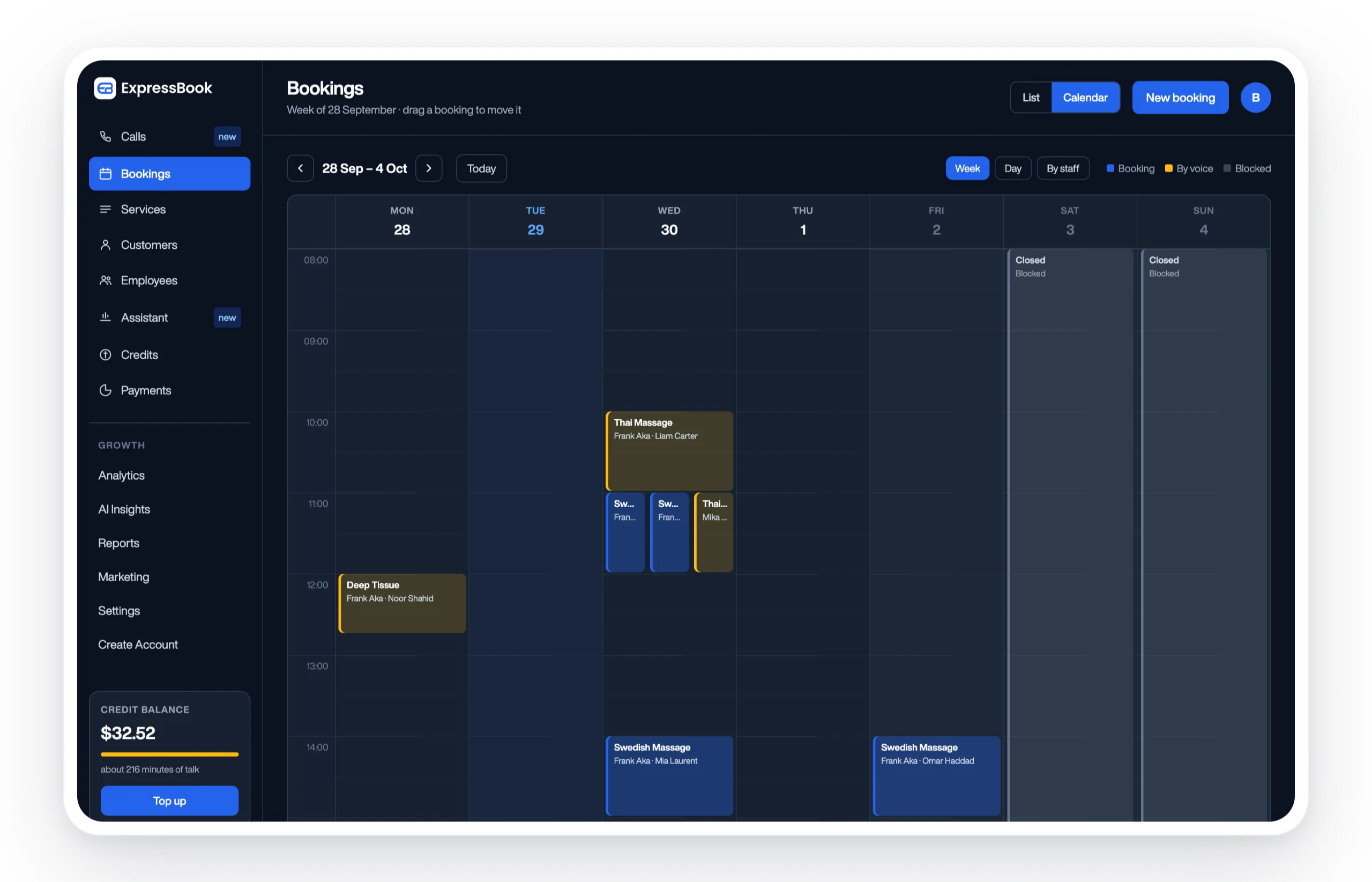
It suits salons, clinics, gyms, and studios that are tired of losing walk-ins to a competitor down the street while a staff member is stuck on hold with a customer asking “how much longer?” The mobile admin app puts queue control in your pocket, and the built-in voice agent means customers who can’t use a screen can still book and get answers on their own. Sign up for Expressbook and run your own pilot on a small credit top-up; there is no subscription.
Frequently Asked Questions
What is waitlist management, exactly?
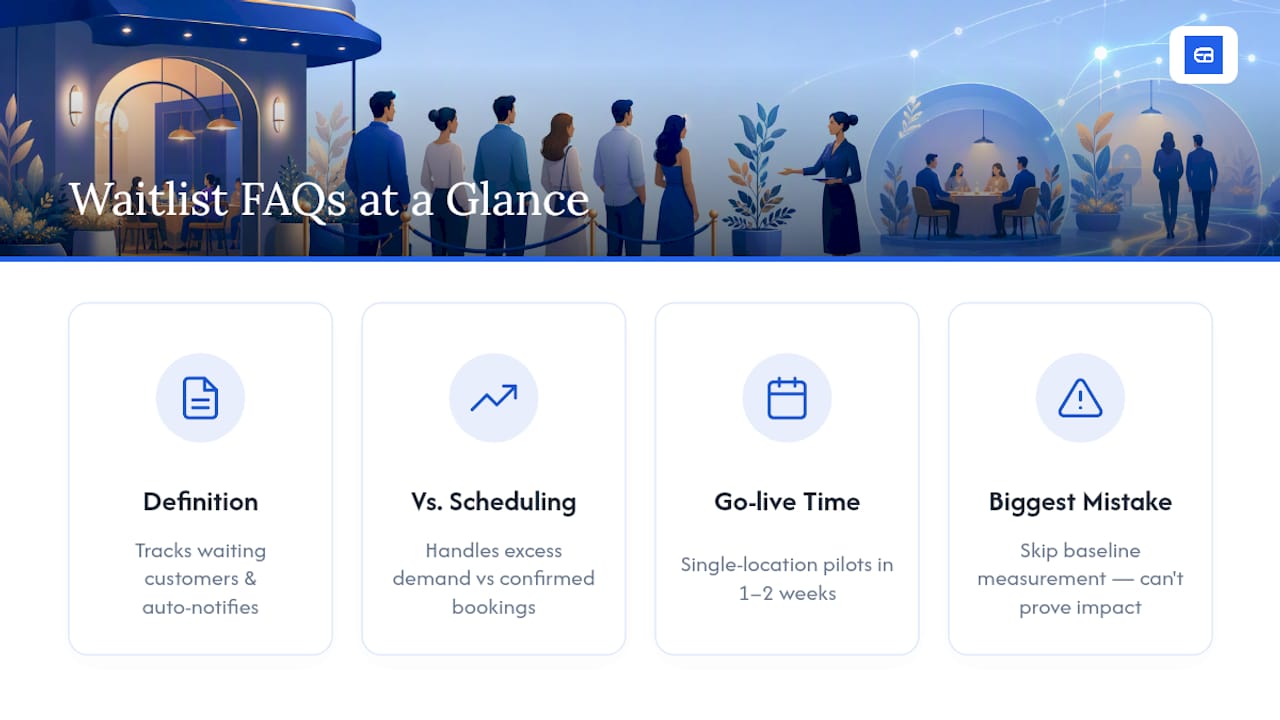
Waitlist management is the process of tracking customers who are waiting for a service slot, whether that’s a table, an appointment, or an enrollment spot, and notifying them automatically as space opens up.
How is waitlist management different from appointment scheduling?
Scheduling books a confirmed slot in advance. Waitlist management handles demand that exceeds available slots right now, whether that’s a walk-in queue or a list of people waiting for a cancellation to open up.
Do I need separate software for waitlists and appointments?
Not necessarily. Platforms like Expressbook combine both, so a waitlist entry can convert directly into a booked appointment without re-entering customer information.
How long does it take to get a waitlist system live?
Most single-location pilots go live within one to two weeks, covering data import, staff training, and message setup, based on the rollout timeline outlined above.
What’s the biggest mistake businesses make with waitlist software?
Skipping the baseline measurement. Without knowing your walk-away and no-show rates before switching tools, you can’t prove the new system actually improved anything.
Can visually impaired customers use a digital waitlist?
With a voice agent option like the one built into Expressbook, yes. Customers can join a queue, book, and ask questions verbally instead of relying on a text-based interface.
Does waitlist software work for multi-location businesses?
Yes, provided the platform supports multi-location routing and staff/resource assignment across sites, which is one of the key questions to raise during a vendor demo.
How long should you test a waitlist tool before committing?
Long enough to run a real pilot with actual customer volume. Expressbook has no subscription, so a small credit top-up covers several weeks of testing — much better than a quick demo click-through.
Sources
- Improving Patient Flow — National Library of Medicine (PMC)
- WaitSight — bring visibility to your waitlist