

Three subject lines that get opened fast: “We missed you today,” “Let’s find a new time,” and “Quick reschedule for [Service]?” Each works because it names the situation instead of hiding behind vague copy like “Following up.” Pair one with this short email and you’re covered for most missed-appointment situations.
Subject: We missed you today
Hi [First Name], we had you down for [Service] at [Time] and wanted to check in. Everything okay? Here’s a quick link to grab a new spot: [Reschedule Link]. Just reply if you’d rather call.
- Pick a subject line that names the miss, not a vague nudge.
- Open with concern, state the appointment detail, and drop the reschedule link in the first three sentences.
- Send it while the appointment is still fresh in the client’s mind.
Pro Tip: Send this first message within 1 to 2 hours of the missed appointment. Wait longer and the client’s memory of booking (and their sense of urgency) fades fast.
Key Takeaways
The most effective no-show emails open with concern, state the appointment detail immediately, include one clear reschedule link, and get sent within 1 to 2 hours of the missed appointment.
| Point | Details |
|---|---|
| Lead with concern | Open with “we missed you” instead of blame-focused language to boost reply rates. |
| Send within 1 to 2 hours | The first follow-up works best while the appointment is still fresh in the client’s mind. |
| Keep one clear CTA | Include a single reschedule link or phone number, not multiple competing actions. |
| Mention fees carefully | Save firm policy language for the second no-show, not the first. |
| Automate the cadence | Expressbook’s reminders and reschedule links reduce manual follow-up work and no-shows. |
Table of Contents
- Quick No Show Email Template Options: Short, Medium, and Long
- No Show Email Template Ideas By Industry
- How Do You Write A No Show Email That Gets A Response?
- When Should You Send A Missed Appointment Follow-Up?
- How Do You Mention A No Show Fee Without Sounding Harsh?
- Do Automated Reminders Actually Cut Down No-Shows?
- Cut No-Shows Without Writing Another Email By Hand
- Frequently Asked Questions
- Sources
Quick No Show Email Template Options: Short, Medium, and Long
Not every missed appointment calls for the same tone. A casual client who skipped a free consult needs a lighter touch than a client who’s missed their third paid session. Here’s a no show email template for each situation, ready to copy.

Short template (casual clients, low-stakes bookings):
Subject: Missed you at [Time]
Hi [First Name], looks like we missed each other today. Want to grab a new time? [Reschedule Link]
Medium template (standard reschedule, most common use case):
Subject: Let’s get you rebooked
Hi [First Name], we had you scheduled for [Service] at [Time] today but didn’t see you. No worries, it happens. Here’s a link to pick a new time that works: [Reschedule Link]. If something came up, just let us know how we can help.
Long template (repeat no-shows or higher-value appointments):
Subject: Following up on today’s missed appointment
Hi [First Name], we were looking forward to seeing you for [Service] at [Time] today. Missed appointments mean less time for other clients who need that slot, so we wanted to reach out directly. You can rebook here: [Reschedule Link], or reply with a few times that work and we’ll handle the rest. As a reminder, our cancellation policy asks for 24 hours’ notice to avoid a fee.
- Preview text for the short version: “Looks like we missed each other, let’s fix that.”
- Preview text for the medium version: “Quick link to grab a new time.”
- Preview text for the long version: “A quick note about today’s appointment and your options.”
Opening with concern instead of blame, using lines like “we missed you” rather than accusatory framing, this approach reduces the accusatory tone and increases the odds of a reply(https://flodesk.com/tips/missed-appointment-email-templates). That single word choice at the top of the email does more work than anything else in the message.
No Show Email Template Ideas By Industry
Every service business has its own rhythm, so a sales rep’s no-show note shouldn’t read like a therapist’s. Below are scenario-ready templates you can adjust in under a minute.
Sales or demo no-show:
- Subject: “Still want that demo?” Preview: “We saved your spot, want to reuse it?” Body: “Hi [First Name], noticed we didn’t connect for your [Product] demo at [Time]. Happy to find a new slot, here’s my calendar: [Booking Link]. If priorities shifted, just let me know.”
- Subject: “Quick reschedule, 15 minutes?” Preview: “One click to grab a new time.” Body: “Hi [First Name], totally understand things come up. Grab a new time here: [Booking Link], or reply and I’ll send a few options.”
Healthcare or therapy no-show:
- Subject: “Checking in after today’s appointment” Preview: “Hope everything is okay.” Body: “Hi [First Name], we didn’t see you for your [Time] appointment and wanted to check in. If you need to reschedule, call us at [Phone] or book online here: [Booking Link]. Missed visits without 24 hours’ notice may include a fee per our policy.”
- Subject: “Let’s get your visit rescheduled” Preview: “A quick link to pick a new time.” Body: “Hi [First Name], we noticed you weren’t able to make your appointment today. Your care matters to us, so here’s a direct link to rebook: [Booking Link].”
Salon or wellness no-show:
- Subject: “We saved your chair” Preview: “Quick link to rebook your [Service].” Body: “Hi [First Name], we had your [Service] reserved at [Time] but didn’t see you come in. Grab a new spot here: [Booking Link], texting works too if that’s easier: [SMS Number].”
Virtual meeting or consultation no-show:
- Subject: “Missed connection, let’s try again” Preview: “Grab a new video call time.” Body: “Hi [First Name], looks like our video call at [Time] didn’t connect. Here’s a link to a fresh time: [Booking Link]. Let me know if a phone call works better.”
Across all four scenarios, the CTA button label matters more than people assume. “Pick a New Time” or “Reschedule Now” outperforms a flat “Click Here” because it tells the reader exactly what happens next. Healthcare and therapy templates lean on phone and portal links since some clients avoid clicking unfamiliar URLs in a medical context, while sales and virtual meeting templates can rely almost entirely on a one-click booking link.
| Scenario | Best Reschedule Channel |
|---|---|
| Sales/demo | Direct calendar booking link |
| Healthcare/therapy | Phone number plus online portal |
| Salon/wellness | Online booking link or SMS |
| Virtual meeting | Video scheduling link |
How Do You Write A No Show Email That Gets A Response?
A no-show email works when it follows a tight structure instead of guessing at tone. Open with a line of concern, not a complaint. Something like “Hope everything’s okay” removes the defensiveness a client feels the moment they see your name in their inbox.
State the appointment date, time, and service within the first two sentences. Clients skim, especially on mobile, so the preview text and opening lines need to carry the full context before they even open the email. Close with one clear action: a reschedule link, a phone number, or both. If they can’t rebook right away, add a soft next step, like “reply anytime” or “call us when it’s convenient.”
Run every draft through this checklist before sending:
- Does the first sentence show concern rather than blame?
- Is the appointment detail (date, time, service) visible in the first two lines?
- Is there exactly one clear call to action?
- Is there a backup contact method if the link doesn’t work for them?
Pro Tip: Keep your no-show template under 80 words for casual services and under 150 words for anything involving a policy or fee. Longer messages get skimmed, not read.
When Should You Send A Missed Appointment Follow-Up?
Timing decides whether your message gets read or buried. A practical reminder sequence sends the no-show follow-up 1 to 2 hours after the missed appointment, while the client still remembers booking it and before the day gets away from them.
| Step | Timing | Channel |
|---|---|---|
| Gentle check-in | 1 to 2 hours after miss | |
| Reminder with reschedule link | 24 hours after miss | Email or SMS |
| Final notice | 3 days after miss | Email, escalate to phone if high-value |
For meetings and events specifically, pairing a 24 to 48 hour reminder with a short 1-hour follow-up catches people who genuinely forgot rather than declined. Rotate your subject lines across these steps too, “We missed you” for step one, “Still want to reschedule?” for step two, so the message doesn’t look like a repeat and get ignored.
Pro Tip: If a client misses two follow-ups without response, switch to a phone call. Email fatigue is real after the second message.
How Do You Mention A No Show Fee Without Sounding Harsh?
Mentioning a fee doesn’t have to feel like a threat. Try phrasing like “as a reminder, appointments missed without 24 hours’ notice may include a small fee” instead of “you will be charged.” The first version states policy; the second sounds like a warning.
- Do: “Our cancellation policy asks for 24 hours’ notice to avoid a fee.”
- Don’t: “You missed your appointment, so a fee applies.”
- Do: mention the policy in your first follow-up only once, briefly.
- Don’t: repeat fee language in every message, it starts to read as harassment.
A missed appointment follow-up works best when it invites rescheduling and checks on the client first, saving policy language for a secondary sentence rather than the headline. Making your cancellation policy visible at booking, not just after a miss, cuts down on the surprise that turns a fee reminder into a dispute.
Pro Tip: Save firm fee language for the second or third no-show. First-time misses respond better to a simple reschedule offer.
Do Automated Reminders Actually Cut Down No-Shows?
Reminder emails aren’t just a courtesy, they measurably work. Well-timed, personalized reminder emails can reduce no-shows by roughly 30 to 50 percent, and that improvement shows up directly in fewer empty slots on the calendar.
- Expect fewer no-shows within the first month of turning on automated reminders.
- Expect less staff time spent manually chasing missed appointments.
- Expect more consistent messaging once every client gets the same reminder cadence, regardless of which staff member booked them.
A missed healthcare appointment alone can cost a practice between $150 and $300 once you count the empty slot, staff time, and lost revenue. Multiply that across a busy week and automated reminders start paying for themselves fast. Tools that pair automated reminders with retention tracking give you the data to see exactly how much a single no-show costs your business over time.
Pro Tip: Track your reschedule rate for 30 days after turning on automated reminders. That single number tells you more than any dashboard metric.
A Quick Note From The Field
After years of watching service businesses handle missed appointments, the pattern is clear: the businesses that recover clients fastest are the ones with templates ready before the no-show happens, not after. Test your subject lines, track your reschedule rate weekly, and adjust the losers.
Cut No-Shows Without Writing Another Email By Hand
Manually copying templates and updating booking links works until your calendar fills up, then it becomes a second job. Expressbook automates the entire cycle: reminders go out on schedule, reschedule links update in real time, and missed appointments trigger a follow-up without you touching a keyboard.
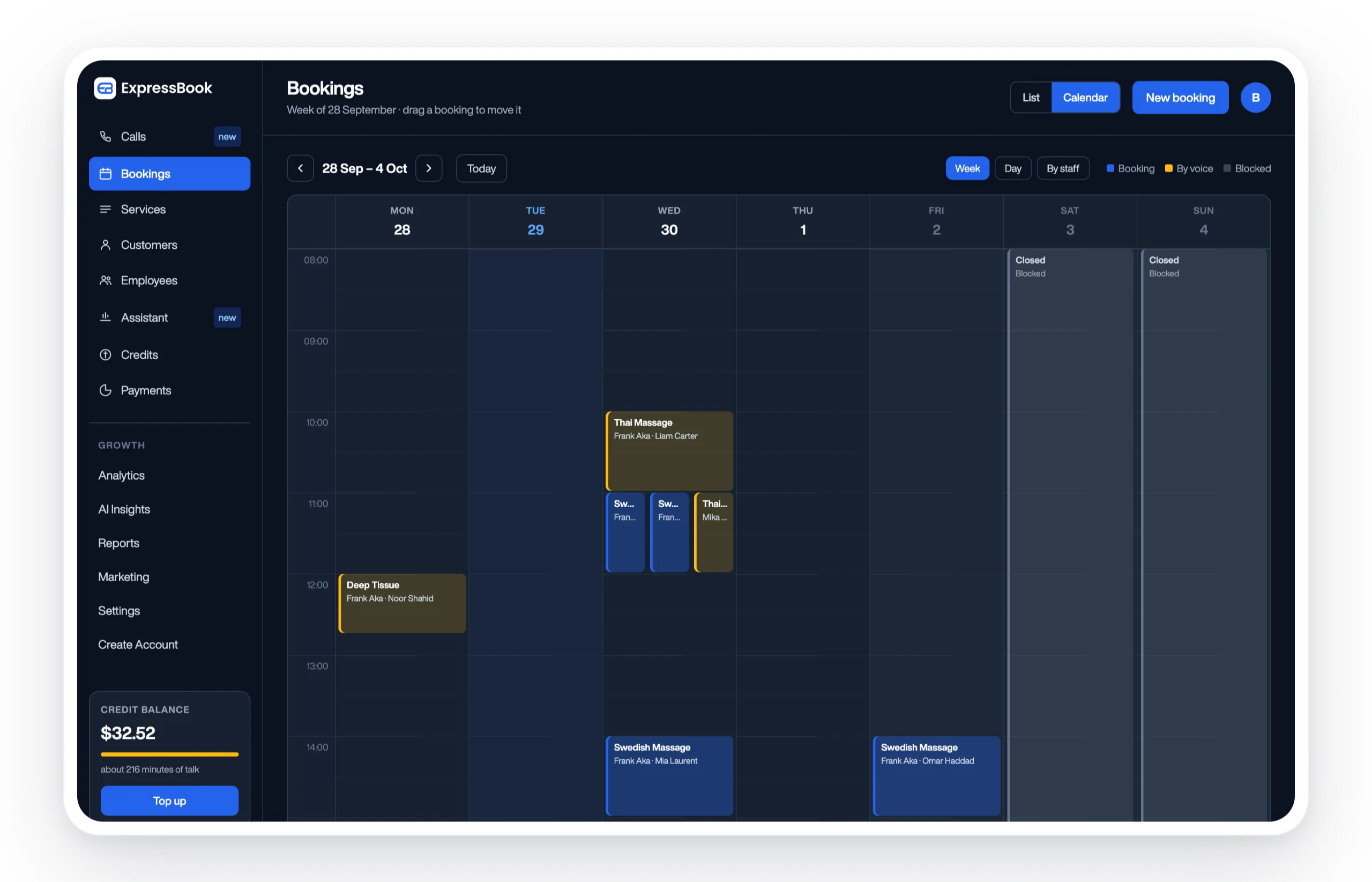
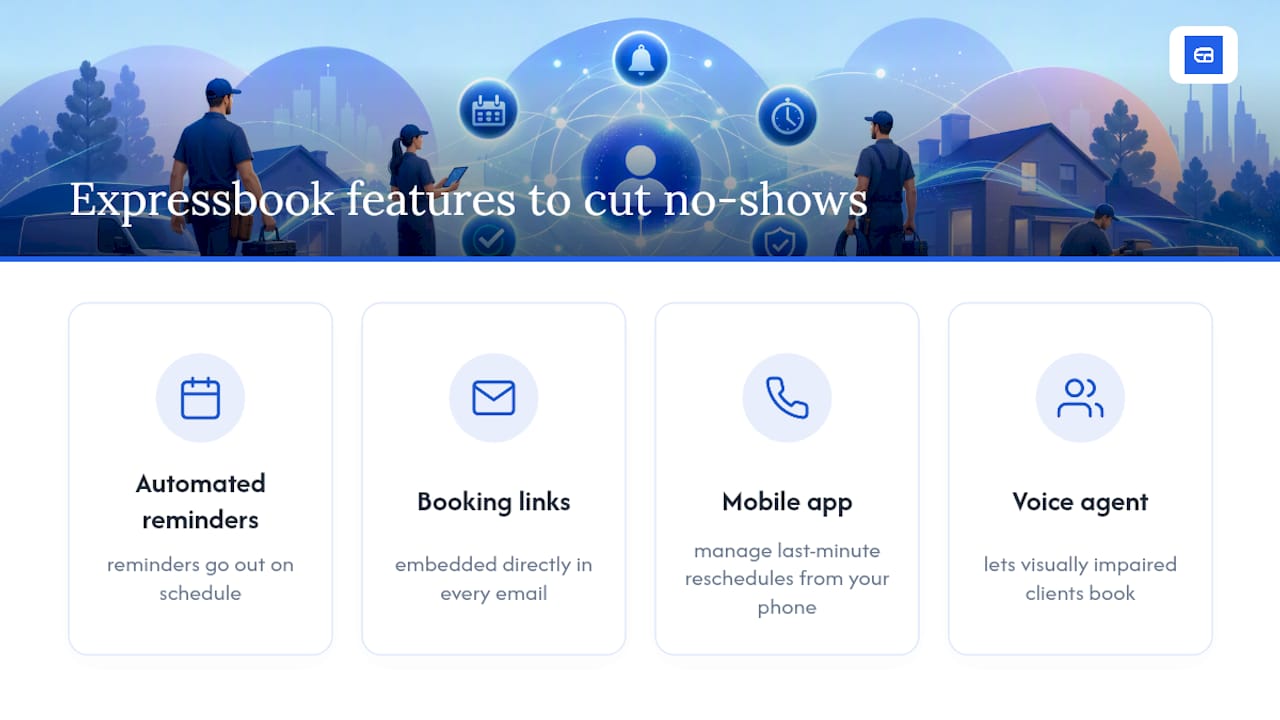
Three features matter most here: automated reminder sequences timed to the cadences covered above, booking links embedded directly in every email so clients rebook in one tap, and a dedicated mobile app so you can manage last-minute reschedules from your phone between clients. Expressbook also includes a voice agent that lets visually impaired clients book or ask questions without needing to navigate a screen, something most scheduling tools skip entirely.
If you want to see how automated reminders and smart scheduling reduce no-shows for a business like yours, Expressbook has no subscription, so a small credit top-up is enough to test it against your current process. Start with the Expressbook overview and see whether your reschedule rate moves within the first few weeks.
Frequently Asked Questions
What should a no show email template include?
A concerned opening line, the missed appointment’s date and time, a single clear call to action like a reschedule link, and, if repeated, a brief mention of your cancellation policy.
How soon should you send a missed appointment email?
Send the first follow-up within 1 to 2 hours of the missed appointment, then follow up again at 24 hours with a reschedule link if there’s no response.
Should you mention a cancellation fee in the first email?
Not usually. Save fee language for the second or third no-show unless your policy already requires it upfront; the first message should focus on rescheduling.
Can automated reminders really reduce no-shows?
Yes. Personalized, well-timed reminders can cut no-shows by roughly 30 to 50 percent, and tools like Expressbook automate that cadence without manual follow-up.
Sources
- Missed Appointment Follow-Up
- Instantly
- 8 Appointment Reminder Email Templates to Cut No-Shows
- 12 Reminder Email Templates – Copy & Paste Examples (2026) | Sequenzy