
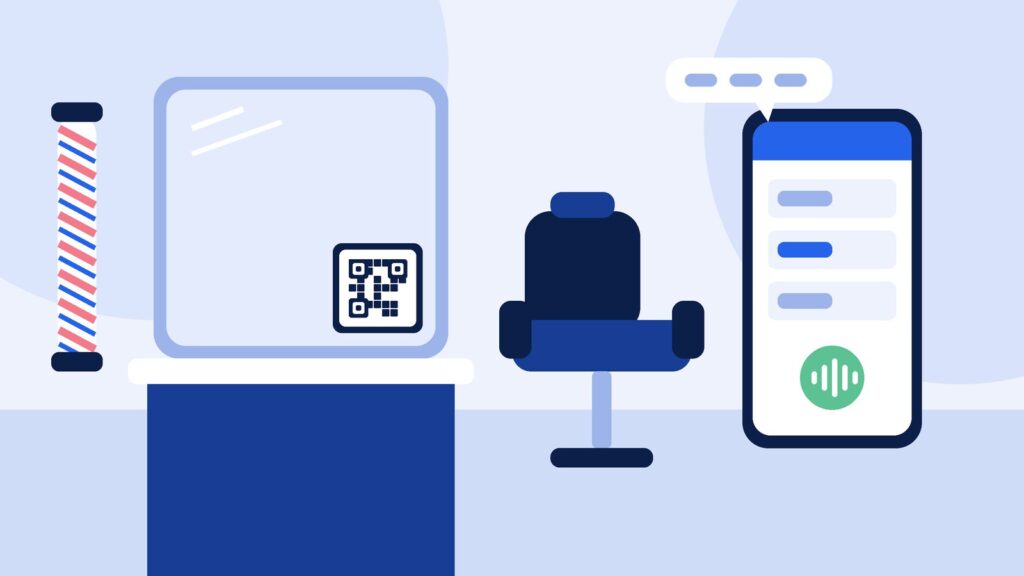
Most barbers who search for a barber booking app in the UK want the same thing: fewer interruptions mid-fade, fewer empty chairs and a diary that fills itself while they work. The question worth asking first is whether your clients should have to download anything at all.
Many walk-in and regular clients will not install an app for one barbershop. They will tap a link in your Instagram bio, a button on your Google profile or a QR code on the mirror. This guide covers what a barber booking setup needs to do and how ExpressBook handles each part, so you can compare it with any app you are considering.
TL;DR:
- Clients should be able to book from the places they already find you, without downloading an app.
- Three ways in work well for barbers: a booking page link, a widget on your website and a QR code in the shop.
- Letting clients ask for a time in plain words (“skin fade Friday after work”) suits barbers better than a long form.
- Check that it respects each barber’s shifts and services, takes a deposit when you want one and sends email reminders.
- Look at how you pay: subscription, commission or prepaid credits.
Do your clients need to download a barber app?
Marketplace apps can bring new faces, but they usually come with your shop listed next to the competition and the app’s brand between you and your regulars. A standalone app with your name on it asks clients to install something before they can book a trim.
A browser-based booking page avoids both problems. It opens from any link or scan, on any phone, and the booking lands straight in your calendar. That is the approach ExpressBook takes: there is nothing for the client to install, and the page carries your shop’s name.
Three ways clients can book, one calendar behind them
ExpressBook gives a barbershop three ways in, all feeding the same calendar:
- Your booking page. A link you can put in your Instagram bio, your Google Business Profile or your email signature.
- A widget on your own website. One line of script adds a booking button to the site you already have.
- A QR code in the shop. One is generated for every booking page. Put it on the counter, the mirror, the window or the back of a receipt. For placement ideas, read our guide to QR code booking.
Booking by voice: “Can I get a skin fade Friday after work?”
Forms work when a client knows the exact service, the barber and the time. Barbershop requests rarely sound like that. People say “a skin fade and beard tidy, Friday after work, with Jay if he is in”.
ExpressBook adds an AI assistant to your booking page, widget and QR code. The client taps to talk, asks for what they want in plain words, and the assistant checks your real calendar: who is working, who does that service, how long it takes and what is already booked. It offers two or three suitable times and books the one the client picks.
It answers in the browser, not on your phone line, so there is nothing to forward and no phone company to call. The assistant greets callers in your business’s language and switches when a caller asks. Choose from English, German, Italian, Polish, Russian, Spanish, French, Greek, Portuguese, Dutch and Swedish. For the wider UK picture, see AI receptionist UK.
Every chair, every barber’s shifts
A shop with three chairs is really three diaries. The system should only offer a time with a barber who is working that day and who does that service. In ExpressBook you tell it which team members do which services and when they work, and it offers times on that basis. Opening hours and closed days are respected too, so nobody is offered a Sunday you do not open.
Deposits for the longer appointments
A missed 15-minute trim is annoying. A missed hour-long colour or a full restyle costs you a real chunk of the day. Deposits help on those longer services.
In ExpressBook a deposit is optional and set per service, as a fixed amount or a percentage. Clients pay it by card when they book and pay the rest in the shop. Deposits need your Stripe account connected. When a client books by voice, they are emailed a payment link and the booking is confirmed once the deposit is paid.
Confirmations, reminders, moves and cancellations
ExpressBook sends an email confirmation as soon as a booking is made and an email reminder before the appointment. Email confirmations and email reminders do not use credits.
When plans change, clients can move or cancel by talking to the assistant again on your booking page. It finds the booking, offers a new time and updates the calendar, so you are not rearranging the diary between clients.
When a person needs to step in
Some conversations should come to you. In ExpressBook you choose when the assistant hands over: when a client complains or asks for money back, when a health or allergy question comes up, when it has had to ask the same thing twice, or when a booking is worth more than an amount you set. It then takes the client’s number and promises a call back within the window you choose, and the request lands at the top of your Calls screen. Refund decisions stay with you.
Every voice call is logged on your Calls screen with a transcript, a short summary and the outcome, and you can listen back to the recording.
What it costs
Barber booking apps are usually paid by monthly subscription (often per chair or per barber), by commission on marketplace bookings, or pay as you go. Work out what each would cost you in a busy month and a quiet one.
ExpressBook uses prepaid credits, not a subscription. You top up by card, with a minimum top-up of $10. Voice costs $0.15 per minute, billed by the second while the assistant is talking. There is no monthly fee and nothing to cancel. Credits are in US dollars, so check whether your card charges a fee for paying in another currency.
It also syncs with Google Calendar, and with QuickBooks and Xero if you keep your books there.
Getting set up
After you sign up, setup is three steps: your business, your services and a credit top-up (about four minutes). Staff, deposits and photos come afterwards. Once your first top-up goes through, the assistant is on and answering on your booking page. It reads your services and opening hours live.
A quick test before you choose
- Add your real services with realistic times (skin fade, beard trim, kids’ cut).
- Add two barbers with different services and set one as off for a day.
- Scan your own QR code and ask for a time in plain words.
- Try to book the barber who is off, then book a valid slot and check the confirmation email.
- Move the booking, then cancel it, without phoning anyone.
For a fuller script, read how to test a booking system demo on your own services, or work through our UK online booking system checklist.
Try ExpressBook in your barbershop
The best barber booking setup is the one your clients use without thinking about it. See how it works on the ExpressBook page for barbers, then add your services and book yourself in.
Sign up to ExpressBook, or email contact@expressbook.com with questions.