
Managing appointments for a medical office without overbooking or complicated manual record-keeping leads to lost time and errors. Many scheduling tools make integration with billing and clinical systems difficult and do not offer clear multi-location support. This review lets medical office administrators compare features, pricing, and integration depth to pick a replacement that fits their workflow and clinic size.
Table of Contents
ExpressBook
At a Glance
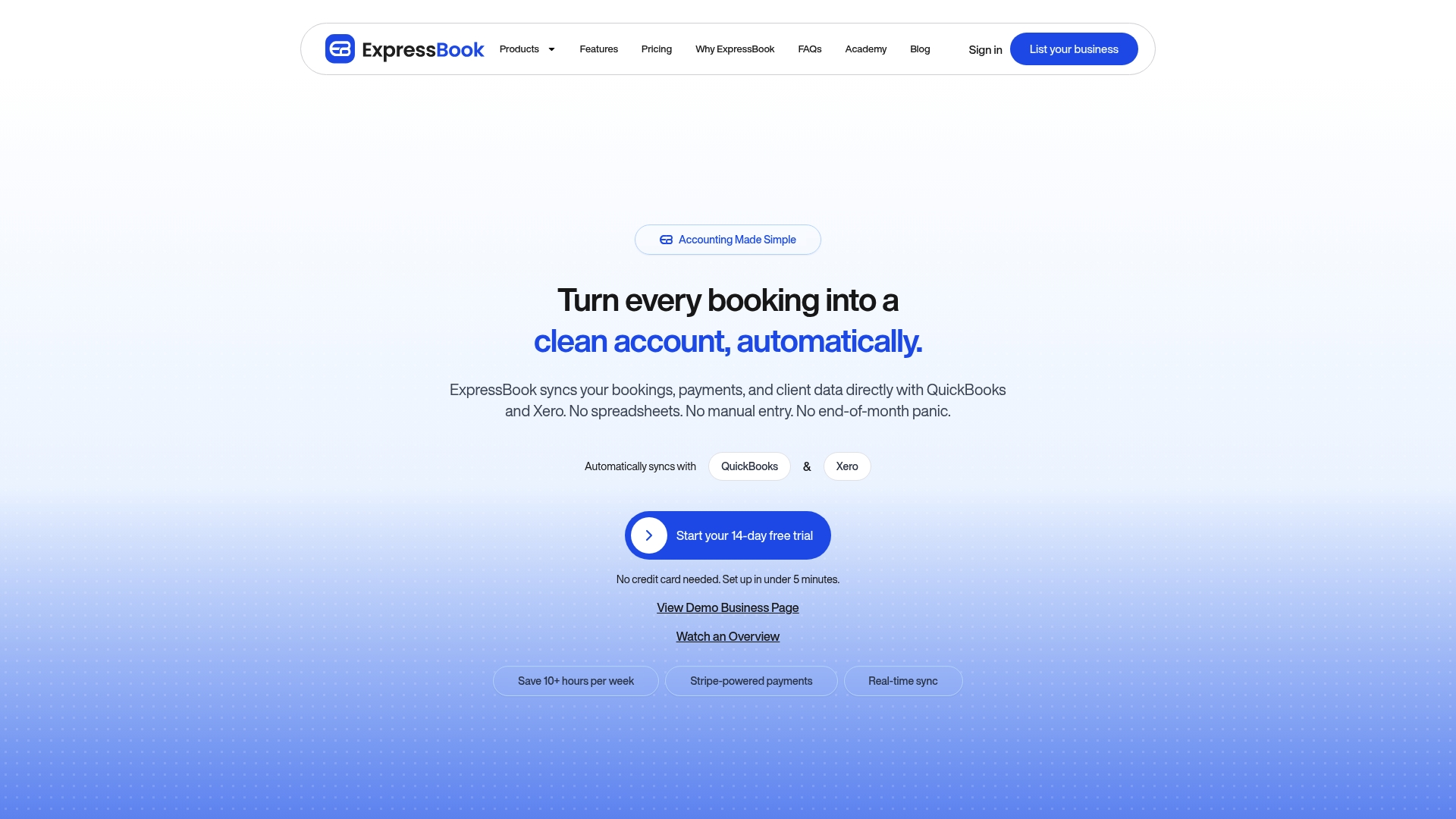
The vendor advertises saving users over 10 hours a week. ExpressBook also claims automatic syncing of bookings, payments, and client records with QuickBooks and Xero to remove manual entries and reduce end-of-month panic. The platform targets service providers including salons, spas, and medical practices with real-time availability and AI-powered analytics.
Core Features
ExpressBook handles online booking and appointment scheduling with support for multiple service durations, staff assignments, and resource booking for rooms or equipment. It sends automated reminders via SMS, WhatsApp, and email, accepts integrated payments and deposits, and keeps customer visit histories. The platform also includes business analytics, marketing tools for SMS and email campaigns, multi-location support, and calendar sync with Google Calendar and Apple Calendar.
Key Differentiator
All-in-one coverage that bundles booking, payments, staff management, marketing, and analytics for service industries sets this product apart. That combined feature set reduces the number of separate apps a clinic must run. The vendor positions the system to prevent double bookings while giving administrators calendar control across locations.
Pros
The interface is user-friendly and quick to set up, which helps clinics get live booking pages without long configuration. Automated reminders and real-time calendar syncs lower no-shows and reduce double bookings by keeping staff calendars aligned. Integrated payments, marketing tools, and reporting let administrators reconcile revenue, follow up with patients, and run basic campaign tracking from a single admin console.
Cons
- Pricing can be high for very small or solo operations compared to free or simpler solutions.
Notable Integrations
- Google Calendar
- Apple Calendar
- QuickBooks
- Xero
Who It’s For
ExpressBook fits medical office administrators and healthcare clinics that need appointment booking plus billing links. It suits dental offices, physiotherapy clinics, and multi-provider practices that run multiple rooms or locations. Solo practitioners who prefer minimal monthly cost may find the lower tiers limiting.
Unique Value Proposition
Automatic syncing of bookings, payments, and client data with QuickBooks and Xero reduces manual bookkeeping and the time spent reconciling invoices. That capability lowers month-end workload for offices that bill patients or insurers and use standard accounting software. For clinics that already use QuickBooks or Xero, the integration shortens the path from appointment to revenue entry.
Real World Use Case
A mid-size clinic uses ExpressBook to publish clinician schedules online, collect deposits at booking, and send WhatsApp reminders the day before appointments. Staff calendars stay synced with Google Calendar and revenue entries push into QuickBooks, which cuts reconciliation steps. Reception spends less time on phone bookings and more on patient intake.
Pricing
Plans start at $9 per month for the Professional plan and scale to custom enterprise options for high-volume operations. Higher-tier plans unlock multi-location support and dedicated account services for larger practices.
Website: https://expressbook.com
DrChrono
At a Glance
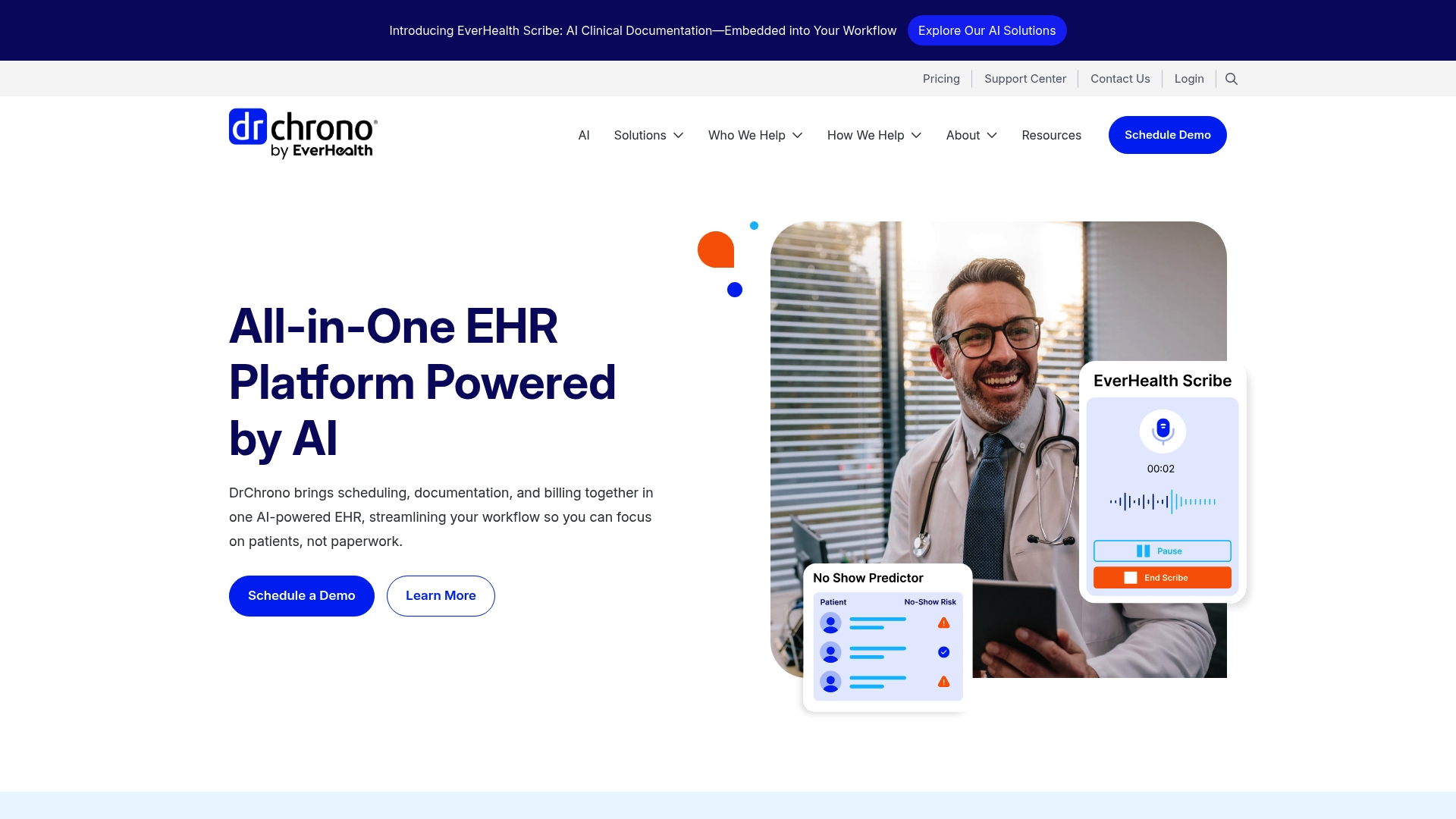
DrChrono embeds AI-powered clinical documentation and speech-to-text directly into a mobile EHR. The platform bundles scheduling, billing, telehealth, and a patient portal in one cloud system. User feedback reports frequent stability and support issues that can affect daily operations.
Core Features
The EHR links real-time appointment scheduling with automated reminders, a patient portal, and built-in telehealth video visits. Clinical documentation uses AI tools and speech-to-text to speed note entry while analytics target workflow visibility. Billing and claims management sit inside the same system so administrative steps do not require switching applications.
Key Differentiator
The main differentiator is the combination of mobile-first access and embedded AI documentation inside a single EHR. That pairing suits clinicians who document on the go and want fewer apps to carry between clinic and remote visits. The focus narrows toward independent practices rather than large hospital systems.
Pros
DrChrono provides integrated scheduling, billing, and telehealth in one account, which reduces account complexity and data transfer work. The vendor highlights flexible reporting and on-platform payment processing that simplify collections and reconcilement. Mobile access allows clinicians to view and update charts from tablets or phones, and the AI features such as no-show prediction and a clinical scribe aim to reduce documentation time.
Cons
-
Outdated or non-intuitive user interface, which lengthens training and daily navigation.
-
Slow performance and reported system instability, which can interrupt clinic workflows and visit flow.
-
Long and complex implementation that requires substantial staff time and planning.
-
Reported issues with customer support responsiveness and restrictive contract terms.
When It May Not Fit
Large hospital systems or specialty practices needing advanced enterprise features will likely find the platform limited. Practices that demand a highly polished user interface or rapid vendor support response may find adoption frustrating. Organizations requiring flexible contract terms or transparent, published pricing should look elsewhere.
Notable Integrations
DrChrono connects to common payment processors to handle on-platform payments and collections. It integrates with lab systems for result exchange and with pharmacy and e-prescribing services for medication routing. These connections support clinical workflows and billing reconciliation within the same account.
Who It’s For
The product targets solo practitioners and small to mid sized clinics that need a single mobile EHR for appointments, documentation, billing, and telehealth. Practices that value on-device charting and embedded AI features for notes will find the offering relevant. Larger hospitals and specialty groups should evaluate feature depth before committing.
Real World Use Case
A small internal medicine clinic uses DrChrono to combine appointment scheduling, telehealth, documentation, and claims submission in one platform. Clinicians dictate notes on tablets during visits while staff manage billing on the same account. The consolidated workflow reduces app switching but requires careful implementation to avoid initial disruptions.
Pricing
Pricing is not published and is available through demo or vendor request. The company offers tiered plans with custom implementations, so total cost varies by practice size and configuration. Ask for a detailed proposal and contract terms during vendor discussions.
Website: https://drchrono.com
sked24
At a Glance
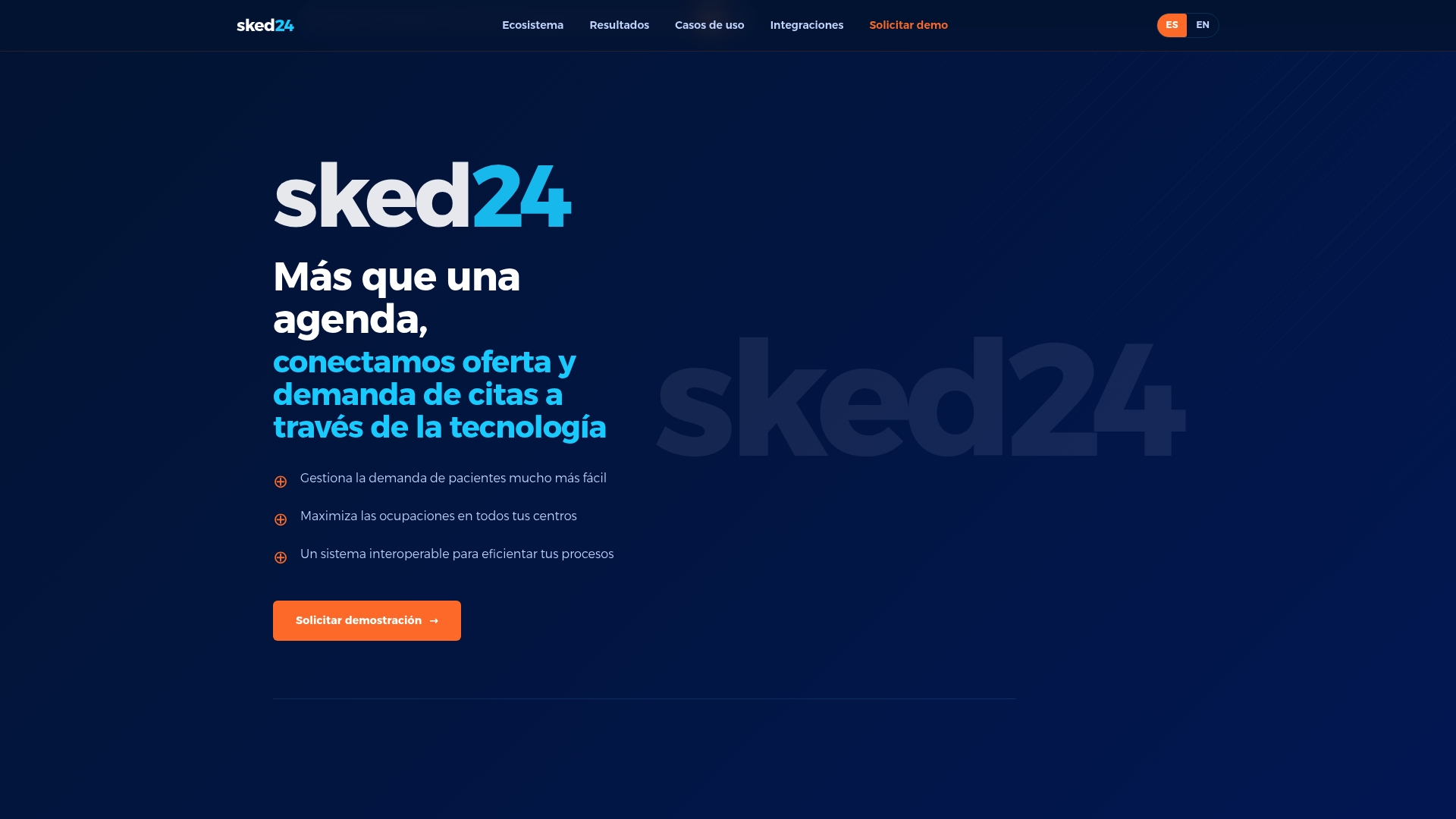
sked24’s marketing materials state it increased occupancy by up to 15% and raised digital self-scheduling to 70%. The platform targets large medical centers, clinics, and hospitals with a modular, API-first architecture. It bundles appointment management, clinical rules, patient engagement, and analytics into a single ecosystem for multi-center operations.
Core Features
sked24 offers unified agenda management that centralizes schedules across services and locations, reducing double bookings and manual reconciliation. The system includes configurable appointment creation, automation, and an advanced rules engine for capacity and clinical constraints. Patient segmentation, diagnostics and procedure management, care plans, and integrated payments complete the operational feature set.
Key Differentiator
sked24 emphasizes a modular and API-first design built for large healthcare ecosystems. That architecture aims to connect demand and capacity while enforcing clinical rules across multiple centers. The platform positions itself for deep integrations and programmatic control of scheduling workflows.
Pros
The vendor advertises measurable operational improvements in occupancy, self-scheduling, and administrative cost reduction; that figure serves as the primary performance claim. The product supports true multi-center, multi-specialty scheduling, which reduces administrative overhead when clinics share resources. Flexible implementation options and enterprise-grade support make it feasible for health systems that require project teams during rollout.
Cons
- Implementation complexity for large multi-center deployments has been reported by third-party reviewers, increasing project timelines and resource demands.
- Heavy reliance on integrations can make customization and troubleshooting complex when legacy systems are involved.
- No specific pricing is publicly listed, which can make budget planning difficult for procurement teams.
When It May Not Fit
Small single-site practices with limited IT staffing will likely find the platform more complex than required. Organizations that cannot commit integration engineering resources may face higher costs and longer implementations. Buyers that need transparent, line-item pricing before vendor engagement may find the lack of public pricing a barrier.
Notable Integrations
sked24 lists integrations with major clinical and enterprise systems including SAP, Cerner, InterSystems, AGFA, Dedalus, Carestream, Mercado Pago, and Siemens Healthineers. These connectors support scheduling, diagnostics, and payment workflows across hospital ecosystems.
Who It’s For
Large healthcare providers, hospital networks, and multi-specialty clinics that need to unify appointment scheduling across many sites. Organizations that require programmatic control via APIs and that plan to integrate scheduling with EHRs, billing, or diagnostic systems. Teams prepared to invest in implementation and integration resources.
Real World Use Case
A multi-center hospital in Latin America deployed sked24 and focused on centralized demand management and patient self-scheduling. The project used the platform to shift routine bookings to digital channels and to better align capacity across centers, supporting the occupancy improvement cited above. Administrators reported shorter waits and clearer resource allocation after the rollout.
Pricing
Pricing is not publicly disclosed. The vendor describes a SaaS model priced around successful client engagement and the number of appointments processed. Procurement requires direct vendor engagement to obtain a tailored quote and implementation estimate.
Website: https://sked24.com
Comparison of alternatives
When comparing appointment scheduling solutions, ExpressBook stands out for its integration with accounting platforms QuickBooks and Xero, optimizing revenue tracking for medical offices.
Integration vs Scalability
ExpressBook excels in providing integrated booking alongside accounting reconciliation. For medical offices using QuickBooks or Xero, this functionality reduces administrative workload and improves financial accuracy. Conversely, sked24’s API-driven architecture caters to health systems needing multi-center scheduling unification, making it ideal for hospitals requiring coordination across various facilities.
Feature Depth and Tradeoffs
While DrChrono offers integrated EHR, telehealth, and scheduling, its platform shows limitations in stability and support responsiveness, potentially affecting consistent use. ExpressBook’s easy setup and user-friendly design cater to smaller medical offices prioritizing efficiency. However, practices valuing deep modular customization and large-scale integration may find sked24 more suitable despite its complex implementation.
Best fit
- Mediators categorizing appointments alongside integrated revenue reconciliation benefit most from ExpressBook.
- Teams requiring mobile-first visit documentation paired with in-system telehealth gain from DrChrono.
- Hospitals and clinic chains prioritizing scalable, multi-location unification should select sked24.
Our pick
For medical offices seeking streamlined administrative tasks combined with accounting reconciliation, ExpressBook delivers essential integrations and automation while maintaining ease of use. Practices choosing alternative workflows or highly modular setups might explore options like sked24 to suit their operational demands.
With diverse offerings, these platforms support appointment scheduling needs for varying practice sizes and requirements.
| Product | Key Features | Best For | Pricing | Notable Limitation |
|---|---|---|---|---|
| ExpressBook | All-in-one scheduling, billing, analytics | Clinics and multi-location practices | $9/month starting | Higher pricing for solo operations |
| DrChrono | AI-supported documentation with billing | Small to mid-sized practices | Price not published | Reported stability and support issues |
| sked24 | Modular and API-first design | Large healthcare networks | Price not published | Complex implementation for multi-site deployments |
Addressing Appointment Scheduling Challenges for Medical Offices
Medical office administrators and healthcare clinics face challenges managing appointment scheduling, billing, and avoiding double bookings. Expressbook solves these pain points by syncing bookings, payments, and client records automatically with QuickBooks and Xero, reducing manual errors and month-end stress. It offers real-time availability, AI-powered analytics, and a user-friendly interface designed for busy healthcare environments.
Expressbook also supports voice agents to assist visually impaired patients and provides a dedicated mobile app for users and admins. You can test the platform risk-free with up to three months free trial. Learn how Expressbook can power up your appointment management by visiting the Booking & Scheduling Software Archives or start with their core solutions at Expressbook homepage. See how better automation helps clinics save hours and reduces no-shows.
FAQ
How does ExpressBook integrate with accounting software?
ExpressBook automatically syncs bookings, payments, and client records with QuickBooks and Xero. This feature eliminates manual entries and helps reduce end-of-month panic. Users can expect a streamlined workflow between appointment management and financial processes.
What differentiates DrChrono from ExpressBook?
DrChrono excels with its AI-powered clinical documentation and speech-to-text features, designed for mobile EHR. This makes it suitable for clinicians who document on the go, while ExpressBook is optimized for service providers needing comprehensive appointment scheduling and client engagement. If you are focused on mobile EHR capabilities, DrChrono may be more relevant.
Can I use ExpressBook for solo practice?
ExpressBook supports solo practitioners seeking appointment booking in one streamlined platform. Its features such as automated reminders and client history management cater well to independent operations. This platform can be a practical starting point for managing appointments without overwhelming commitments.
What pricing options are available for ExpressBook?
ExpressBook offers plans starting at $9 per month, scaling to custom enterprise options for larger operations. This initial pricing tier makes it accessible for small medical offices while providing the flexibility to grow as needed.
How does ExpressBook support appointment reminders?
ExpressBook sends automated reminders via SMS, WhatsApp, and email to reduce no-shows. This feature keeps clients informed and engaged, which can help improve appointment adherence in busy medical practices.