
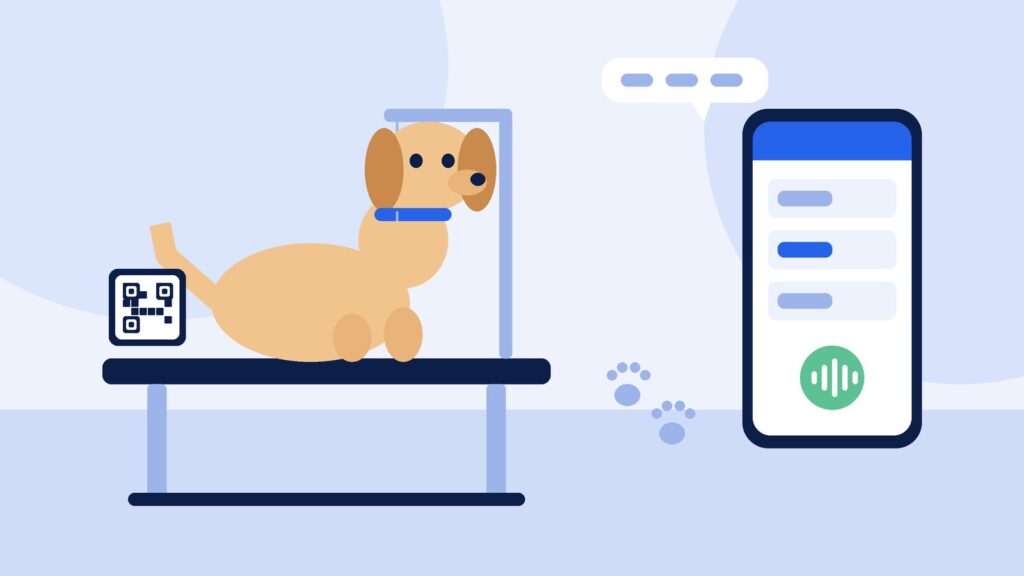
If you run a grooming salon or a mobile van, you already know the problem with the phone: it rings when your hands are full of wet spaniel. Good dog grooming booking software in the UK should take that call off your plate, put the right dog in the right slot and make no-shows rarer, without asking owners to download anything.
This guide covers what to look for and how ExpressBook handles each part.
TL;DR:
- A grooming diary depends on accurate durations: a nail trim and a full groom on a doodle are very different bookings.
- Set your services up by size, coat or job, each with its own time and price, so the calendar stays honest.
- Owners should be able to book from your Instagram bio, Google profile or a QR code at the counter, with no app to install.
- Deposits on long grooms protect the busy days.
- Check how you pay: subscription, commission or prepaid credits.
Why grooming diaries are harder than they look
A hairdresser’s appointments tend to fall into a handful of lengths. A groomer’s do not. A puppy introduction, a bath and brush on a short-coated terrier and a full hand-finish on a matted cockapoo can sit on the same morning, and each takes a very different amount of time.
When software treats every booking as a standard slot, the diary looks fine on screen and falls apart by eleven o’clock. So the first thing to check is whether you can describe your real work, with real times, and whether the system then only offers times that actually fit.
Set services up by size, coat or job
In ExpressBook every service has its own name, duration and price. That means you can build a menu that matches how you work, for example:
- Small dog full groom
- Medium dog full groom
- Large or double-coated full groom
- Bath and brush
- Nail trim
- Puppy introduction
Because each service carries its own duration, the calendar knows that a large double-coated groom needs most of a morning and a nail trim needs a few minutes. Opening hours and closed days are respected too, so nobody is offered a Sunday you do not work.
More than one groomer? Match dogs to the right person
If you have a second groomer or a bather, the diary is really two or three diaries. You tell ExpressBook which team members do which services and when they work, and it only offers a time with someone who is working that day and does that service. A bather is not booked for a hand-scissored finish, and a groomer on a day off is not offered at all.
Let owners book the way they talk
Dog owners rarely know your service names. They say things like “my cockapoo needs a tidy before Christmas, ideally a Saturday”. A long form makes them guess; a short conversation does not.
ExpressBook adds an AI assistant to your booking page, website widget and QR code. The owner taps to talk and asks in plain words. The assistant checks your real calendar (who is working, who does that service, how long it takes and what is already booked), offers two or three suitable times and books the one the owner picks.
It answers in the browser, not on your phone line, so there is nothing to forward and nothing to set up with a phone company. The assistant greets callers in your business’s language and switches when a caller asks. Choose from English, German, Italian, Polish, Russian, Spanish, French, Greek, Portuguese, Dutch and Swedish. For the wider picture, see AI receptionist UK.
Three ways in, one calendar behind them
- Your booking page. A link for your Instagram bio, Facebook page, Google Business Profile or email signature.
- A widget on your own website. One line of script adds a booking button to the site you already have.
- A QR code at the counter. One is generated for every booking page. Put it by the till, on the van door or on the card you hand back with the lead. Collection time is the best moment to book the next groom. For placement ideas, read our guide to QR code booking.
Deposits for the long grooms and busy days
A missed nail trim is a nuisance. A missed three-hour groom on a December Saturday is a hole in your best day. Deposits help on exactly those bookings.
In ExpressBook a deposit is optional and set per service, as a fixed amount or a percentage. Owners pay it by card when they book and pay the rest at collection. Deposits need your Stripe account connected. When an owner books by voice, they are emailed a payment link and the booking is confirmed once the deposit is paid.
Confirmations, reminders, moves and cancellations
ExpressBook sends an email confirmation as soon as a booking is made and an email reminder before the appointment. Email confirmations stay free. Each successful booking uses about $0.50 of prepaid credits.
When plans change, owners can move or cancel by talking to the assistant again on your booking page. It finds the booking, offers a new time and updates the calendar, so you are not rearranging the diary with a dryer in your hand.
When a person needs to step in
Some conversations belong with you. In ExpressBook you choose when the assistant hands over: when an owner complains or asks for money back, when a health or allergy question comes up, when it has had to ask the same thing twice, or when a booking is worth more than an amount you set. It then takes the owner’s number and promises a call back within the window you choose, and the request lands at the top of your Calls screen. Refund decisions stay with you.
Every voice call is logged on your Calls screen with a transcript, a short summary and the outcome, and you can listen back to the recording.
What it costs
Grooming software is usually paid by monthly subscription (sometimes per groomer), by commission on marketplace bookings, or pay as you go. Work out what each would cost you in a busy December and a quiet February.
ExpressBook uses prepaid credits, not a subscription. You top up by card, with a minimum top-up of $10. Each successful booking uses about $0.50 of credits. Voice costs $0.15 per minute, billed by the second while the assistant is talking. Email confirmations stay free, and SMS and reminder prices are unchanged. There is no monthly fee and nothing to cancel. Credits are in US dollars, so check whether your card charges a fee for paying in another currency.
It also syncs with Google Calendar, and with QuickBooks and Xero if you keep your books there.
Getting set up
After you sign up, setup is three steps: your business, your services and a credit top-up (about four minutes). Staff, deposits and photos come afterwards. Once your first top-up goes through, the assistant is on and answering on your booking page. It reads your services and opening hours live.
A quick test before you choose
- Add your real services with realistic times, including your longest groom and a nail trim.
- Add a second team member who only does baths, and set one person as off for a day.
- Scan your own QR code and ask for “a full groom for a cockapoo next Saturday” in plain words.
- Check it offers a slot long enough for the full groom, then book it and check the confirmation email.
- Move the booking, then cancel it, without phoning anyone.
For a fuller script, read how to test a booking system demo on your own services, or work through our UK online booking system checklist.
Try ExpressBook in your grooming salon
The best dog grooming booking software is the one that keeps your diary honest and your hands free. See how it works on the ExpressBook page for pet groomers, then add your services and book a test dog in.
Sign up to ExpressBook, or email contact@expressbook.com with questions.