
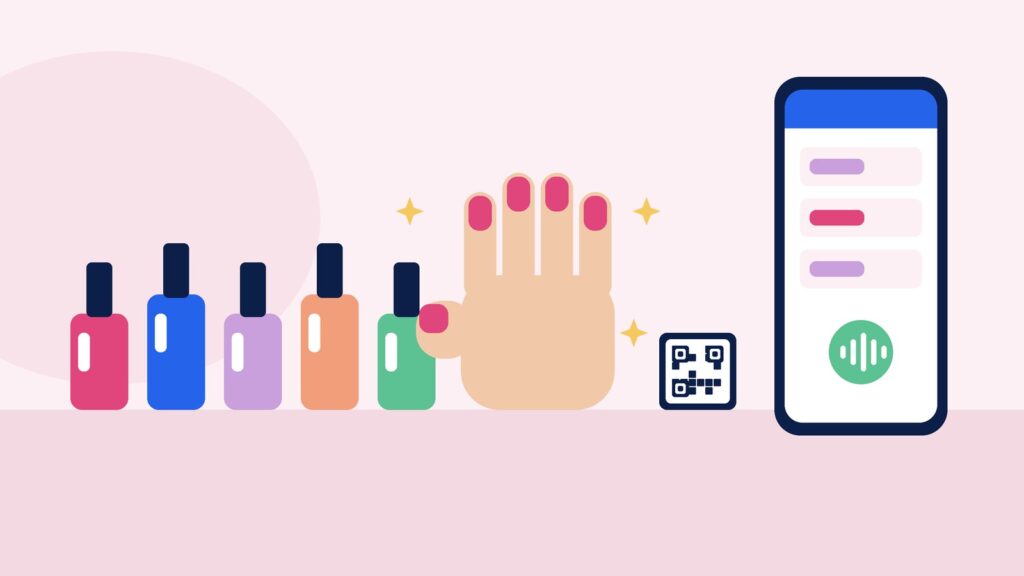
You are halfway through a full set of gel extensions, both hands busy, and the phone rings. You cannot answer it, the caller does not leave a message, and by the time you finish they have booked somewhere else. A nail salon booking system should stop that happening: clients book themselves at any hour, the diary only offers times that genuinely fit, and you stay focused on the client in your chair.
This guide covers what a nail salon needs from booking software, and how ExpressBook handles each part.
TL;DR:
- Every treatment needs its own real duration, from a quick polish change to a full set with nail art.
- Clients should book from Instagram, Google or a QR code on the desk, with no app to download.
- Letting clients book by talking, in plain words, saves them guessing your service names.
- Deposits on long appointments protect the slots that hurt most when someone does not turn up.
- Compare how you pay: subscription, commission or prepaid credits.
Why nail salons lose bookings mid-set
Nail work is close, careful and done with both hands, so answering a phone or a message mid-treatment is rarely possible. Enquiries pile up during the day, get answered in the evening, and some of those clients have already gone elsewhere.
Instagram adds to it. Many nail clients find you through your photos, then send a direct message asking “Do you have anything Saturday for infills?” Each one needs a reply, a look at the diary and a bit of back and forth. A booking system that lets people see real availability and book in a few taps takes most of that off your hands.
Real durations for every treatment
A polish change, a gel manicure, infills, a full set of acrylics and a set with detailed nail art are very different lengths. If your booking system treats them all as a standard slot, you either rush or run late all day.
In ExpressBook every service has its own name, duration and price. Set a gel manicure, infills and a new full set as separate services with their real times, and the calendar only offers times that actually fit. Opening hours and closed days are respected, so nobody is offered a Monday you do not work.
If you work with other techs, you set which people do which services and when they work. A client asking for a full set is only offered a time with someone who is in that day and does extensions.
Let clients book in plain words
Treatment menus can be confusing. Is it “infills”, “rebalance” or “maintenance”? Is a “BIAB overlay” the same as “builder gel”? Clients often do not know what to pick, so they message you instead.
ExpressBook adds an AI assistant to your booking page, website widget and QR code. The client taps to talk and asks in their own words, for example “a gel manicure on Saturday morning”. The assistant checks your real calendar (who is working, who does that service, how long it takes and what is already booked), offers suitable times and books the one the client picks.
The assistant greets callers in your business’s language and switches when a caller asks. Choose from English, German, Italian, Polish, Russian, Spanish, French, Greek, Portuguese, Dutch and Swedish.
It answers in the browser, not on your phone line, so there is nothing to forward. For more on how it works, read our guide to the AI receptionist for small businesses.
Three ways in, one calendar behind them
- Your booking page. A link for your Instagram bio, Facebook page, Google Business Profile or TikTok profile.
- A widget on your own website. One line of script adds a booking button to the site you already have.
- A QR code on your desk. One is generated for every booking page. Put it next to the nail dryer or on your aftercare cards, so clients can book their next infill before they leave. For placement ideas, read our guide to QR code booking.
Every route feeds the same calendar, so there are no double bookings between the link in your bio and the QR code on the desk.
Deposits for the long appointments
A missed polish change is annoying. A missed two-hour full set with nail art on a Friday afternoon is a hole in your best day. Deposits help on exactly those bookings.
In ExpressBook a deposit is optional and set per service, as a fixed amount or a percentage. Clients pay it by card when they book and pay the rest at the salon. Deposits need your Stripe account connected. When a client books by voice, they are emailed a payment link and the booking is confirmed once the deposit is paid.
Confirmations, reminders and changes
ExpressBook sends an email confirmation as soon as a booking is made and an email reminder before the appointment. Email confirmations and email reminders do not use credits.
When plans change, clients can move or cancel by talking to the assistant again on your booking page. It finds the booking, offers a new time and updates the calendar, so you are not rearranging the diary with wet polish on your hands.
When you need to step in
Some questions belong with you. In ExpressBook you choose when the assistant hands over: when a client complains or asks for money back, when a health or allergy question comes up, when it has had to ask the same thing twice, or when a booking is worth more than an amount you set. It then takes the client’s number and promises a call back within the window you choose, and the request lands at the top of your Calls screen. Refund decisions stay with you.
Every voice call is logged on your Calls screen with a transcript, a short summary and the outcome, and you can listen back to the recording.
What it costs
Booking software for nail salons is usually paid by monthly subscription (often per staff member), by commission on marketplace bookings, or pay as you go. Work out what each would cost you in a busy December and a quiet January.
ExpressBook uses prepaid credits, not a subscription. You top up by card, with a minimum top-up of $10, and credits never expire. Each successful booking uses about $0.50 of credit, and voice costs $0.15 per minute, billed by the second while the assistant is talking. There is no monthly fee and nothing to cancel. Credits are in US dollars, so check whether your card charges a fee for paying in another currency.
It also syncs with Google Calendar, and with QuickBooks and Xero if you keep your books there.
Getting set up
After you sign up, setup is three steps: your business, your services and a credit top-up (about four minutes). Staff, deposits and photos come afterwards. Once your first top-up goes through, the assistant is on and answering on your booking page. It reads your services and opening hours live.
A quick test before you choose
- Add your real treatments with realistic times, including your longest set and your quickest polish change.
- Add a second tech who only does manicures, and mark one person as off for a day.
- Scan your own QR code and ask, in plain words, for infills next Saturday.
- Book a full set with a deposit and check the confirmation email.
- Move the booking, then cancel it, without phoning anyone.
For a fuller script, read how to test a booking system demo on your own services, or work through our online booking system checklist.
Try ExpressBook in your nail salon
The best nail salon booking system is the one that takes bookings while your hands are busy, keeps the diary accurate and saves the long slots from no-shows. See how it works for nail salons and nail techs.
Sign up to ExpressBook, or email contact@expressbook.com with questions.