Comparing appointment scheduling software to replace Mindbody takes too much time and risks missing features that support service business workflows. Many alternatives hide true pricing, bundle essential features into higher tiers, or make you contact sales for basic contract details. You can quickly decide which platform best matches your scheduling, payment, and client management needs without a drawn out research process.
Table of Contents
- ExpressBook
- Acuity Scheduling
- Boulevard ePrescribe
- Vagaro (formerly Schedulicity)
- Bizzflo
- ServiceOS
- Comparison of alternatives
ExpressBook
At a Glance
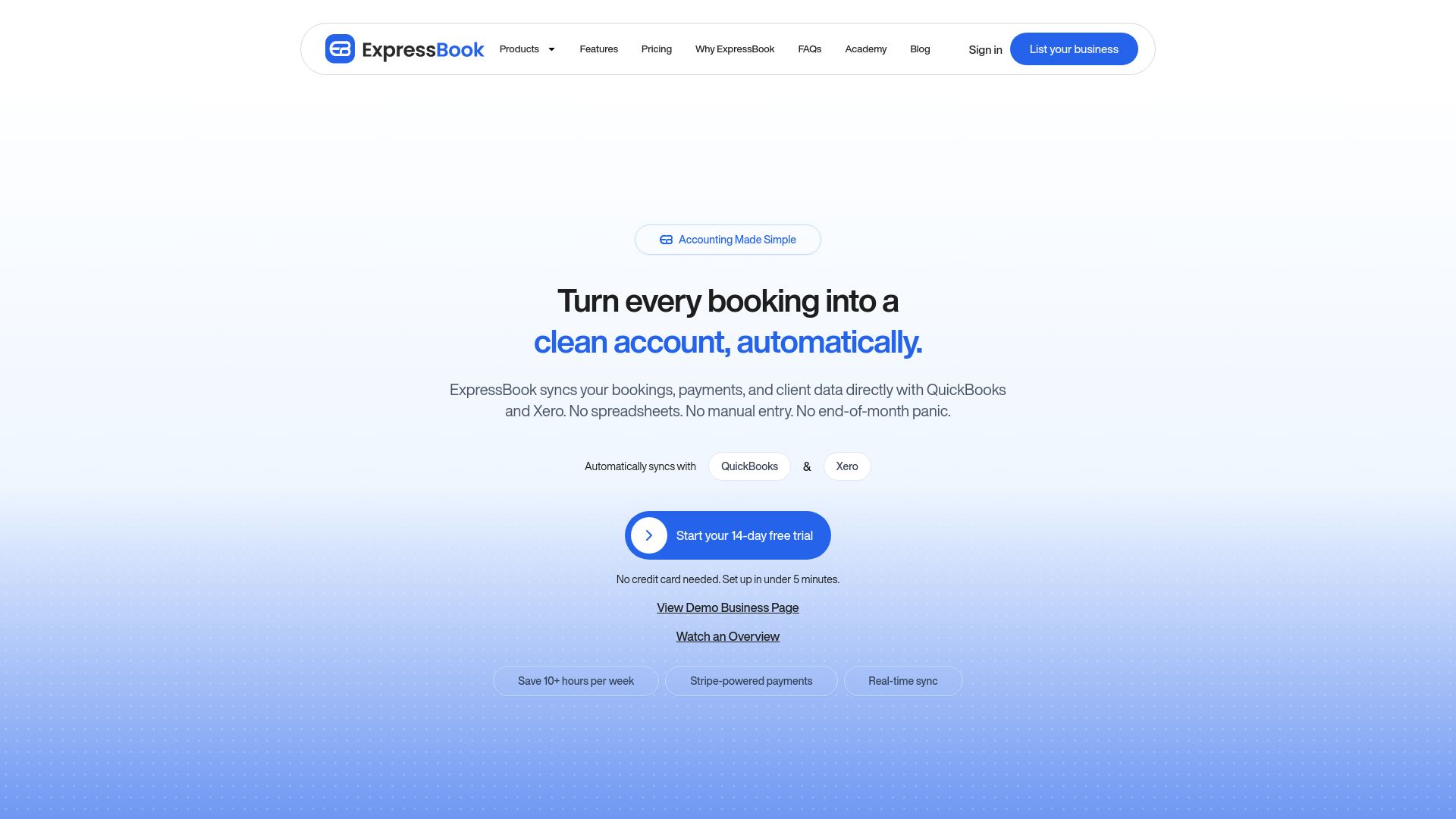
According to the company, the platform saves users over 10 hours a week. That claim aims at administrators who spend hours on bookings and reconciliation. ExpressBook also advertises automatic syncing of bookings, payments, and client data with QuickBooks and Xero to cut manual entries and reduce end of month panic.
Core Features
ExpressBook handles online booking, appointment management, and treatment based scheduling with durations and staff assignment. The system sends automated reminders by SMS, email, and WhatsApp and tracks staff and room availability to avoid double bookings. Payments, deposits, client records, reporting analytics, and calendar sync complete the core tool set.
Key Differentiator
The platform pairs AI powered analytics with built in marketing tools while keeping pricing competitive compared with other scheduling vendors. That combination helps operators spot slow services, follow up inactive clients, and run targeted campaigns from the same dashboard. The marketing tools and analytics are positioned as an integrated add on rather than separate subscriptions.
Pros
ExpressBook consolidates scheduling, reminders, payments, and basic CRM into one interface, which reduces administrative overhead. The automated reminders and real time availability management cut no shows and prevent double bookings. Onboarding is reported to be quick and the platform connects with common calendars and accounting packages for simpler bookkeeping, supporting salons, clinics, and pet groomers.
Client Mobile App
ExpressBook offers a mobile app for clients alongside web booking, with mobile access for staff.
Notable Integrations
- Google Calendar
- Apple Calendar
- QuickBooks
- Xero
Who It’s For
Small to medium service businesses such as salons, medspa clinics, nail salons, pet grooming shops, and wellness centers. Teams that want bookings, payments, staff schedules, and basic marketing in one place will find the set of features useful. Practices that rely on QuickBooks or Xero for accounting gain clearer bookkeeping through the sync.
Unique Value Proposition
Automatic syncing of bookings, payments, and client details to QuickBooks and Xero lets finance teams avoid duplicate entries and speed month end tasks. That capability shifts work from manual reconciliation to review and correction. For businesses that bill regularly, this reduces bookkeeping friction and shortens the handoff to accountants.
Real World Use Case
A beauty salon creates a branded booking page and assigns treatments to specific staff and rooms. The salon uses scheduled SMS reminders to lower no shows and accepts deposits online to reduce cancellations. Staff access schedules on mobile while owners check sales and client retention through the analytics dashboard.
Pricing
ExpressBook includes a free tier, with paid plans starting at $9/month for the Professional plan. Business and Enterprise tiers are available for higher volume or multi location needs, and ExpressBook offers a 14 day free trial to test paid features before committing.
Website: https://expressbook.com
Acuity Scheduling
At a Glance
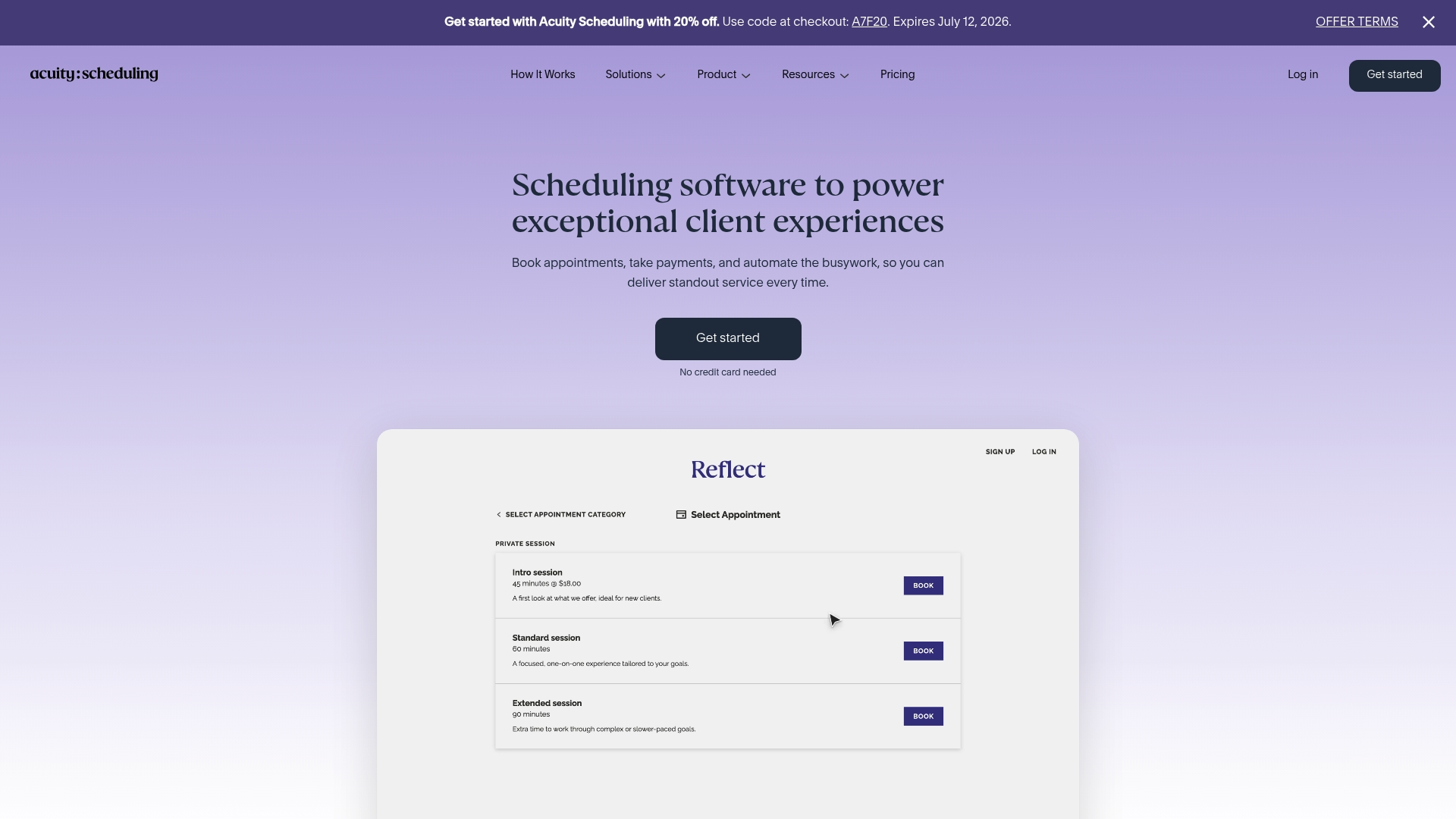
Acuity Scheduling includes HIPAA compliance for healthcare providers and enterprise security options. The vendor advertises automated reminders that reduce no-shows. That combination makes it one of the few appointment tools that target solo practitioners and regulated clinics alike.
Core Features
Acuity handles online booking, client management, class scheduling, payments, and invoicing in one product. It synchronizes calendars and supports intake forms and API access for custom workflows. The product also offers branded booking pages and multiple plan tiers to match different business sizes.
Key Differentiator
Acuity’s main difference is its dual focus on solo practitioners and enterprise clients with configuration depth. It supports API-driven customization, branded pages, and the explicit HIPAA compliance option. That mix suits clinics that need both flexible workflows and regulatory controls.
Pros
Acuity serves a broad set of service businesses from single practitioners to multi-location operations. It integrates with mainstream calendars and payment providers, which reduces manual reconciliation for staff. The product offers branding controls and API access for custom workflows, and higher plans include compliance and enterprise security features.
Cons
- Pricing tiers vary by feature, which makes plan selection confusing for smaller practices.
- HIPAA compliance and white-label options require higher-tier plans, increasing cost for regulated users.
- The free option is limited to a trial rather than a permanently free plan.
- Advanced customization has a learning curve that requires time or developer support.
When It May Not Fit
Acuity is a poor fit if you need every advanced feature on a tight budget. Practices that want full white-labeling without higher costs should look elsewhere. Teams without developer resources may struggle to implement the API-driven workflows.
Notable Integrations
- Google Calendar
- Apple Calendar
- Stripe
- Square
- PayPal
- QuickBooks
- Google Meet
- Zoom
Who It’s For
Acuity fits businesses that need flexible, branded scheduling for appointments, classes, or events. It is appropriate for solo practitioners, small studios, and larger organizations that require regulatory controls and API customization. Clinics that must meet HIPAA requirements will find relevant plan options.
Real World Use Case
A wellness clinic uses Acuity to manage bookings across multiple therapists and locations. The clinic collects payments at booking, sends automated reminders, and integrates sessions with Zoom for virtual appointments. Staff use the API to sync appointment data with back-office systems.
Pricing
Pricing starts at $16/month billed annually for the Starter plan and goes up to $49/month billed annually for the Premium plan. Monthly billing is available as an option. Feature availability varies by plan and some enterprise capabilities require higher tiers.
Website: https://acuityscheduling.com
Boulevard ePrescribe
At a Glance
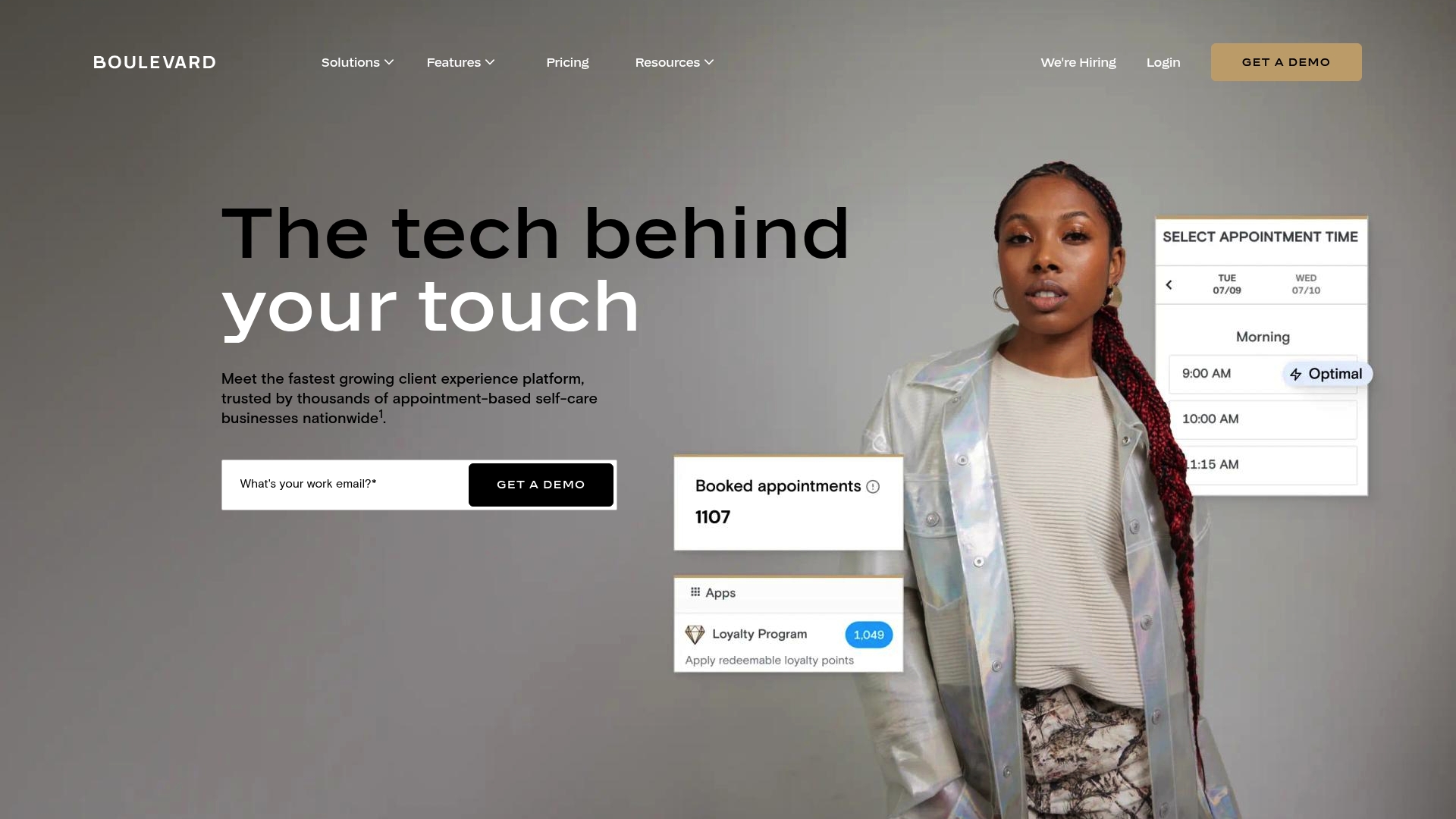
$45 per prescriber is the stated fee for electronic prescribing, with unlimited support staff access included for that add-on. Boulevard ePrescribe works inside Boulevard’s appointment and client management environment. The offering targets appointment-based self-care businesses that need prescription workflows tied to bookings and client records.
Core Features
Boulevard ePrescribe manages electronic prescriptions inside the Boulevard platform and supports both controlled and non-controlled medications through Surescripts. The feature sits alongside scheduling, point of sale, marketing, client profiles, inventory, and reporting so prescriptions appear on the same client timeline. It also connects to third party apps Boulevard already supports for payments and marketing.
Key Differentiator
This product places prescription sending directly inside an all-in-one client experience system for salons, medspas, and wellness centers. That integrated e prescibe functionality reduces the need to switch between separate prescribing tools and appointment software.
Pros
Boulevard reports being trusted by thousands of self care businesses across the US, which suggests a broad install base in salons and medspas. The platform bundles prescription management with scheduling, POS, and marketing so teams handle appointments and prescriptions from the same client record. Support and onboarding are highlighted as strong points, and the vendor positions the ePrescribe add on to allow unlimited support staff at the stated price point.
Cons
-
Limited detail on interface and customization options is available, making it hard to judge how editing templates or workflows will work for complex practices.
-
Pricing for the ePrescribe add on is explicit, but other core features appear bundled into tiers, so total cost depends on the chosen Boulevard plan.
-
Integrating Boulevard with existing pharmacy systems or electronic medical records may require extra work; the vendor lists integrations generally but gives limited specifics about EMR or pharmacy connections.
When It May Not Fit
Larger medical practices or multi-specialty clinics that need certified EMR workflows likely need a different prescribing solution. Organizations that already use a pharmacy connected EMR may find migration costly. Practices that require detailed, published integration documentation with pharmacies could find the available integration detail insufficient.
Who It’s For
Self care and wellness businesses such as medspas, salons, and spas that want appointments, payments, marketing, and prescriptions tied together. Owners who prefer a single vendor for client records and payments will find the bundled approach attractive. Practices that bill primarily as appointment based retail and service businesses are the best fit.
Real World Use Case
A medspa uses Boulevard to book injectables, record consultation notes, and then send electronic prescriptions without leaving the client profile. Staff process payment through Boulevard POS and tag the client for a follow up marketing campaign. That single record keeps appointment history, prescriptions, and receipts together for easier front desk work.
Pricing
The ePrescribe feature is listed at $45 per prescriber and includes unlimited support staff for prescribing tasks. Other Boulevard capabilities are included in platform plans; Boulevard does not publish per feature pricing for those bundles in the material shown.
Website: https://joinblvd.com
Vagaro (formerly Schedulicity)
At a Glance
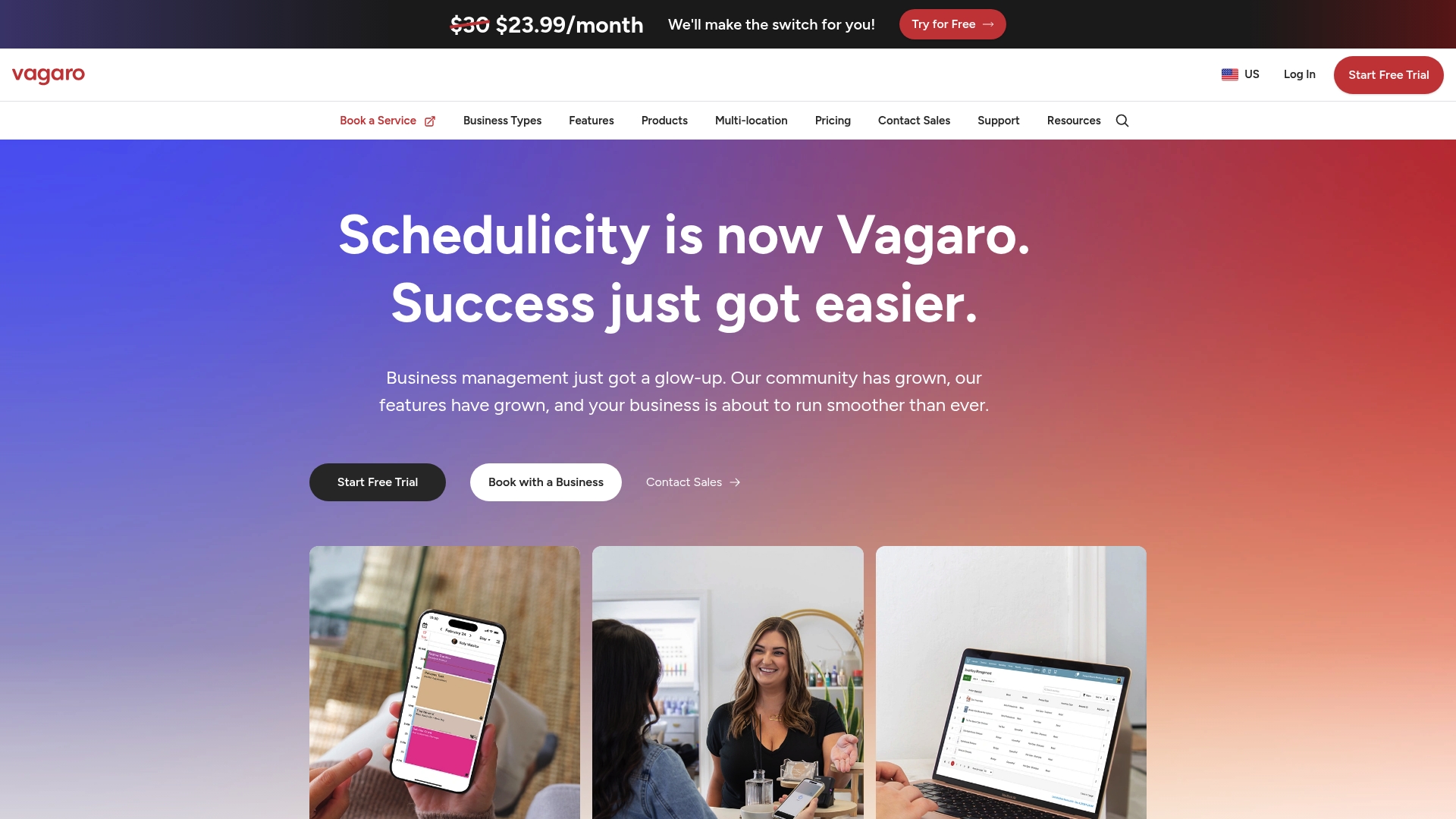
Starting at $23.99/month after a free trial, Vagaro combines appointment scheduling with marketing and payment tools for wellness and beauty pros. The platform supports in-person and virtual sessions, and includes branded website creation. That price point makes it accessible for many small businesses seeking an all-in-one tool.
Core Features
Vagaro handles online booking and appointment management for both in-person and virtual sessions, and it includes custom client intake forms and waivers. The product also adds branded website creation, text marketing campaigns, and digital plus physical gift card management, while handling payments and hardware add-ons. Secure client data tools and virtual appointment capabilities round out the set of features for salons, spas, and practitioners.
Key Differentiator
Vagaro offers an integrated suite that merges booking, client intake, promotional messaging, and payment processing under one roof. That integration reduces the need to run separate systems for websites, marketing, and payments. The result is fewer moving parts for businesses that want a single vendor for bookings and client commerce.
Pros
Vagaro groups scheduling, marketing, and payment features so businesses avoid juggling multiple apps. The platform supports online and virtual services, which helps providers adapt their offerings without separate video tools. Custom client forms and branded websites let teams capture intake data and present a consistent storefront.
Cons
- Some users report the platform can be complex to set up initially.
- Pricing may be a concern for smaller businesses or those with tight budgets.
- Occasional reports of technical issues or outages affecting service availability.
When It May Not Fit
Very small or solo operators who prefer minimal configuration may find Vagaro overwhelming. Shops that need near-constant uptime and cannot tolerate occasional outages should consider a vendor with a stronger availability SLA. Businesses on the tightest budgets should compare total processing and hardware fees before committing.
Who It’s For
Small to medium wellness and beauty businesses that manage multiple services and client relationships will benefit most. Salons, spas, and health practitioners who want booking, marketing, and payments together will find Vagaro aligned with their needs. Operators who expect to use branded websites and gift card sales will see particular value.
Real World Use Case
A local hair salon uses Vagaro to accept online bookings, send text reminders, and sell gift cards for holidays. Staff access client intake forms to prepare for appointments and track service history. The salon also runs virtual consultations through the platform when clients request remote advice.
Pricing
Pricing starts at $23.99/month after a free trial, with additional fees for certain payment processing and hardware products. Vendors should budget for processing fees and any optional hardware when calculating total cost of ownership.
Website: https://schedulicity.com
Bizzflo
At a Glance
Includes an integrated point-of-sale system alongside class waitlists and attendance tracking. The platform supports multiple locations and staff role controls for businesses with several sites. Pricing is not publicly disclosed, which means you must request a quote to get contract figures.
Core Features
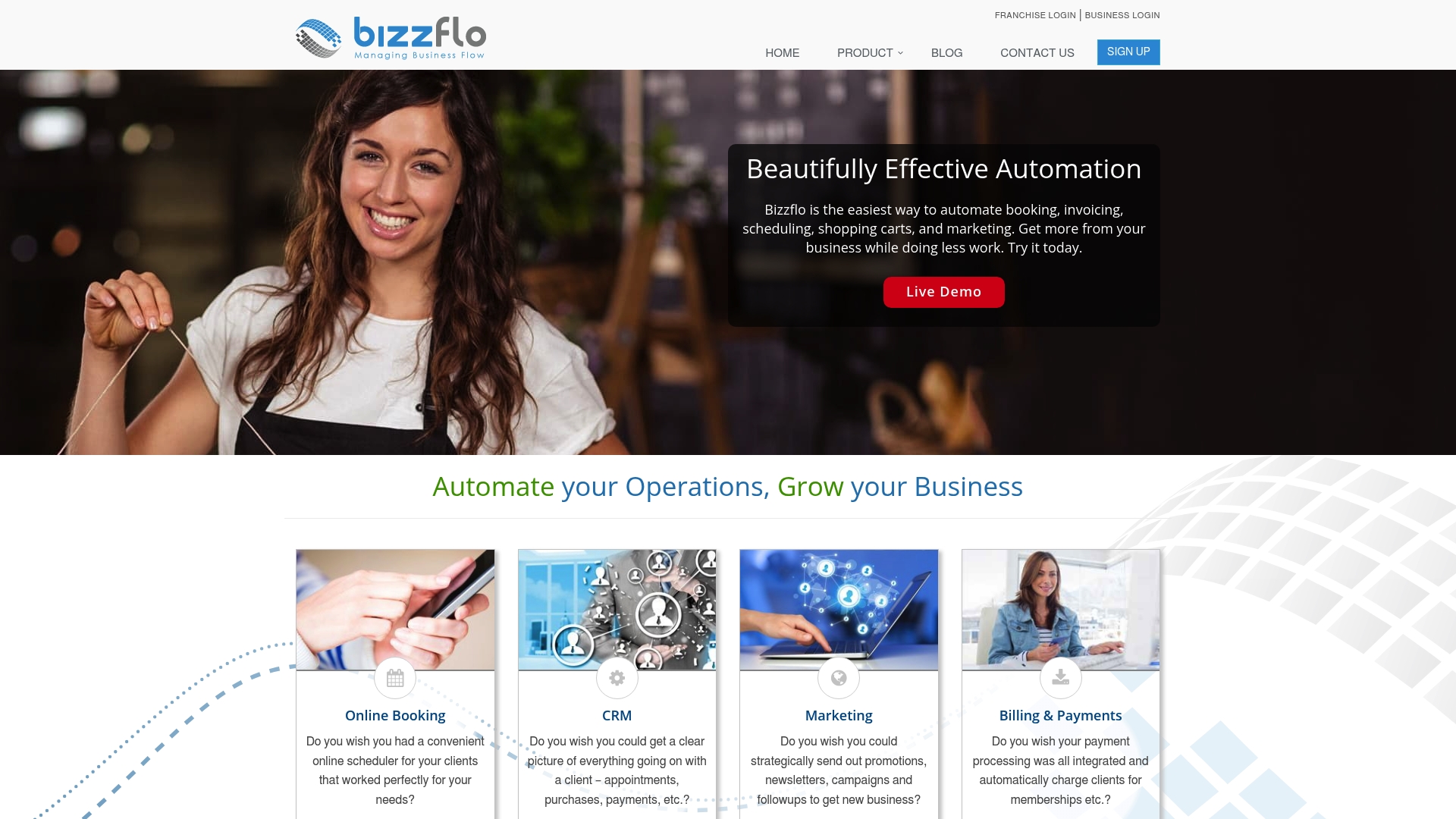
Bizzflo combines online booking with calendar integration, class and event management, and automated reminders for client communications. The product includes an integrated point-of-sale system, a shopping cart for services and products, and recurring billing for memberships. Reporting tools, digital client forms, and staff role controls round out the platform for daily operations.
Key Differentiator
The main distinction is deep configurability across booking, CRM, POS, and marketing functions. That design lets operators adapt workflows for classes, retail sales, appointments, and temporary event sites without separate tools. The platform targets service businesses that prefer a single system for bookings and payments.
Pros
Highly configurable settings make it possible to model complex schedules and staff assignments across locations. Mobile responsiveness means you can manage bookings and POS tasks from phones and tablets while on site. The vendor advertises reliable 24/7 support, and client testimonials highlight effective automation of appointments, POS, and customer management.
Cons
- Third-party reviews mention occasional system limitations and mixed responsiveness from customer support.
- Several website sections display errors or missing content, which suggests content gaps or technical issues.
- Pricing details are not publicly listed, complicating budgeting and vendor comparisons.
When It May Not Fit
If you require transparent, public pricing to shortlist vendors, this product may not match your procurement process. Companies that depend on a long list of third-party integrations will find integrations are not publicly listed. Large enterprises needing enterprise procurement terms or a detailed public feature matrix may need a different vendor.
Who It’s For
Small to medium-sized service businesses that want a single system for booking, payments, and client records. Owners running classes, memberships, retail sales, or multiple locations will find the configurability useful. Teams that value mobile access and built-in POS will get practical value from the feature set.
Real World Use Case
A fitness instructor running multiple weekly classes can publish schedules, manage waitlists, and accept recurring membership payments. The instructor can process retail sales and gift cards at events using the built-in POS. Automated reminders and client notes cut back on manual follow up between sessions.
Pricing
Pricing is not available on the public site. Prospective buyers must contact sales for a quote and contract terms. That approach requires time for procurement and planning before committing to the platform.
Website: https://bizzflo.com
ServiceOS
At a Glance
Includes GPS tracking for teams and vehicles plus a customer app that manages subscriptions and service requests. ServiceOS’s marketing materials state the platform has won industry awards and holds certifications. It targets cleaning, plumbing, construction, healthcare, and billing operations with configurable workflows.
Core Features
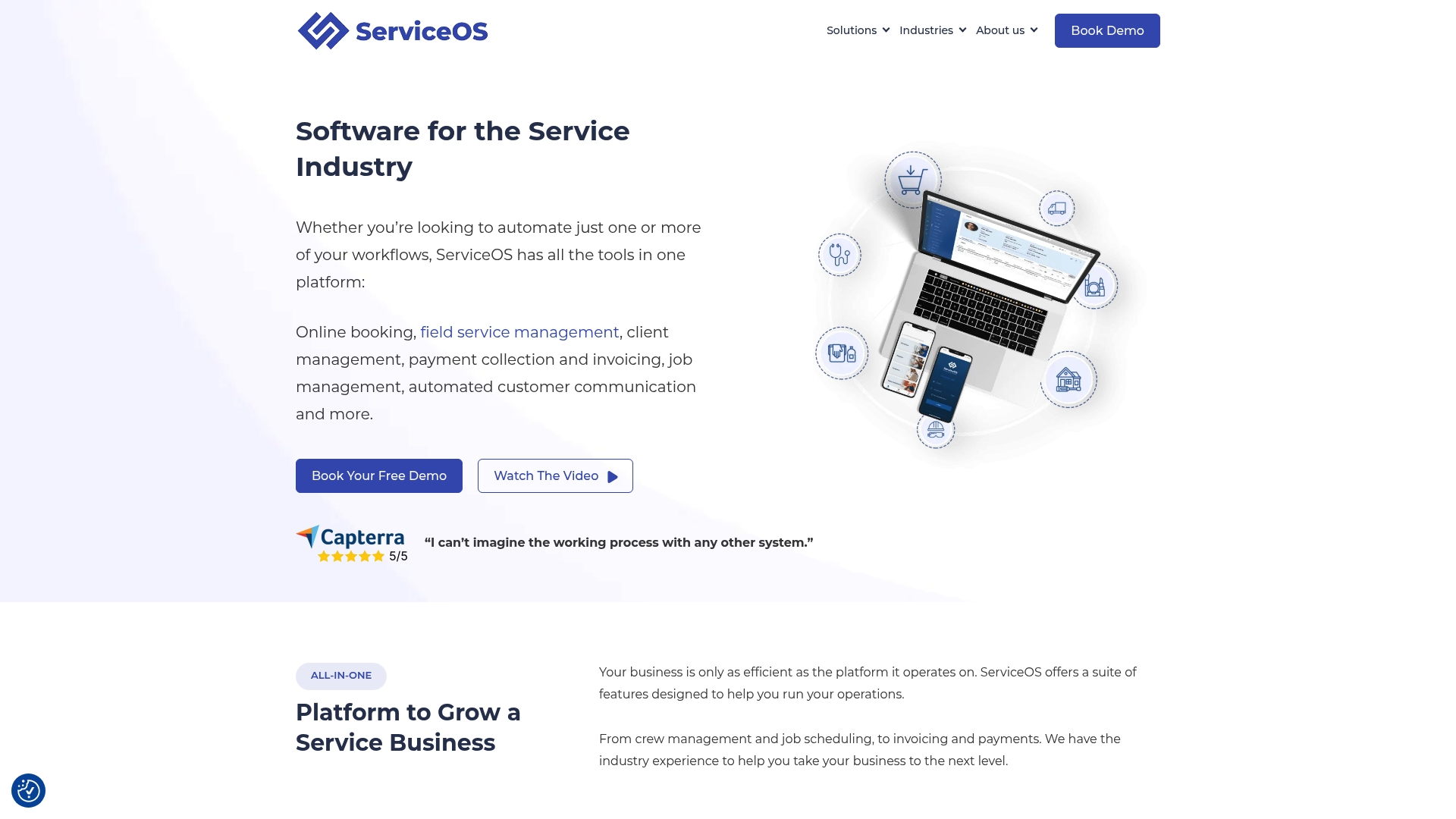
The product bundles online booking, CRM, membership loyalty, and subscription management into a single interface. Field service tools include job scheduling, live availability for customers, real time job tracking, and GPS team location. The system also offers automated payments, invoicing, marketing automation, mobile apps for agents, and analytics.
Key Differentiator
ServiceOS centers on industry specific customizations that consolidate field operations and customer management in one system. The focus on configurable workflows and a customer facing app helps teams keep schedules and subscription revenue aligned. That combination suits service companies wanting fewer tools and tighter field control.
Pros
The platform consolidates booking, payments, CRM, and field dispatch into a single admin experience. Users report the interface is approachable, and workflows can be tailored to trades such as plumbing or cleaning. ServiceOS’s support and regular updates appear often in its promotional material, and the mobile apps serve field agents.
Cons
- Some users mention that the initial setup and migration can require active engagement.
- Cost may be a consideration for small or very new businesses.
- The broad feature set can overwhelm first time users without proper onboarding.
When It May Not Fit
If you need a plug and play tool for a solo practitioner, ServiceOS may not fit. The initial setup requires active engagement or vendor assistance for complex migrations. Pricing is not publicly listed and may exceed tight budgets for very small operations.
Who It’s For
Mid sized service businesses seeking an integrated field service management system will get the most value. Trades such as plumbing, cleaning, and construction that dispatch teams will find configurable workflows useful. Companies tracking fleet, subscriptions, and recurring billing will benefit from the unified toolset.
Real World Use Case
A plumbing company uses ServiceOS to receive online bookings and assign technicians by availability. Dispatchers track teams with GPS, update job status in real time, and capture payments at the job site. Managers run built in analytics to spot slow routes and billing gaps.
Pricing
Pricing is not specified on the public site and is likely custom quoted per business needs. Prospective buyers must contact sales for plan options and implementation estimates.
Website: https://serviceos.com
Comparison of alternatives
Selecting the right appointment scheduling software to meet the specific needs of small to medium service-based businesses can significantly enhance operational efficiency. Comparing the six options reviewed highlights features and trade-offs, guiding businesses to make an informed decision.
Core integration and services
ExpressBook offers an efficient combination of scheduling, automated notifications, and integrations with accounting tools such as QuickBooks and Xero. On the other hand, Vagaro enhances usability with options for virtual appointments and integrated marketing campaigns. ServiceOS distinguishes itself by providing dynamic field service tools, such as GPS tracking and real-time job updates, catering to industries requiring on-site services.
Regulatory compliance and specialized features
While ExpressBook and Vagaro lead in ease of use and scalability, Acuity Scheduling outpaces competitors in regulatory capabilities essential for healthcare providers, such as HIPAA compliance and white-label options. Meanwhile, Boulevard ePrescribe integrates prescription management with appointment booking for specialized fields like wellness centers and medspas.
Best fit
- Businesses needing integrated marketing and analytics with competitive pricing can select ExpressBook as a cost-efficient and feature-rich solution.
- Healthcare providers requiring HIPAA-compliant tools and customization features will benefit most from Acuity Scheduling.
- Self-care practices needing appointments tied to integrated prescription workflows should explore Boulevard ePrescribe.
- Field service businesses working with team dispatch and real-time job updates will find ServiceOS’s GPS and scheduling tools highly valuable.
Our pick
ExpressBook is particularly suitable for small to medium service businesses seeking a feature-rich yet cost-effective solution for managing bookings and integrated marketing analytics. While other products excel in niche specializations, ExpressBook provides a well-rounded toolset that combines simplicity with advanced features. However, organizations requiring regulatory compliance, such as HIPAA, may opt for Acuity Scheduling to meet their specific standards.
The comparison below highlights strengths and key details of the leading appointment scheduling software to aid decision-making.
| Product | Core Feature | Key Differentiator | Best For | Pricing | Limitation |
|---|---|---|---|---|---|
| ExpressBook | Online booking, scheduling, payments, reminders | AI analytics integrated with marketing tools | Small to medium service businesses | $9/month | Client mobile app available; plan fit depends on selected features |
| Acuity Scheduling | Booking, client management, and invoicing | HIPAA compliance and API customization | Solo practitioners and regulated clinics | $16–$49/month billed annually | Higher plan tiers required for advanced features |
| Boulevard ePrescribe | Appointment management and prescribing | Integrated ePrescribe within appointment platform | Medspas, wellness centers, salons | $45/month per prescriber | Limited information on EMR integration |
| Vagaro | Appointment and marketing suite | Unified booking, payment, and marketing | Wellness and beauty professionals | $23.99/month | Setup may be complex initially |
| Bizzflo | Booking, POS, classes, and event management | Deep configurability for diverse operations | Retail services and event-based businesses | Price not published | Pricing details not publicly listed |
| ServiceOS | Booking, CRM, fleet tracking, and subscriptions | Industry specific customizations | Mid-sized cleaning, plumbing, construction businesses | Price not published | Initial setup requires active vendor engagement |
Addressing Scheduling Challenges With Expressbook
Managing bookings, payments, and client data can create headaches for small to medium service businesses like salons, medspas, and wellness centers. This article highlights frustration over manual entry, double bookings, and end-of-month reconciliation panic. Expressbook tackles these pain points with automatic syncing to QuickBooks and Xero, reducing administrative tasks and saving users over 10 hours weekly. The platform’s real-time availability management prevents double bookings while AI-powered analytics help identify slow services and inactive clients.
If you are exploring mindbody alternatives, consider how Expressbook consolidates scheduling, payments, reminders, and client management into one solution. Visit Expressbook to learn about features designed for your business. Experience smoother bookkeeping and better client retention by starting a free trial.
FAQ
What features make Expressbook suitable for managing appointments?
Expressbook excels in handling online booking, appointment management, and treatment-based scheduling. The platform simplifies these processes by sending automated reminders through SMS, email, and WhatsApp, which significantly reduces no-shows and double bookings.
How does Acuity Scheduling compare to Expressbook?
Acuity Scheduling offers HIPAA compliance, which is particularly beneficial for healthcare providers needing regulatory adherence. This focus on compliance allows Acuity to serve specific regulatory needs, while Expressbook targets small to medium service businesses that prioritize scheduling and payments all in one platform.
What is the pricing structure for Expressbook?
Pricing for Expressbook starts at $9 per month for the Professional plan, providing a budget-friendly option for small businesses. This tier includes essential features like appointment scheduling and automated reminders, making it accessible for various service industries.
Can I manage payment processing with Expressbook?
Yes, Expressbook supports payment processing by integrating with accounting software such as QuickBooks and Xero, which helps streamline bookkeeping. This integration allows businesses to reduce manual entries and focus on client interactions.
Which types of businesses benefit most from using Expressbook?
Small to medium service businesses such as salons, medspa clinics, and wellness centers benefit significantly from Expressbook’s all-in-one approach. The platform offers everything from appointment scheduling to client management, which caters specifically to their operational needs.