Managing bookings and staff schedules across multiple locations leaves service businesses with gaps in payment tracking and calendar visibility. Most popular scheduling tools limit access to advanced controls or require technical setup for multi-location workflows. This comparison shows pricing, customization, and integration options across six booking platforms, helping service businesses pick the solution that matches their operations without trial-and-error.
Table of Contents
ExpressBook
At a Glance
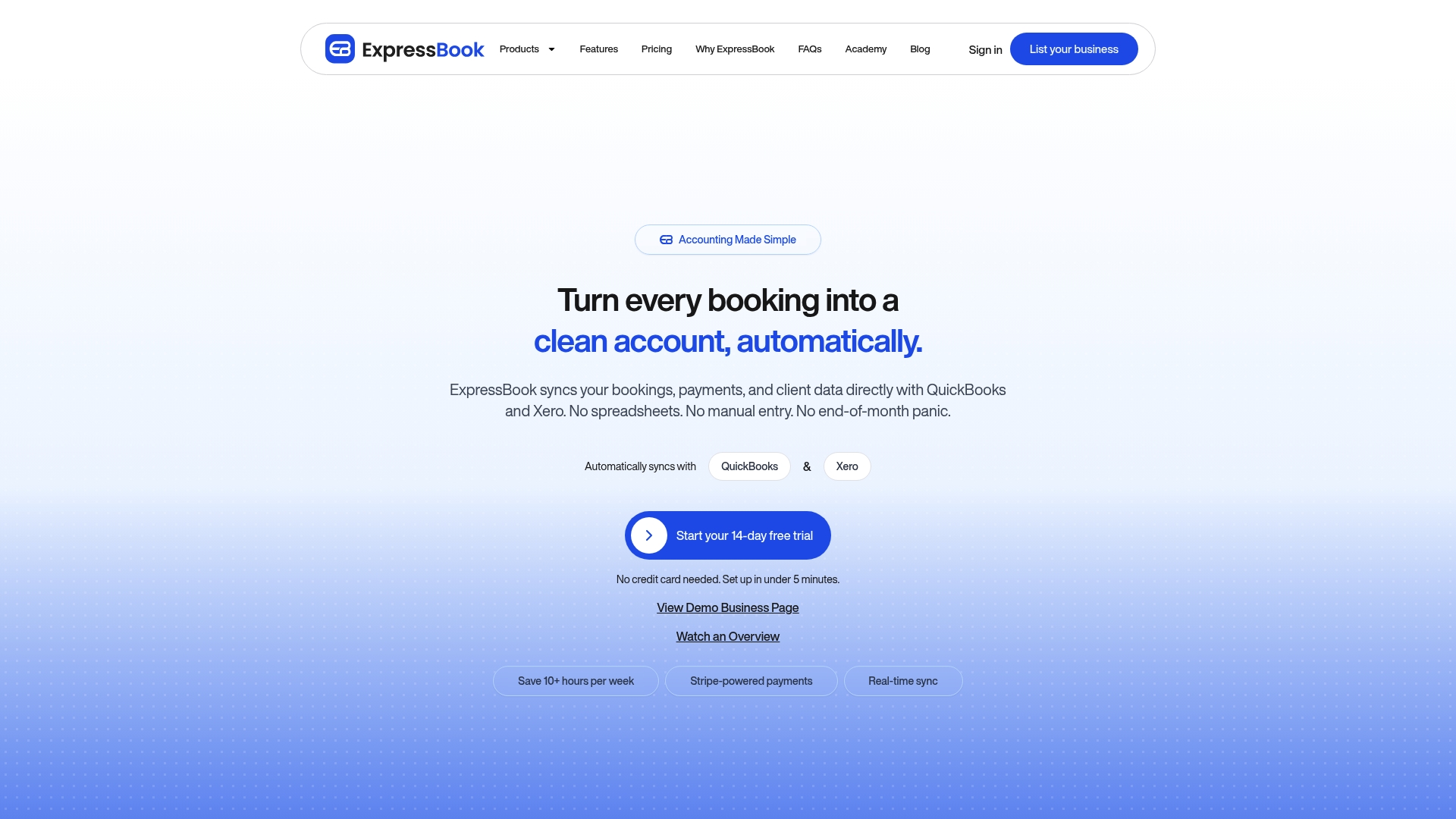
According to the company, ExpressBook reports it can save users over 10 hours a week. That claim highlights one of the platform’s central promises for small and medium service businesses.
ExpressBook pairs marketplace exposure with self-hosted booking pages so businesses keep control of client relationships and payments. The platform also advertises AI-powered analytics for pricing and growth.
Core Features
ExpressBook manages real-time availability and automated calendar blocking while handling staff scheduling. It accepts online payments and pay on arrival options, applies custom cancellation and refund rules, and offers SMS reminders and customer follow-ups.
The platform links with Google Calendar and provides a branded business page and website widget. Admin roles and staff onboarding tools sit alongside reporting and AI-driven insights for pricing and growth.
Key Differentiator
ExpressBook combines marketplace exposure with independent booking control and AI-based insights at a competitive price. That pairing lets businesses advertise on the ExpressBook app while keeping customer data and direct booking flows on their own pages.
Pros
ExpressBook syncs bookings, payments, and client records with QuickBooks and Xero, which removes duplicate manual entries and reduces end of month reconciliation work. The platform offers real-time availability and automated calendar blocking, which lowers booking collisions and simplifies staff scheduling.
The product provides a branded booking page and a widget for websites, plus exposure through the ExpressBook app. AI-powered reports and pricing suggestions live in the same interface as reminders and loyalty tools, so marketing and operations share data.
Cons
- Customization options may be limited for complex multi-location enterprise needs.
Notable Integrations
- QuickBooks for accounting sync and payment reconciliation.
- Xero for bookkeeping and client data alignment.
- Website embed codes and an API for custom site integration and widget placement.
Who It’s For
Local salons, fitness centers, spas, clinics, and other service businesses that need booking, payments, and basic staff scheduling in one place. Teams that want marketplace visibility while preserving direct client relationships will find the dual model useful.
Unique Value Proposition
Syncing bookings, payments, and client data with both QuickBooks and Xero is the concrete capability that changes month end work for many owners. That connection reduces duplicate data entry and lowers time spent reconciling payments and invoices.
Because ExpressBook offers a marketplace channel plus a branded booking page, businesses can test demand on the app while retaining the customer record. That setup keeps revenue and client history under the business’s control instead of an external marketplace alone.
Real World Use Case
A local spa uses ExpressBook to take online bookings, apply staff blocking for therapists, and send SMS reminders to clients. The spa routes payments through the platform, syncs records to Xero, and reviews AI pricing suggestions in weekly reports to adjust service fees.
Pricing
ExpressBook lists a Professional plan at $9 per month and a Business plan at $60 per month. Enterprise solutions are available on request with custom quotes.
Website: https://expressbook.com
EZnet Scheduler
At a Glance
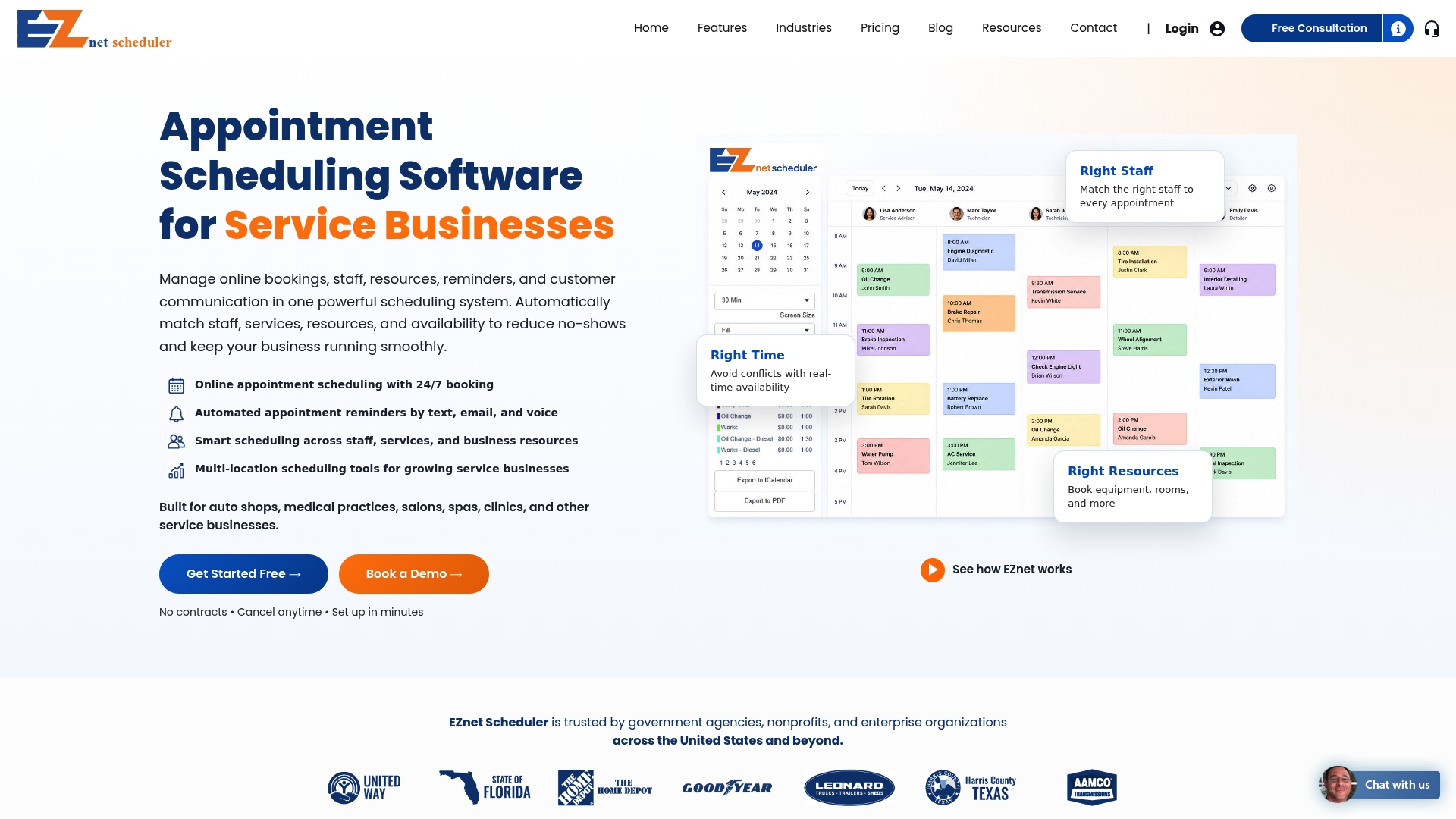
Paid plans start at $49.95/month, and a free tier is available for small businesses. EZnet Scheduler targets service providers, healthcare clinics, educational institutions, and government agencies. Its calendar sync and mixed reminder channels help manage appointments across multiple locations.
Core Features
EZnet Scheduler supports 24/7 online booking, a single customer database, and scheduling history so staff see prior appointments and notes. The system sends automated reminders by text, email, and voice and provides smart scheduling across staff, services, and physical resources. It also includes project and workflow tools that handle industry specific tasks while keeping location and resource conflicts under control.
Key Differentiator
The platform emphasizes built in industry specific workflows and deep resource management for complex booking scenarios. That capability makes it suited to organizations that need rule driven staffing and resource allocation across multiple locations.
Pros
Ease of setup and an interface many users find easy to use reduce training time for front desk and operations staff. Strong automation for confirmations and reminders cuts manual outreach and helps lower no show rates. Flexible plan tiers and industry modules let operations scale from a single site to enterprise deployments while keeping calendar sync and third party connections in place.
Cons
-
Potential limits in customization for highly niche workflows. Some organizations require added development or third party connectors to match unique processes.
-
Pricing complexity with optional add ons and upgrades for larger teams. Costs can rise once advanced modules or voice reminders are required.
-
Reporting features are less advanced on lower tier plans. Teams that need deep analytics may need an upgrade or an external reporting tool.
When It May Not Fit
Organizations that require heavy custom integration or bespoke booking rules may find core settings insufficient. Teams needing enterprise grade reporting out of the box will likely need a higher tier or a separate analytics product. If your operation depends on highly specialized workflows with many custom fields, this product may require professional services to match those needs.
Notable Integrations
- Google Calendar
- WordPress
- Shopify
Who It’s For
Small to medium service businesses, healthcare providers, and educational programs that run appointments across multiple locations will find this useful. Government agencies that coordinate community services also match the feature set. Choose this if you need built in workflow templates and resource allocation across sites.
Real World Use Case
A multi location dental practice uses the scheduler to organize patient bookings across offices, automate reminders, and assign hygienists by room and equipment. The practice reduced duplicate bookings and improved patient flow by centralizing schedules and reminders. Staff access unified patient histories at check in.
Pricing
Plans include a free tier and paid options that start at $49.95/month for the basic package. Pricing scales with added locations, advanced modules, and enterprise licensing with custom quotes. Organizations should review add ons for voice reminders and premium reporting when budgeting.
Website: https://eznetscheduler.com
Hubpoint
At a Glance
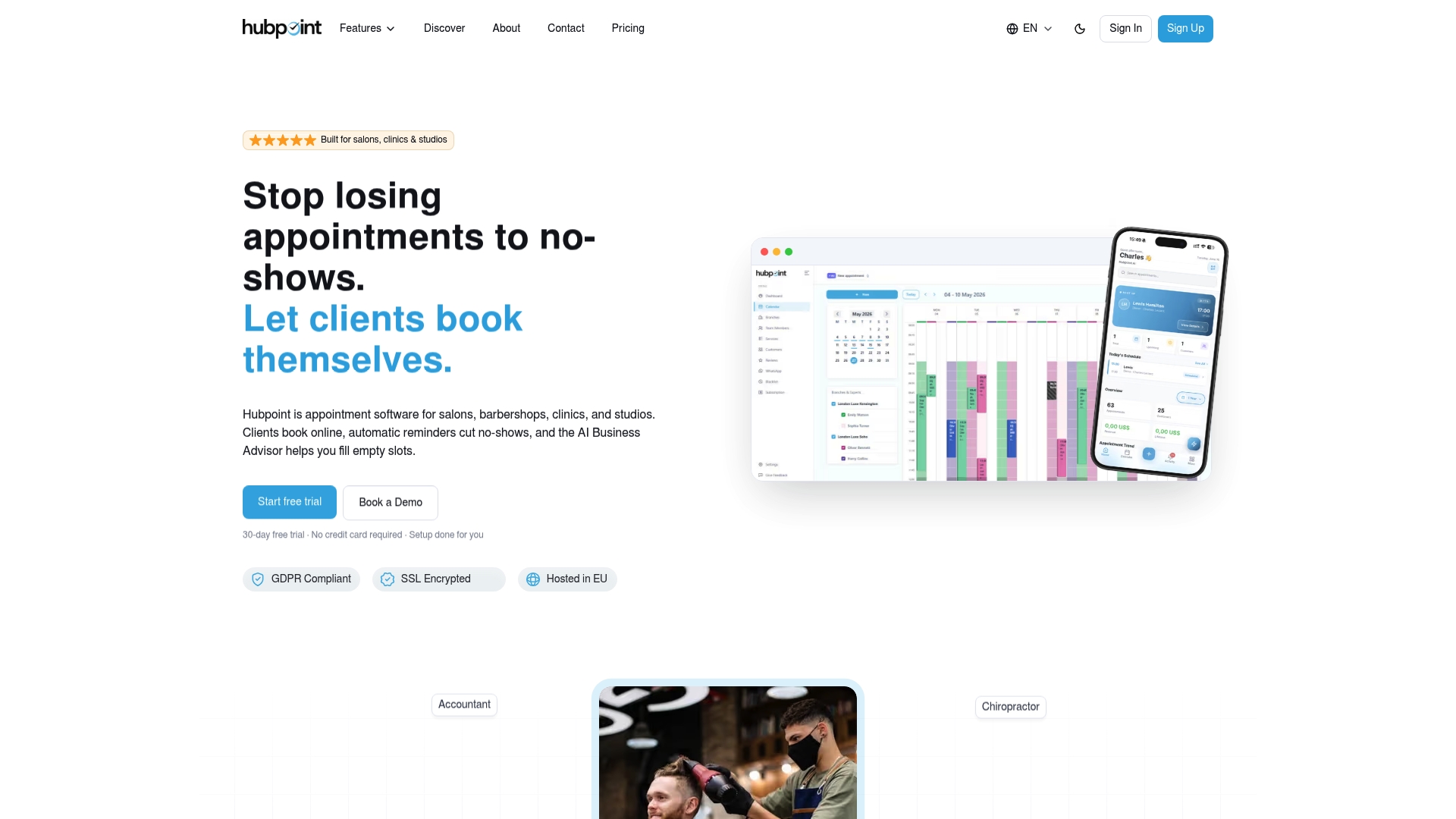
Hubpoint reports a free tier for building initial setup and accepting live bookings, which makes trialing the product low risk for new locations. The platform adds an AI Business Advisor that offers growth insights alongside basic analytics. That mix targets small chains that need centralized booking without heavy onboarding.
Core Features
Hubpoint centralizes online appointment booking and calendar management with a single multi-location view. The platform sends automatic reminders by email and SMS and lets businesses block repeat no-shows and store customer preferences. Real-time dashboards show revenue trends and basic analytics for each location.
Key Differentiator
Hubpoint combines industry-specific setup options with consolidated multi-location scheduling and an AI Business Advisor. That pairing aims to shorten setup for salons, clinics, and studios while keeping daily scheduling simple. The result is a package built for small and medium operators who want guidance plus centralized control.
Pros
The interface is straightforward and suits teams that do not want complex configuration. Hubpoint supports unified multi-location management so managers can view all branches on one calendar. The service includes automated reminders and no-show blocking, which reduces appointment churn. A free tier and a 30-day trial lower the barrier to test the system before committing. The platform exposes a REST API for CRM, marketing, and sales tool connections, which helps integrate bookings with other software.
Cons
- Trustpilot feedback suggests limits in customization and slower support response times, which may frustrate teams that need rapid changes.
- The feature set reads as basic compared with enterprise scheduling suites, so larger operations may find missing advanced controls.
- The public information on API depth is limited, so complex integrations could require extra engineering work.
When It May Not Fit
Organizations that need advanced customization or dedicated account support will likely outgrow Hubpoint. Enterprises requiring deep API connectors and turnkey integrations may find the platform too lightweight. Large chains that demand sophisticated workforce optimization or custom reporting should evaluate enterprise-grade alternatives.
Notable Integrations
- REST API for CRM, marketing, and sales tools. The API supports typical booking sync and client data exchange.
Who It’s For
Hubpoint fits small to medium service businesses that run multiple branches and need a single place to manage bookings. Ideal examples include salon groups, clinics, and studios that want quick setup and basic analytics. Teams with in-house developers can extend the REST API for custom workflows.
Real World Use Case
A local hair salon chain uses Hubpoint to run bookings across several branches from one calendar. Staff get automated SMS reminders and managers review revenue trends on the dashboard. The salon blocks repeat no-shows and reduces administrative calls while keeping booking open on the website.
Pricing
Base plan starts at $19.99/month and includes one location and three experts, with additional experts and locations available for an extra cost. Hubpoint offers a 30-day free trial and mentions student and custom enterprise plans for special cases.
Website: https://hubpoint.ai
Acuity Scheduling
At a Glance
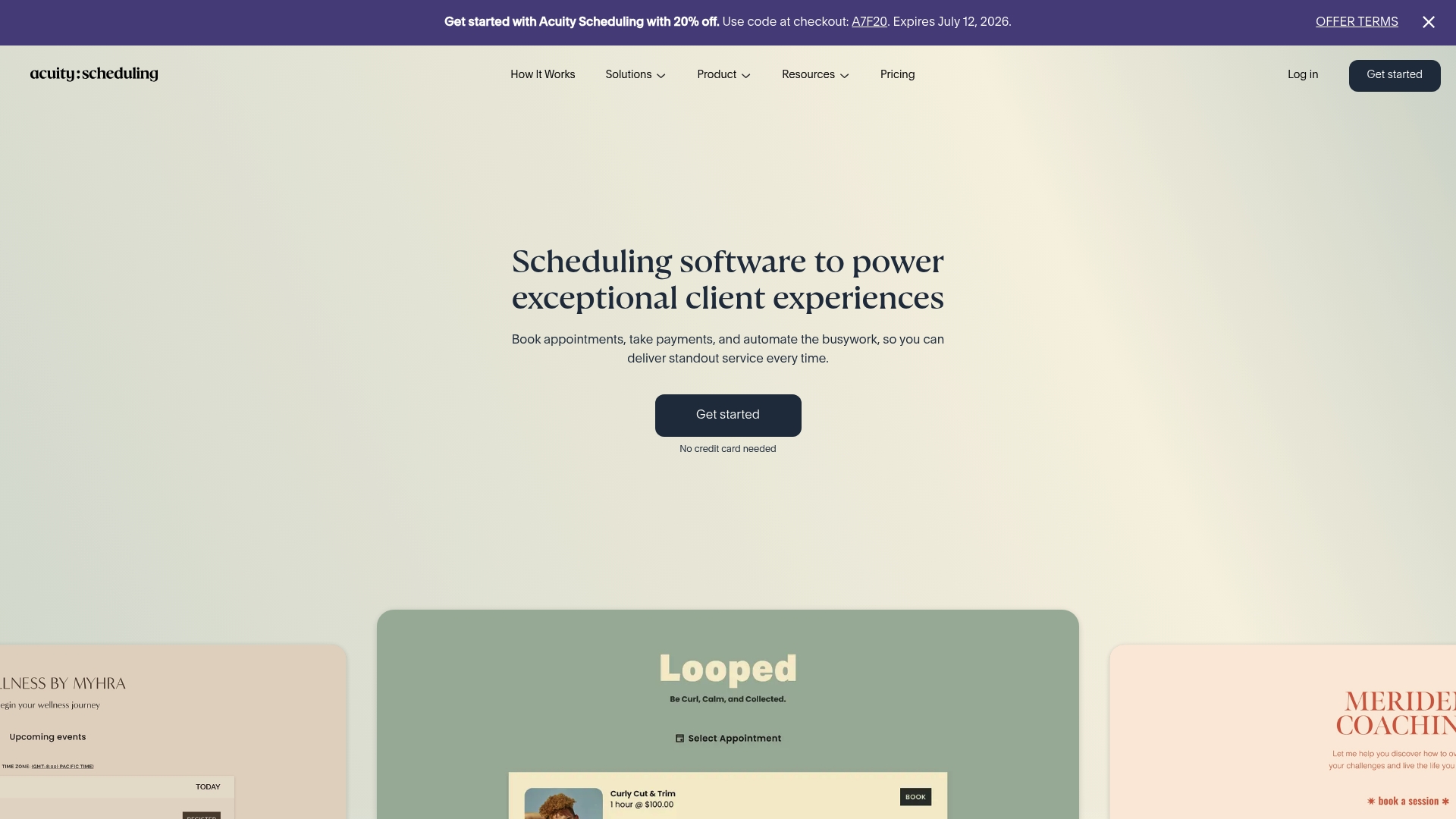
Acuity Scheduling reports serving over 250,000 businesses worldwide. The vendor advertises HIPAA compliance for customers who need protected health information workflows. It combines booking, payments, and multi calendar staff scheduling in a single product.
Core Features
Acuity offers online booking and self scheduling with intake forms and client communication tools, plus automated email and SMS reminders to reduce no shows. It handles payments through Stripe, Square, and PayPal, and supports multiple calendars with availability controls and staff assignment. The platform also includes branding and CSS customization and enterprise options for larger organizations.
Key Differentiator
Acuity stands out for its depth of customization and breadth of integrations aimed at niche businesses and larger organizations. The system lets teams adjust branding, edit appointment flows with custom forms, and connect to popular calendars and payment platforms. That combination makes it easier to match unusual workflows without replacing existing tools.
Pros
Acuity integrates directly with major calendars and payment gateways, which reduces manual reconciliation and saves time for front desk staff. Custom branding and CSS let businesses keep the booking experience consistent with their website and marketing. Automation for reminders and follow ups reduces no shows and frees managers to focus on operations rather than manual outreach.
Cons
- Pricing can become expensive as organizations add features, staff seats, or multiple calendars.
- There is no free plan. Only a trial is available before you must select a paid tier.
- Some advanced customization features remain locked behind higher level plans, limiting flexibility for lower tier customers.
When It May Not Fit
If you need a free forever plan for a one person shop, this is likely not the right choice because only a trial is offered. If you require all advanced customization at the lowest price point, expect to upgrade plans. Organizations that want fixed pricing for many calendars should compare enterprise quotes carefully.
Notable Integrations
Acuity connects to common scheduling and finance tools including Google Calendar, Apple Calendar, Stripe, Square, PayPal, QuickBooks, Google Meet, and Zoom. Those integrations support appointment syncing, virtual meetings, payment capture, and bookkeeping workflows.
Who It’s For
Acuity targets service based businesses from solo practitioners to large organizations that need online booking and client management. It fits teams that already use common calendar platforms and payment processors and want a booking layer that adapts to existing tools. Larger practices that need HIPAA support or branded booking pages will find the platform closer to their needs.
Real World Use Case
A beauty salon uses Acuity to let clients book services online across multiple locations and assign appointments to specific stylists. The salon accepts deposits through the integrated payment processors and sends automated reminders by SMS. Staff schedules remain synced to Google Calendar and QuickBooks entries go to bookkeeping automatically.
Pricing
Plans start at $16/month for the Starter plan with annual billing. Higher tiers add calendars, more staff seats, and advanced customization. No free plan is listed, only a trial period for evaluation.
Website: https://acuityscheduling.com
SalonIQ
At a Glance
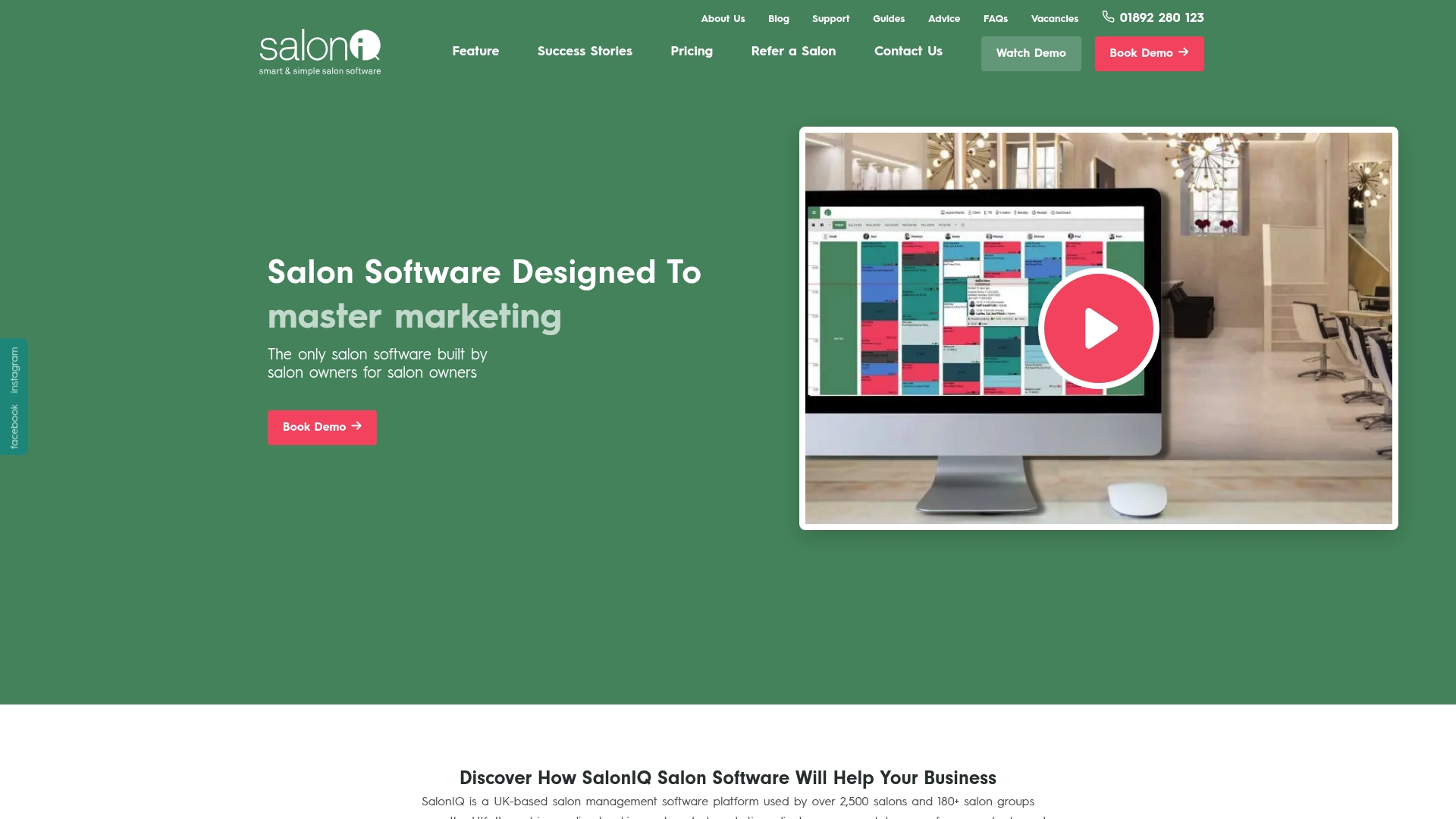
SalonIQ reports more than 2,500 salons and 180 salon groups use the platform. The product focuses on UK salons, barbers, spas, and multi-location groups. Plans start at £47 per month for a solo stylist and include core features without long-term contracts.
Core Features
SalonIQ combines online booking with an AI receptionist and a branded salon app to manage appointments and client flows. It includes automated SMS and email marketing, client CRM, team performance dashboards, inventory controls, and built-in eCommerce for retail sales. Integrated card payments, deposits, and no-show protection let salons collect revenue at booking.
Key Differentiator
The vendor positions the tool as created by salon owners for salon owners. That approach shows in salon-specific workflows, group-level reporting, and features aimed at retail sales. The product concentrates on practical salon operations rather than generic appointment scheduling.
Pros
The system delivers a single place to run bookings, marketing, stock, staff KPIs, and online sales, which reduces the number of separate tools a salon must manage. Cloud access and explicit multi-location controls make group administration easier for managers and owners. Users praise support and included online training, and the absence of long-term contracts lowers commitment risk compared with annual-only vendors.
Cons
- Pricing may be costly for very small salons because additional staff cost +£10 per team member. This inflates monthly bills for larger teams.
- Feature depth can require initial training, which some buyers find time consuming despite the vendor offering online training.
- Setup fees apply for some customers. Setup and data migration can add to first-year costs.
When It May Not Fit
Very small solo practitioners with tight budgets may find the per-staff billing model expensive. Businesses outside the UK will find the product less targeted since features and payments focus on the UK market. Shops that need a minimal scheduling tool with no onboarding work may prefer a simpler, cheaper alternative.
Notable Integrations
SalonIQ connects an online booking portal, a branded salon app, and common payment gateway integrations. These links support card processing, deposits, and client self-service booking. The integrations suit salons that want bookings to flow directly into payments and client records.
Who It’s For
Salon owners and managers in the UK running single shops or multi-location groups benefit most from SalonIQ. It fits teams that sell retail products and want consolidated stock and sales reporting. The product suits operations that want marketing, payments, and appointment management in one place.
Real World Use Case
A 16-location salon group in the South East of England uses SalonIQ to centralize bookings and marketing. The group runs SMS campaigns, tracks staff KPIs across locations, and sells retail products through the platform. Management reports improved booking visibility and easier end-of-day reconciliations.
Pricing
Pricing starts at £47 per month for a solo stylist, plus £10 per additional team member. Setup fees start from £175+VAT, and all plans include full features without usage restrictions.
Website: https://saloniq.com
Periodic
At a Glance
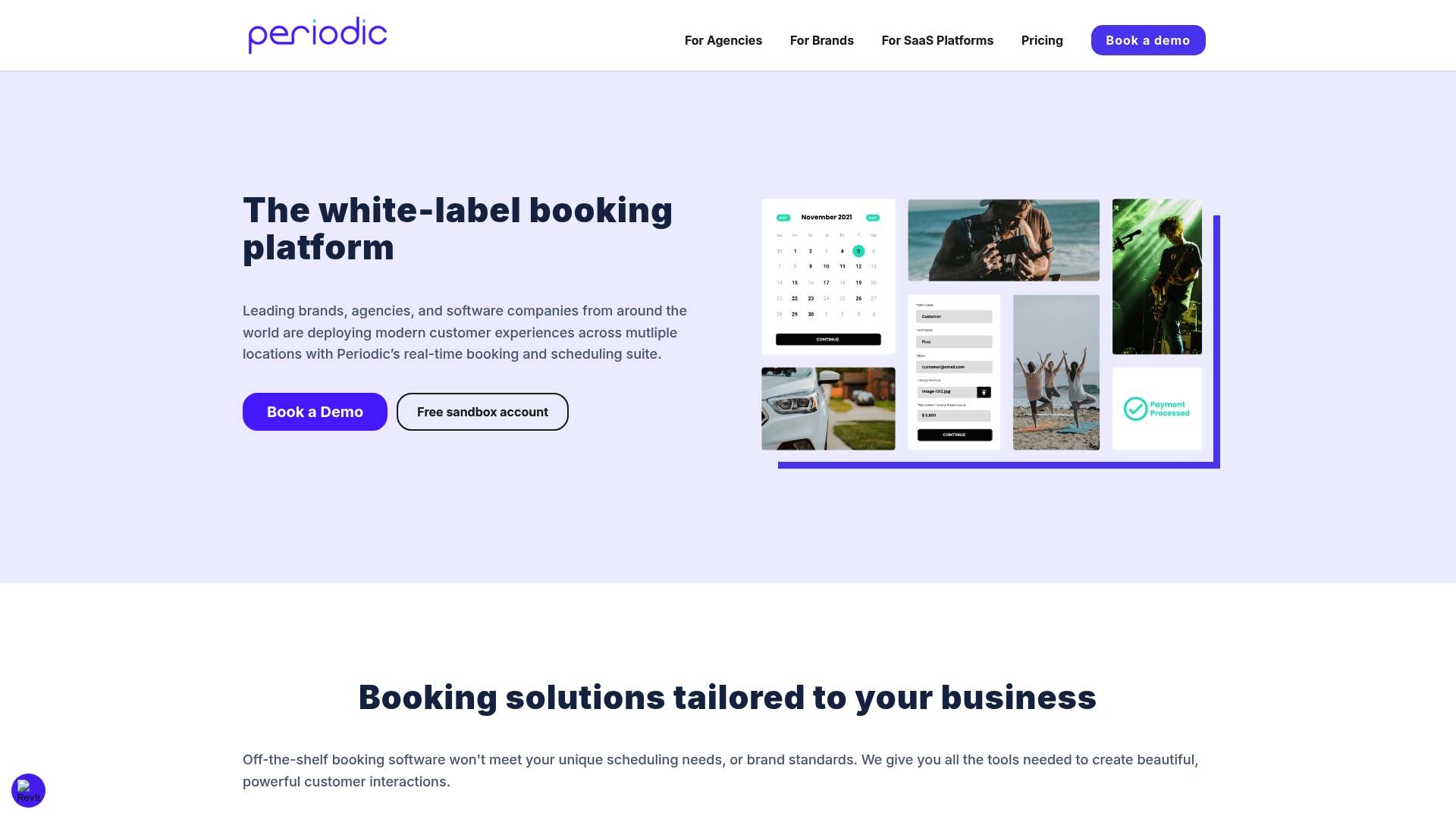
Plans start with a free tier and include a Multi-Location plan at $50/month. Periodic targets brands, agencies, and SaaS providers that need white-label booking across many locations. It pairs branded booking sites with real-time resource control for staff, spaces, and equipment. The platform also exposes APIs and webhooks for embedding and automation.
Core Features
Periodic supports custom online forms with conditional logic and price modifiers, branded booking sites that sit on your domain, and real-time resource management for staff, spaces, and equipment. The product includes SMS and email reminders, Stripe payment processing with payment splitting and discounts, calendar sync, and multi-user permission controls. Developers can use the API and webhooks to automate workflows while analytics report revenue and reservation trends.
Key Differentiator
Periodic is built around multi-location and white-label use cases rather than single-site scheduling. Its design focuses on brand customization and embed-ready booking flows that agencies and SaaS teams can resell. That focus makes it easier to deliver consistent booking experiences across many locations while centralizing rules and resources.
Pros
Periodic offers deep customization so branded booking sites match a client domain and style. It handles complex resource rules and multi-location logic out of the box, which reduces ad hoc work when staff and rooms must be coordinated. The API and webhook set enables automation for booking, CRM updates, and payments. The platform also includes mobile-friendly booking pages and notification tooling to lower no-shows.
Cons
- Pricing may be high for very small or single-location operators, since enterprise plans are customized and cost can scale with features.
- Setup and configuration can be complex for non-technical teams and may require developer time to fully embed and customize.
- Limited publicly available user reviews make peer benchmarking harder when comparing vendors.
When It May Not Fit
Small single-location businesses that need a plug-and-play calendar will likely find Periodic more than they need. Teams without developer resources will face a learning curve when configuring embeds or custom forms. Organizations that require extensive public user reviews for vendor selection may prefer alternatives with broader public feedback.
Who It’s For
Agencies, white-label resellers, and SaaS platforms that want to offer branded booking to their clients will get the most value. Large businesses and enterprises with multiple branches and complex resource requirements will benefit from centralized rules and API access. Teams that plan to embed bookings into existing sites or apps will find the platform suited to that workflow.
Real World Use Case
A healthcare network uses Periodic to manage appointments across multiple clinics. The system automates patient reminders via SMS and email, ties bookings into the CRM, and accepts payments through Stripe with optional splits. Clinics publish a consistent branded booking page for patients to schedule, reschedule, and request approvals.
Pricing
Plans start with a free tier for basic usage at $0/month. The Multi-Location tier lists at $50/month. Custom enterprise solutions require direct consultation for pricing and feature bundling.
Website: https://periodic.is
Comparison of alternatives
ExpressBook distinguishes itself through extensive automated reporting capabilities paired with AI-driven insights for pricing and operational growth. By centralizing essential scheduling functions alongside analytics tools, it delivers efficiency and strategic business advantages. Yet, the market features distinct alternatives catering to specific strengths.
Insights Into Customization and Scalability
SalonIQ excels in salon-specific workflows, such as integrated retail management and performance dashboards tailored to multi-location salons. Built with inputs from salon operators themselves, its unique emphasis on stock reporting and group-level controls serves the UK market effectively. Still, for businesses beyond the salon ecosystem, broader segmentation features offer insufficient flexibility compared to competitors.
Meanwhile, Periodic prioritizes white-label solutions with extensive API and webhook capabilities, ideal for agencies and SaaS providers. Its embed-friendly booking systems integrate effortlessly into existing branding while supporting complex setup processes adaptable to enterprise environments. However, its pricing structure and technical requirements might challenge smaller operations lacking developer support.
Analytical Depth Across Platforms
EZnet Scheduler provides strong automation in appointment reminders and confirmations, alongside modules targeting healthcare and education sectors with resource allocation. Yet, advanced reporting remains limited in lower-cost tiers, constraining analytical options for optimizing growth without premium services.
Hubpoint simplifies centralized booking visibility for multiple locations, backed by concise dashboards for revenue trends. While suited for small chains, customization limitations discussed in publicly available feedback notes may deter businesses with complex needs.
Best fit
- Multi-location service businesses seeking integrated scheduling with analytics-driven growth tools benefit most from ExpressBook.
- Salon groups providing retail products alongside booking workflows find specialized support in SalonIQ.
- Organizations needing deeply embedded booking integration with API compatibility should consider Periodic for its configuration advantages.
- Healthcare providers relying on HIPAA compliance for sensitive data management can explore Acuity Scheduling for tailored workflows.
Our pick
ExpressBook combines analytics-driven growth potential with operational simplicity, excelling as a top choice for multi-location service businesses. While SalonIQ delivers salon-specific applications and Periodic caters to embedded systems, ExpressBook’s AI insights and dual visibility model across branded pages and a marketplace amplify its competitive edge.
Deciding on the best scheduling software involves considering features like integration, pricing, and customization. Here’s a comparison of leading platforms:
| Product | Pricing | Key Features | Best For | Limitation |
|---|---|---|---|---|
| ExpressBook | $9/month Professional, $60/month Business | Marketplace integration, QuickBooks/Xero sync | Small and medium service businesses | Limited customization for multi-location enterprises |
| EZnet Scheduler | Free tier, $49.95/month paid | Industry-specific workflows, multi-location focus | Healthcare providers, government agencies | Complex setups for niche workflows |
| Hubpoint | $19.99/month, Free trial available | AI insights, centralized multi-location view | Small chains needing basic analytics | Basic compared to Enterprise solutions |
| Acuity Scheduling | $16/month Starter tier, no free plan | HIPAA compliant, advanced customization | Healthcare and large organizations | Higher tiers needed for full customization |
| SalonIQ | £47/month for solo stylist | Retail sales integration, salon-specific setups | UK-based salon chains | Expensive for larger teams |
| Periodic | Free tier, $50/month Multi-Location | Multi-location resource management, API access | Agencies and enterprises | Configuration may need technical resources |
Challenges Facing Multi Location Scheduling Software Users
Managing appointment scheduling, payments, and client data across multiple locations creates pressure on service businesses to avoid double bookings and inefficient workflows. Expressbook reduces these challenges by syncing bookings with QuickBooks and Xero. This saves time, cuts manual data entry, and provides clear AI-powered analytics to help you make informed pricing and growth decisions.
Expressbook supports real-time availability, customizable booking pages, and even a voice agent to assist visually impaired clients. Explore how Expressbook’s booking and scheduling software can help salons, clinics, gyms, and other service teams maintain control of client relationships while gaining marketplace exposure.
Expressbook offers up to three months free trial so you can test its features without risk. Power up your multi location management now and reduce the time spent resolving bookings or reconciling payments.
FAQ
How does ExpressBook support appointment scheduling for visually impaired users?
ExpressBook includes a voice agent feature that allows visually impaired individuals to book appointments and ask questions related to the business. This functionality enhances accessibility for all customers. Consider testing this feature if your business caters to a diverse audience.
What is the difference between EZnet Scheduler and ExpressBook?
EZnet Scheduler excels in offering robust project and workflow tools for industry-specific tasks, making it ideal for organizations with complex booking scenarios. ExpressBook, however, provides a combination of marketplace exposure and independent booking control, which benefits businesses looking to maintain client relationships while gaining visibility. Evaluate your specific requirements to choose the best fit for your needs.
Can I access reports and analytics in ExpressBook?
ExpressBook provides AI-powered analytics that offer insights into pricing and growth, helping businesses optimize their services. Utilizing these reports can significantly enhance decision-making for your booking strategy. This capability is particularly beneficial for small businesses aiming to scale through informed adjustments.
Does ExpressBook offer a free trial?
ExpressBook offers up to three months of free trial access for new customers to test the application’s capabilities. This trial period allows businesses to explore features without financial commitment, making it an inviting option for those curious about multi-location scheduling software.
How does ExpressBook manage customer payment flows?
ExpressBook allows businesses to retain full control over client relationships and payments, offering online payment processing and pay-on-arrival options. This feature is crucial for service providers who want to maintain a direct connection with their customers while utilizing an effective scheduling tool.