
QR Code Booking for Salons and Clinics: Turn Walk-Ins Into Appointments
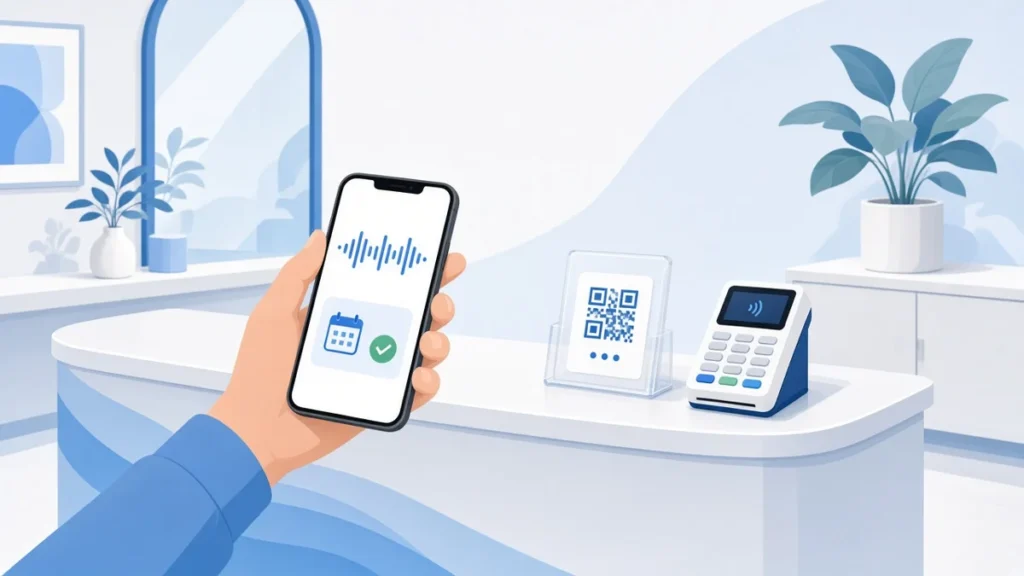
Put QR code booking where clients already think about their next visit. Where to place codes, what to print beside them and how to make rebooking a habit.
Under 30 Minutes: Add Booking to Your Website, Cut Accounting for SMBs

Add booking to your website in under 30 minutes. Learn the fastest embeds and builder options, sync calendars and payments, and stop manual bookkeeping.
Build or Buy: Developers’ 3 Essentials for Booking Confirmation Pages

Developer checklist for booking confirmation pages: UX, state machine logic, print/PDF and QR tips, and when to pick a turnkey flow.
Get More Bookings in 30–90 Days: Booking Page Roadmap for SMBs
30–90 day roadmap for SMBs to fix booking pages: quick wins, measurable tests, one tap payments, and ExpressBook templates to boost completed bookings.
Instagram Booking Link for Service Businesses: ExpressBook

Set up an Instagram booking link that actually takes appointments. ExpressBook provides mobile staff apps, calendar sync, voice accessibility, and no subscription.
Group Class Scheduling Software: A Practical Setup Guide
Streamline your sessions with group class scheduling software. Discover how ExpressBook simplifies booking, payments, and class management.
Resource Scheduling for Rooms: A Practical Setup Guide
Optimize your meeting spaces with effective resource scheduling for rooms, ensuring seamless bookings and automated equipment management.
Booking Page Examples That Actually Convert Browsers to Bookings

Discover effective booking page examples that boost conversions. Learn essential design tips to turn browsers into paying customers.
Calendar Sync Troubleshooting for ExpressBook Admins

Resolve calendar sync issues quickly with these essential troubleshooting steps for ExpressBook admins, ensuring seamless bookings every time.
Assign Staff to Bookings: A Quick Admin Guide

Learn how to effectively assign staff to bookings, ensuring seamless scheduling, proper access, and a smooth customer experience.